

Vmaker AI
Vmaker AI · Video
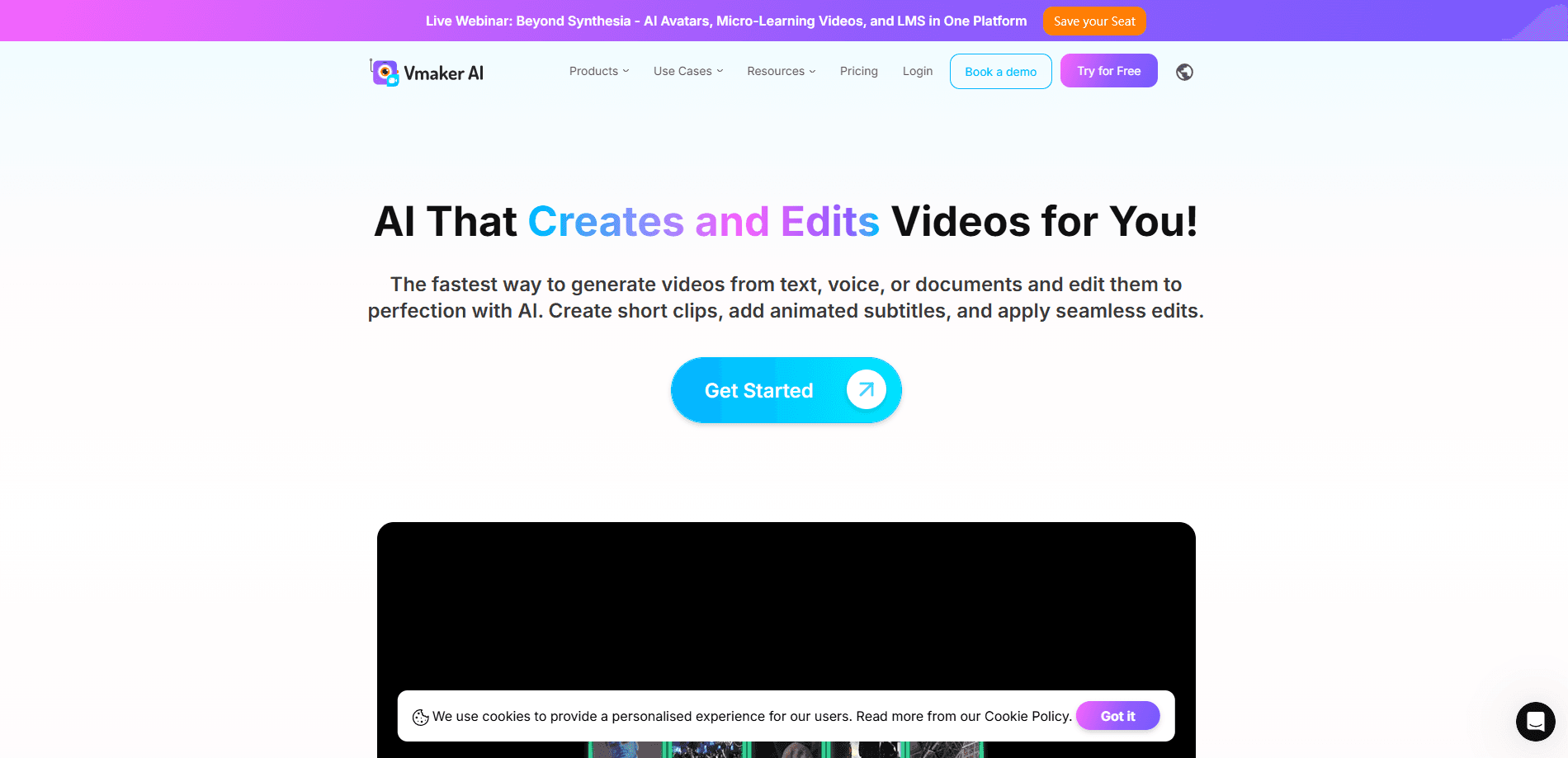
Vmaker AI is an AI video editor and screen recorder built to turn long footage into publish-ready clips. It handles the tedious parts of video editing, such as finding the strongest moments in a podcast, adding animated subtitles, and reframing footage for YouTube, TikTok, and Instagram. The platform combines a long-to-short clip maker, a 4K screen recorder, and a set of text-to-video and AI avatar video tools under one account, so creators and marketing teams can produce more content without sitting through a timeline. Think of it as video editing software that does the first pass for you. Is it worth the paid tier? That depends on how much you publish.
About Vmaker AI
What Is Vmaker AI
Vmaker AI is a browser-based video creation platform that leans on AI for the work most people dread. Instead of scrubbing through a two-hour recording to find a 30-second highlight, you upload the file and let the tool pick the best moments, caption them, and cut them to the right aspect ratio. It comes from a team that's already served more than two million users. On G2, it holds a 4.7 rating across 103 reviews.
The main problem it solves is volume. Anyone publishing short-form video knows the bottleneck isn't ideas, it's hours of editing. Vmaker AI cuts that down by automating highlight detection, subtitling, and background removal. It also records your screen and webcam in 4K, which means you can capture a demo and edit it in the same place.
The limits matter too. The free tier is genuinely restricted: one-minute recordings, 10 exports a month, and 600 long-to-short credits. Export length and upload caps scale with your plan. A Teams subscriber gets three-hour exports. A Lite user is capped at 30 minutes. If you need heavy processing, you'll pay for it.
Getting Started
- Sign up for a free Vmaker AI account with your email or Google login.
- Record your screen and webcam, or upload an existing video file to the dashboard.
- Pick a tool such as Long to Short Video AI, and let the AI surface the strongest clips.
- Adjust subtitles, aspect ratio, and styling, then export in 1080P or higher.
- Publish straight to YouTube, Instagram, or TikTok from the editor, or download the file.
Product Information
A quick look at Vmaker AI's pricing, supported platforms, and performance.
Best for
The users, tasks, and scenarios where this tool fits best.
Users
- Podcasters and interviewers
- Social media managers
- Educators and course creators
- Small marketing teams
Tasks
- Turning a webinar into clips
- Generating subtitles in other languages
- Recording a product demo
- Removing a busy background
Scenarios
- Repurposing a weekly podcast into a month of shorts without a dedicated editor.
- Recording a software walkthrough for a help center and captioning it for international users.
- Producing avatar-led explainer videos when you'd rather not appear on camera.
- Batches of ad variations for a campaign, where speed matters more than frame-by-frame control.
Key features
Long Video to Short Video AI
This is the feature most people come for. You feed in a podcast, webinar, or game recording, and the AI locates the moments worth clipping, then cuts them into vertical or square shorts. It adds captions. It can also reframe the subject to stay centered as the aspect ratio changes, which keeps faces in frame without manual keyframing. The workflow is aimed at creators who publish daily and can't afford a two-hour edit per clip.
AI Subtitle Generator
Subtitles are automatic and cover more than 35 languages, with over 10 animation styles. Translation extends to 100+ languages, so a single English video can reach audiences who don't speak it. You can download SRT files. Caption time limits scale from 20 minutes a month on Lite up to 2,000 minutes a year on Enterprise.
Screen and Webcam Recorder
The recorder captures your screen and webcam in up to 4K, with computer audio, microphone, virtual backgrounds, and a blur tool. Recording limits run from one minute on the free tier to unlimited on Enterprise, which makes the paid plans the practical choice for anything longer than a quick demo. If you record tutorials or onboarding videos, the upload and export caps on the lower tiers are the numbers to check before you commit to a plan, since a single long session can eat most of a month's allowance.
Text, Audio, and Doc to Video
Vmaker AI turns text prompts, audio files, and documents into videos hosted by AI avatars. One minute of generative credit equals one minute of video, and avatars are only available on paid plans. It's a fast route to a talking-head video when filming isn't an option.
AI Video Background Remover
The background remover strips out whatever's behind you without a green screen. That matters for anyone recording in a normal room who needs clean footage for a lesson or product demo. No studio required. It saves the cost and setup of a green screen, and it's fast enough to run on casual footage.
Viral Styles Library
A shared library of pre-built styles lets you apply the same look across every clip. For teams posting to multiple channels, it's the difference between a consistent brand and a random collection of edits. Premium asset usage draws on a credit pool that grows with your plan. Lite gives you three assets, and Teams raises that to 1,200. The ceiling on premium assets is worth checking if your style depends on licensed music, footage, or graphics rather than stock-free defaults.
Pros and cons
Pros
- Long-to-short automation handles highlight detection and captioning, which removes the slowest part of short-form editing.
- Subtitles in 35+ languages with 100+ translation options make multi-language publishing realistic for small teams.
- Screen recording up to 4K and editing live in the same platform, cutting down on app switching.
- Direct publishing to YouTube, Instagram, and TikTok saves the export-and-upload routine.
- A real free tier lets you test the long-to-short workflow before paying.
Cons
- The free plan is tight: one-minute recordings and 10 exports a month, so most serious users end up on a paid tier fast.
- Avatars and heavier processing sit behind paid plans, which means the most novel features cost extra.
- Long-to-short and export limits are credit-based, so heavy months can burn through an allowance faster than expected.
- Vmaker AI doesn't list an official public API, so teams wanting programmatic access should confirm before planning around it.
Frequently asked questions
Vmaker AI is an AI video editor that turns long recordings into short clips, generates subtitles, and records your screen. It's built for creators and teams who want more video output without manual editing.
Related content
Explore related tools, skills, and articles for Vmaker AI.
Vmaker AI Alternatives

ngram 2.0
ngram · Video · Marketingngram 2.0 is an AI video generator for teams. It turns a prompt, a screen recording, or a product URL into a narrated explainer, product demo, or AI avatar video, and every scene stays editable.

OpenScreen 2
OpenScreen (open-source project) · Video · ProductivityOpenScreen 2 is a free, open-source screen recorder and demo video editor for Windows, macOS, and Linux, with automatic zooms, styled frames, local captions, and agent edits.

Skreno
Skreno · Video · ProductivitySkreno is a browser screen recorder that captures a tab, a window or your whole display, then attaches AI transcripts, summaries and console logs to one share link.