
VMEG
PixRipple Technology Limited (VMEG) · Video
VMEG is an AI video localization platform that translates, dubs, and lip-syncs videos into 170+ languages, with cloned voices, editable scripts, and subtitle export.
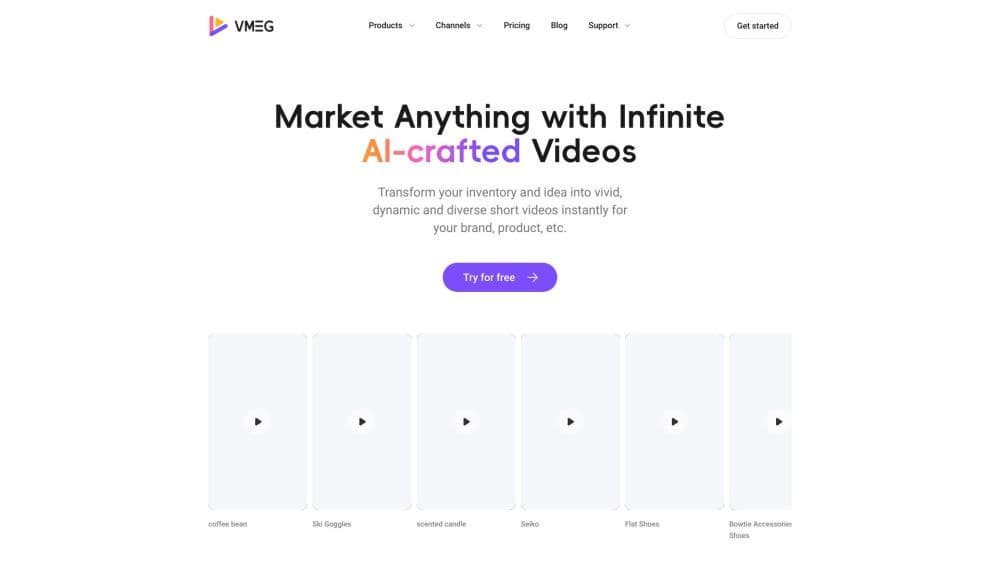
About VMEG
What Is VMEG
VMEG is a browser-based video localization platform from PixRipple Technology Limited. You upload a file or paste a link, choose target languages, and the system transcribes the audio, translates the script, generates a dub, and matches the speaker's mouth movement to the new track. The output is a finished video plus subtitle files you can edit and export.
The product doubles as an AI video translator and a subtitle translator, covering the whole path from raw footage to a publishable localized cut. That includes speaker detection, a side-by-side script editor, glossary rules for brand terms, and a voice library with cloning. According to the company, more than 1,200 teams use it, from solo YouTube channels to studios dubbing full series.
The core problem is cost per language. Traditional dubbing needs a casting call, a recording session, a mixing engineer, and weeks of scheduling for every market. VMEG turns that into a credit-metered job that finishes in minutes, so a course or ad can ship in ten languages without ten separate productions. The catch is that AI dubbing still struggles with overlapping speech, heavy crosstalk, and jokes that depend on local context. Anything broadcast-critical still needs a human pass, either your own reviewer or the company's managed service.
Getting Started
- Create an account at vmeg.ai with an email address. New accounts get trial credits, and the free plan refills a small credit balance each month.
- Upload a video or audio file, or paste a supported link, then set the source language or let the system detect it.
- Pick target languages and voices. You can assign a stock voice, clone your own, or let the platform keep each original speaker's tone.
- Review the bilingual script, fix names and terms, then render. Download the dubbed video, SRT files, or both.
Product Information
A quick look at VMEG's pricing, supported platforms, and performance.
Best for
The users, tasks, and scenarios where this tool fits best.
Users
- YouTube and TikTok creators
- E-learning producers
- Marketing teams
- Localization agencies
Tasks
- Dubbing a webinar recording into another language
- Translating subtitles on a tight deadline
- Cloning a host's voice for a series
- Adding lip sync to a talking-head clip
Scenarios
- Launching a product in eight markets at once
- Repurposing a podcast into social clips
- Keeping a training library current
- Testing ad creative in a new region
Key features
AI Dubbing with Voice Cloning
VMEG generates a dub from the translated script and can reuse each speaker's voice instead of swapping in a stranger. You record a short sample, and the clone carries the timbre into the new language. The company also runs its own OpenDub V2 model for dubbing, which it positions as the quality layer behind the output.
Lip Sync
The lip sync step rebuilds mouth movement so the on-screen face matches the dubbed audio. It works best on a single person facing the camera with steady lighting, which covers most talking-head content, interviews, and course videos. Wide shots and heavy occlusion are where it slips.
Multi-Speaker Detection and Voice Assignment
The platform identifies separate speakers in a recording and lets you map each one to a different voice or clone. Long interviews and panel recordings stay intelligible instead of collapsing into one narrator reading every line.
Script Editor with Glossary and Pronunciation Control
Every project comes with a bilingual editor where source and target text sit side by side. You can fix a mistranslated line, set how a brand name is spoken, and lock terms so they stay consistent across a series. Edits do not burn extra credits, which makes revision cheap.
Subtitles and Transcription Tools
Beyond dubbing, VMEG handles the text side: video to text, audio to text, subtitle generation, subtitle translation, and subtitle removal. Files export as SRT, so the same project can feed a video edit, a blog post, or a caption track.
Batch Jobs, API, and Team Workflow
Teams can queue multiple videos and languages in one run, share projects, and route cuts through an approval step before publishing. A developer API and an MCP integration let you trigger jobs from your own tools, which matters if localization is part of a scheduled content pipeline.
Pros and cons
Pros
- A full path from upload to dubbed video, subtitles, and lip sync in one browser tab.
- Voice cloning keeps a recognizable host voice across languages and episodes.
- The script editor and glossary make corrections fast, and edits do not cost extra credits.
- Free monthly credits and a published credit rate let you estimate cost before committing.
- API and batch tools support repeatable pipelines for agencies and in-house teams.
Cons
- Credits are charged by the minute, so a long series adds up quickly, and lip sync costs extra on top of translation.
- Overlapping speech and crosstalk can confuse speaker detection, which means manual cleanup on messy recordings.
- Lip sync works on faces, not on wide shots or heavy motion, so action footage needs a different approach.
- Broadcast-level accuracy still depends on human review, and the managed service is quoted separately.
Frequently asked questions
VMEG translates and dubs videos into other languages, adds lip sync, and produces subtitles. Teams use it to localize courses, ads, interviews, and episodic shows without hiring voice actors for every market.
Related content
Explore related tools, skills, and articles for VMEG.
VMEG Alternatives

ngram 2.0
ngram · Video · Marketingngram 2.0 is an AI video generator for teams. It turns a prompt, a screen recording, or a product URL into a narrated explainer, product demo, or AI avatar video, and every scene stays editable.

OpenScreen 2
OpenScreen (open-source project) · Video · ProductivityOpenScreen 2 is a free, open-source screen recorder and demo video editor for Windows, macOS, and Linux, with automatic zooms, styled frames, local captions, and agent edits.

Skreno
Skreno · Video · ProductivitySkreno is a browser screen recorder that captures a tab, a window or your whole display, then attaches AI transcripts, summaries and console logs to one share link.