

VoxDeck
VoxDeck · Image · Productivity
VoxDeck is an AI presentation maker that turns prompts or uploaded files into animated slides with 3D charts, motion covers and talking avatars, and it starts free.
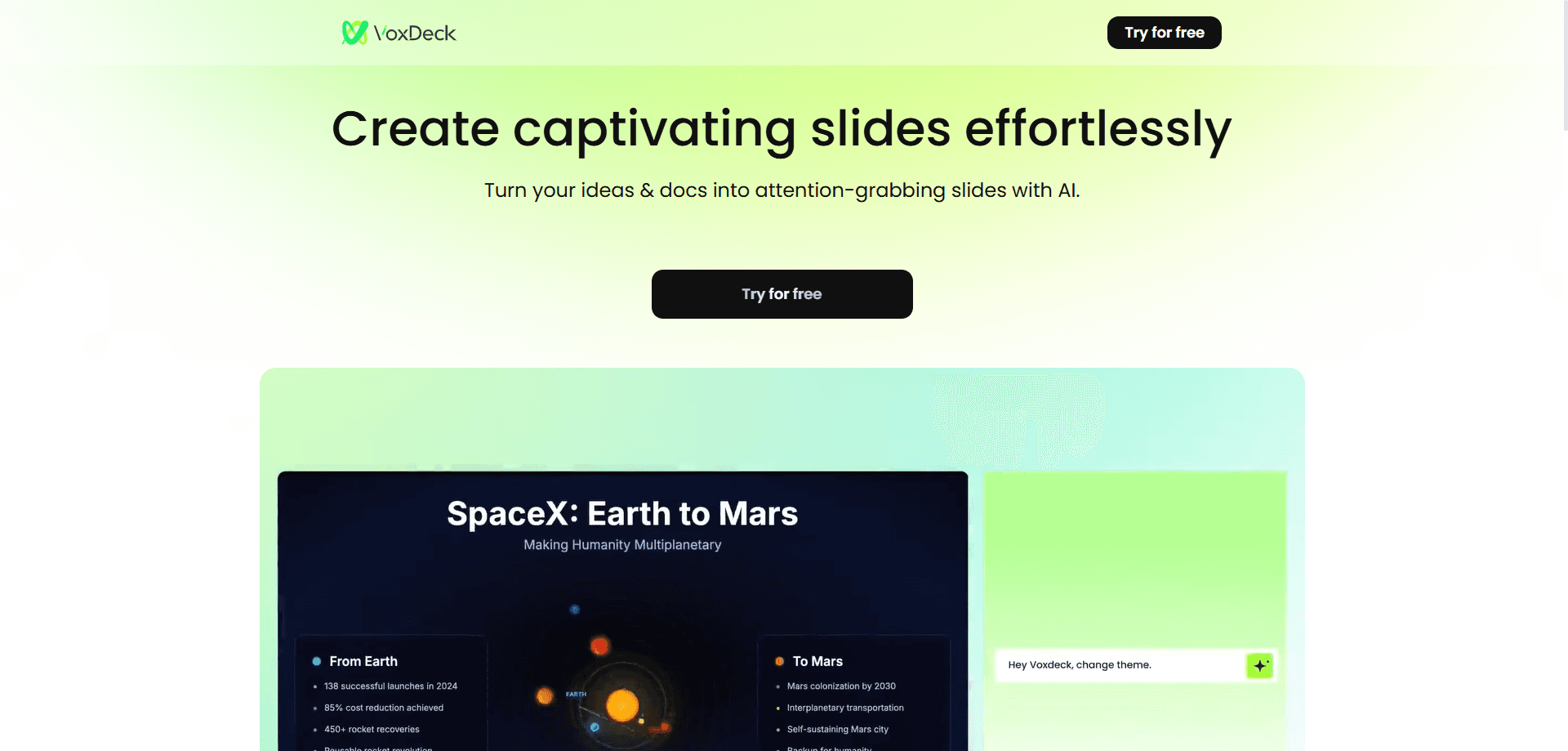
About VoxDeck
What Is VoxDeck
VoxDeck is a web app for building presentations without touching a design tool. You describe what you need in plain language, or drop in a document, and it assembles a finished deck with animated slides, charts and page layouts. The pitch is speed and polish for people who can write but can't design.
What separates it from a plain AI slide tool is the visual layer. It builds 3D charts and interactive data views, adds motion covers that animate as slides appear, and can attach a digital avatar that narrates the deck out loud. That last part matters for anyone who records or sends presentations instead of standing in front of an audience.
Two limits are worth knowing. It runs in the browser, so there's no desktop app, and heavy use is metered through a credit system that can run out mid-way. The free plan also caps decks at eight slides and one task at a time.
Getting Started
- Sign up on the site with an email address or a Google account
- Type a topic or upload a file, and pick a style and aspect ratio
- Let VoxDeck generate the deck, then regenerate individual pages or swap the theme
- Add charts, motion or an avatar narrator, then share the deck through a link
Product Information
A quick look at VoxDeck's pricing, supported platforms, and performance.
Best for
The users, tasks, and scenarios where this tool fits best.
Users
- Business professionals
- Educators
- Marketing teams
- Students and self-employed users
Tasks
- Turning a document into slides
- Building data slides
- Adding narration
- Keeping one visual identity
Scenarios
- A sales team needs a deck before a morning call
- A teacher records a lesson
- A startup pitches investors
- A researcher summarises findings
Key features
Prompt and Document to Slides
VoxDeck, an AI slides generator, starts from whatever you have. Type a topic and it drafts a full deck, or upload a PDF, document or data file and it converts the contents into slides. The app reads your file in your own language, so you can write the prompt in the language you think in rather than translating first.
3D Charts and Interactive Visuals
Instead of flat bar charts, VoxDeck builds 3D charts, models and data views that respond as you move through them. This is the feature it leads with, and it's aimed at finance, research and sales decks where the numbers carry the argument. Complex comparisons land faster when the data is something the audience can look around.
AI Avatar Narration
For an AI avatar presentation, you can attach a digital avatar that speaks the slides for you, choosing from a set of prebuilt characters. The avatar can also answer questions about the current page, so a deck can act like a lightweight presenter when no one is there to walk through it. It's the clearest fit for recorded lessons, remote handoffs and product demos.
Motion Covers and Animated Transitions
VoxDeck turns a prompt or file to slides with animated covers: it animates its covers and adds transitions between slides so a deck plays more like a short film than a stack of pages. The app picks visuals that match the topic, which takes the manual media search out of the job. Teams that present on video tend to notice this part first.
One-Click Style Switching and Brand Consistency
A logo and brand palette import once, then carry across the whole deck. You can also switch the theme, color scheme and layout in one step, so a deck built for one client can be restyled for another without rebuilding it. This is the feature that keeps a set of decks looking like they came from one team.
Credit-Based Generation
VoxDeck pricing runs on credits. The free plan grants bonus credits each day, and paid plans add thousands of credits per month. Each generated deck and session spends credits, so heavy users keep an eye on the meter. It's a fair way to price a generator that costs real compute, but it means a big project can stall if the balance hits zero.
Pros and cons
Pros
- Builds a full deck from a prompt or an uploaded file, so non-designers get presentable slides without a template hunt
- The 3D charts and motion covers give its output a look most AI slide tools don't match
- The avatar narrator and its ability to field questions suit recorded lessons and remote handoffs
- Brand import and one-click restyling keep a set of decks visually consistent
- A free plan with daily credits lets you test it before paying
Cons
- It runs only in the browser, so there's no offline or desktop option
- The free plan caps decks at eight slides and one task at a time, which is tight for real work
- The credit system can interrupt a long session when the balance runs out, and extra credits cost more
- The avatar voices and characters are a fixed set, so you can't record a specific person's voice
Frequently asked questions
VoxDeck builds presentations from a text prompt or an uploaded file. It's aimed at people who need polished, animated slides without design skills, and it adds 3D charts, motion covers and an avatar narrator on top of the usual slide features.
Related content
Explore related tools, skills, and articles for VoxDeck.
VoxDeck Alternatives

Tractionwave
TractionWave · Image · MarketingTractionWave is an AI attention heatmap tool for static ads. Upload a PNG or JPG and it returns predicted attention, ranked hotspots, and fixes before you spend budget.

Imejis.io
Imejis.io · Image · MarketingImejis.io is an AI design studio for agents and marketing teams. Describe an image in plain words, and it writes the copy, builds the layout, reflows it to every size, then exports a finished file.

Layoutr
Van Dijk Ontwikkeling · Image · China AILayoutr is a browser floor plan tool that scales your own plan, places furniture at true size, shows the room in 3D and renders it with AI.