

VSCO: Photo Editor
Visual Supply Company · Image
VSCO is a VSCO photo editor that pairs film-inspired presets with manual controls, letting phone and desktop photographers build a consistent look across a shoot.
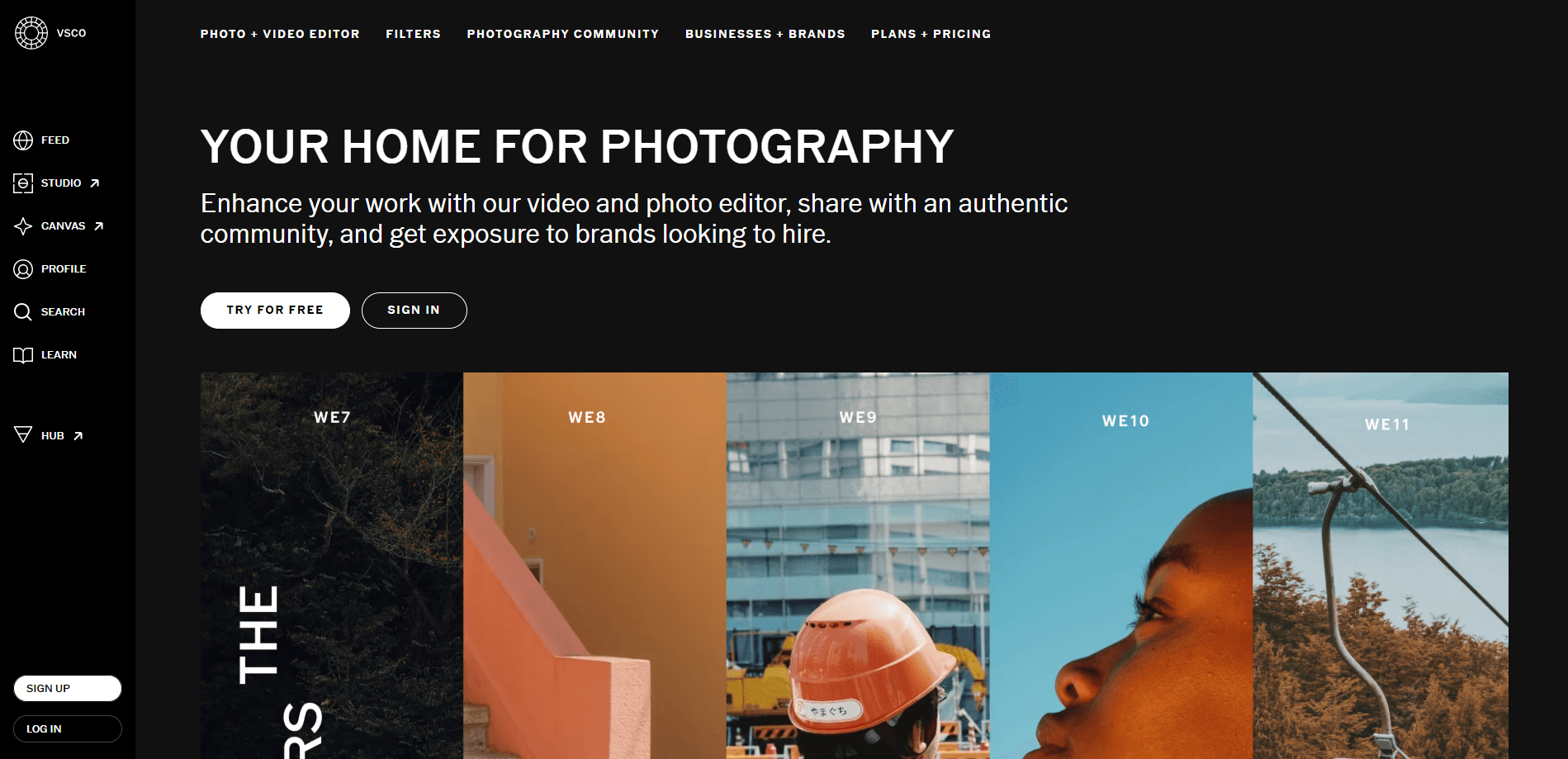
About VSCO: Photo Editor
What Is VSCO
VSCO started in 2011 as a set of film emulation plugins for Lightroom and Photoshop. The company moved that same color science to phones in 2012, and the photo editing app grew into one of the better-known editors for mobile.
What sets it apart is the filter library. The photo filters, like A6 and M5, mimic real film stocks, and you apply them with a single tap, then adjust as much as you want. A global feed and profile let users share work without public like counts, so the community leans quiet rather than competitive.
The catch is the paywall. The free plan caps you at 15 presets and hides the advanced tools, so anyone who wants HSL editing, Split Tone, or the full preset library has to pay. Pro features like the AI photo editor in AI Lab and client galleries stay locked behind the top plans too.
Getting Started
- Download VSCO from the App Store, Google Play, or open VSCO Web Studio in a browser.
- Create a free account with an email address, and pick a username for your profile.
- Import a photo or a batch, then tap a preset to apply a look.
- Open the edit tools to fine-tune exposure, contrast, grain, and color.
- Save the edit as a Recipe or export the finished image at full resolution.
Note: AI Lab and the desktop editor run on iOS and desktop only. Android users get the mobile editor and the preset library, not the AI tools.
Product Information
A quick look at VSCO: Photo Editor's pricing, supported platforms, and performance.
Best for
The users, tasks, and scenarios where this tool fits best.
Users
- Mobile photographers who want a signature look
- Beginners learning color
- Working freelancers
Tasks
- Batch editing a shoot
- Retouching distractions
- Editing short video
Scenarios
- Keeping a personal feed cohesive
- Preparing client galleries
- Building a portfolio
Key features
Film Emulation Presets
VSCO presets come out of years of lab work recreating analog film stocks. The library holds more than 200 looks, from subtle color shifts to heavy grain, and you can save any combination as a Recipe. A single reference image can also drive Style Match, which copies its tone across a batch.
Manual Editing Controls
The editor exposes the controls a serious shooter expects. Exposure, contrast, highlights, shadows, white balance, tint, grain, and HSL sit in one panel, on phone and desktop alike. HSL is the tool most reviewers point to, since it lets you shift a single color range without touching the rest of the frame.
AI Lab
AI Lab is a prompt-driven editor for iOS and desktop. You describe a change in plain words, and it softens harsh light, warms skin tones, or shifts the setting. Separate tools handle AI Remove, AI Upscale, AI Restore, and AI Denoise. Pro and One members get unlimited edits at full resolution.
Batch Editing in Studio Pro
Studio Pro runs like a desktop studio on a phone. You apply a preset to as many as 100 images at once, fine-tune them together, then rename, resize, and export the whole set. Publish finished batches straight to a profile or a client gallery when they are ready.
Video Editing
The mobile app edits video with the same presets and color tools used on photos. You trim clips, control speed, and apply slow motion, then share from the phone. It covers short form work well, but it isn't a full nonlinear editing suite.
Profile, Feed, and Spaces
Profiles show your grid and your Recipes, with no public like count on posts. VSCO Spaces give small groups a private place to trade photos and feedback. Search and the feed help you find photographers, but the platform stays focused on the work rather than on follower games.
Pros and cons
Pros
- Preset library built on real film research, and edits land with a natural, unfiltered look.
- The same editor works on phone and desktop, so a workflow doesn't break when you switch devices.
- HSL and Split Tone give color control usually found in desktop software.
- No public like counts keeps the community calm and focused on images.
- VSCO One rolls editing, galleries, a site, and studio tools into one membership.
Cons
- The free plan is thin at 15 presets, and popups push upgrades often.
- Pro features like AI Lab and client galleries are iOS and desktop only, so Android users miss out.
- The top tier costs $499.99 a year, which is steep for anyone not running a photography business.
- There is no public API, so you cannot wire VSCO into an automated pipeline.
Frequently asked questions
The Starter plan is free. Plus runs $2.49 a month billed annually or $7.99 monthly, Pro runs $4.99 a month annually or $12.99 monthly, and VSCO One costs $499.99 a year. Annual billing cuts the price on the lower tiers.
Related content
Explore related tools, skills, and articles for VSCO: Photo Editor.
VSCO: Photo Editor Alternatives

X Ray Interpreter
X-ray Interpreter · ImageX Ray Interpreter is a web-based AI radiology tool that turns X-rays, CT scans, MRI, ultrasound, and PET images into plain-language reports. You upload a scan, get a preliminary X-ray interpretation in moments, then ask follow-up questions if something needs explaining. It works as a second opinion and a learning aid, not as a medical diagnosis.

Aieasypic
AIEasyPic · ImageAIEasyPic is an AI image generator that turns plain text prompts into finished artwork in seconds. You can also train custom models on your own photos, swap faces in existing images, and create short video clips from text, all from a browser. It suits casual creators who want quick visuals and hobbyists who want to build a personal model without touching any code.

Chargen
Chargen · ImageChargen is an AI character generator and worldbuilding toolkit built for Dungeons & Dragons and other tabletop RPGs. It turns a one-line idea into a painted character portrait, spins up NPCs, monsters, maps and encounters from the same session, and keeps every creature's details close at hand. The tabletop RPG art side runs on a credit system called Gold, while the text generators stay free for everyone.