

VVTerm
VVTerm · Coding
VVTerm is an SSH terminal and SFTP client built for Apple devices, running on iPhone, iPad, and Mac. Think of it as a terminal app for iPhone that doesn't feel like a compromise. It keeps server connections organized, syncs your setups through iCloud, and stores credentials in Apple Keychain instead of a third-party password vault. The terminal rendering comes from libghostty, the same engine behind Ghostty, and the app supports Mosh, Tailscale SSH, and Cloudflare Tunnel SSH alongside standard SSH. It's free forever for personal use, with Pro at $24.99 a year or $49.99 for a lifetime license.
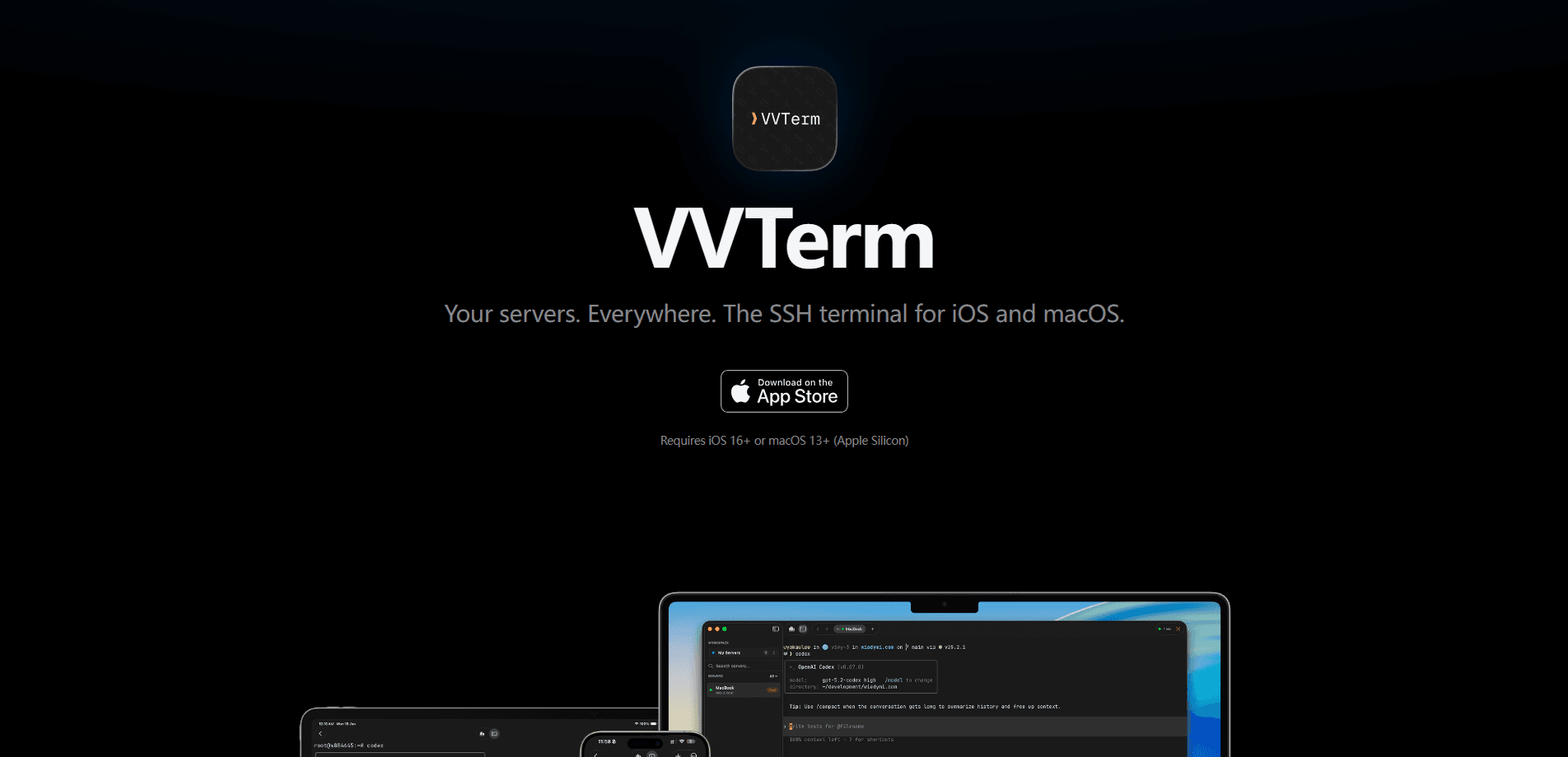
About VVTerm
What Is VVTerm
VVTerm is a native SSH client for people who manage real servers but don't want a heavy control plane just to open a terminal. It's made specifically for the Apple lineup, so the keyboard, the gestures, and the fonts all feel like they belong on iOS and macOS rather than being ported from somewhere else. If you've ever wrestled with a web-based terminal on an iPad, you'll notice the difference in the first minute.
The app centers on a simple loop: save your servers once, then connect from any of your devices without re-entering keys. Server configs sync via iCloud, while passwords and SSH keys sit in Apple Keychain and can ride along through iCloud Keychain when you turn it on. That split matters. Your connection details travel, but your secrets stay under Apple's security model.
The biggest limitation is scope. VVTerm is Apple-only, with no Android or Windows build, and the Mac version requires an Apple Silicon machine running macOS 13.3 or later. If your team mixes platforms, you'll be using another client on the non-Apple machines. There's also no server-side control panel for team administration. This is a solo-user tool that happens to sync well.
Getting Started
- Download VVTerm from the App Store and sign in with your Apple ID so iCloud sync can pick up your servers.
- Create a workspace to group related machines, such as a personal homelab set and a work set.
- Add a server by entering its host, port, and username, then attach a password or SSH key. The key gets stored in Keychain.
- Open a connection tab and start typing. On iPhone and iPad, the keyboard toolbar gives you Esc, Tab, Ctrl, and arrow keys.
- Enable Pro if you need more than one server or workspace, then repeat on your other Apple devices and watch the configs appear automatically.
Product Information
A quick look at VVTerm's pricing, supported platforms, and performance.
Best for
The users, tasks, and scenarios where this tool fits best.
Users
- Solo developers and sysadmins
- Homelab owners
- Apple-only teams
Tasks
- Quick fixes from your phone
- File transfers over SFTP
- Voice-driven commands
Scenarios
- On-call rotation on mobile
- Remote travel on unreliable Wi-Fi
- Bringing a long homelab list under control
Key features
Native Terminal Rendering with libghostty
VVTerm uses libghostty, the rendering engine from Ghostty, for terminal emulation. That gives you accurate colors, true-to-spec escape sequence handling, and smooth scrolling, which matters most when you're running a TUI like htop or vim on a small screen. It's the difference between a terminal that feels like a real one and one that feels like a text box.
Multiple Connection Protocols
Standard SSH is the baseline, but VVTerm adds Mosh, Tailscale SSH, and Cloudflare Tunnel SSH. Mosh keeps sessions alive across network changes and slow links, which is exactly the situation you hit when you close a laptop lid and pick up your phone. Tailscale SSH and Cloudflare Tunnel SSH let you reach machines that aren't exposed on the public internet, so you don't have to open a port just to get in.
iCloud Sync with Keychain Security
Server configurations sync through iCloud to every device signed in with your Apple ID. Passwords and SSH keys live in Apple Keychain and can sync via iCloud Keychain when you enable it. Set up a server once and you never type that host string again. Your credentials never sit in a vendor's own cloud.
Voice-to-Command
The app takes voice input and turns it into terminal commands. It's an odd feature on paper, but it earns its place when you're on a phone with one hand free. Dictate the command, review it, run it.
Workspaces and Connection Tabs
You organize servers into workspaces, and each session opens in its own tab. The free tier gives you one of each, so the structure is really a Pro feature in practice. Once you're paying, unlimited workspaces and tabs mean you can keep staging, production, and personal machines fully separated. That separation pays off the moment you have more than a handful of hosts.
SFTP File Browsing
VVTerm doubles as an SFTP client, so you can browse remote files and move them around without a second app. Pull down a config. Push up a build. It's the kind of thing you reach for more often than you'd expect.
Pros and cons
Pros
- Free tier is genuinely usable for a single server, not a crippled trial.
- Lifetime license at $49.99 skips the subscription treadmill entirely.
- Mosh and Tailscale SSH support handle the mobile and restricted-network cases where plain SSH falls apart.
- Credentials stay in Apple Keychain rather than a separate sync service.
- Native keyboard toolbar on iOS gives you Esc, Tab, Ctrl, and arrows.
- The terminal engine is the real deal. libghostty handles colors and escape sequences correctly.
Cons
- Is the free tier enough? For a single server and personal use, yes. Pro is required for more than one server or workspace, so anyone with two machines pays. The free tier is mostly a demo.
- Apple-only means no Android, Windows, or Linux client, which rules it out for mixed-platform teams.
- Mac support needs Apple Silicon and macOS 13.3+, so older Intel Macs are left out.
Frequently asked questions
VVTerm is an SSH terminal and SFTP client for iOS and macOS. You use it to connect to and manage remote servers, with iCloud sync across your Apple devices.
Related content
Explore related tools, skills, and articles for VVTerm.
VVTerm Alternatives
Forefront
Forefront · CodingForefront is a web platform for building with open-source AI. It lets you fine-tune leading open-source language models on your own data, evaluate how they perform, and run them through an API or export them to host yourself. Developers who want the convenience of a closed-source platform but insist on owning their models and data are the target audience here.

Startkit
StartKit.AI · CodingStartkit is a boilerplate for building AI SaaS and AI wrapper products. Think of it as an AI startup boilerplate with the boring parts already wired up: authentication, Stripe and Lemon Squeezy payments, usage limits, transactional email, and an AI API starter that talks to OpenAI, Anthropic, Groq, or Llama. You clone the repo, set your price, and start on the part of your product that people actually pay for. It's Next.js under React and Tailwind, so most of the boilerplate code already feels familiar.
Testim
Tricentis · CodingTestim is an AI-powered test automation platform for building and running end-to-end tests across web, mobile, and Salesforce applications. It leans on machine learning to keep tests stable when an interface changes, so teams spend less time fixing broken selectors. Not bad for an automated testing tool you can start using today. You create tests by recording actions in a browser, then optionally add JavaScript when you need more control. It's a solid pick for busy QA teams.