

Vyond
Vyond · Video · Marketing
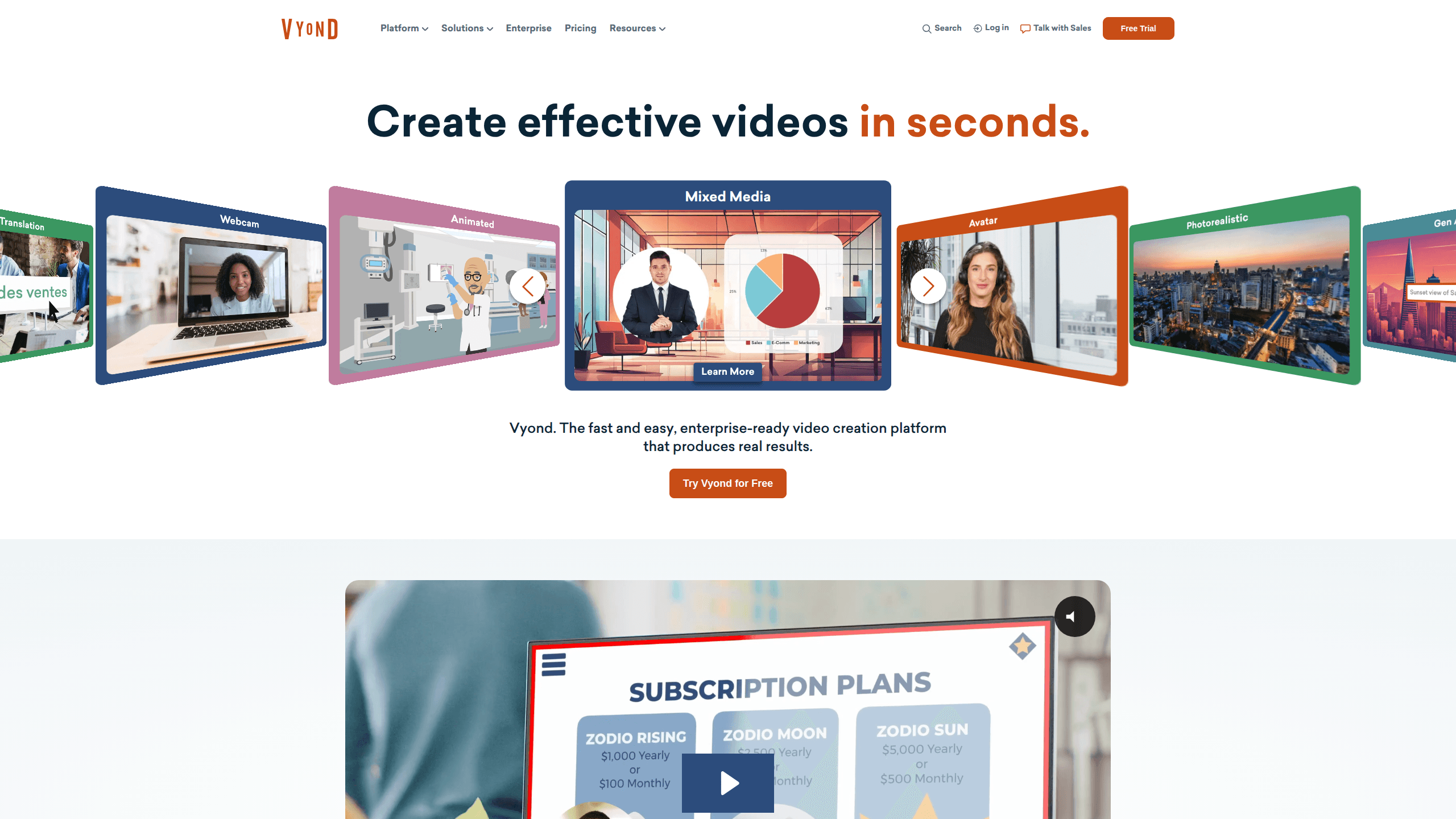
Vyond is a browser-based AI video creation platform built for business content. It works as an AI video maker for teams: type an idea, drop in a document, or paste a URL, and Vyond Go turns it into a finished animated video with avatars, scenes, and voiceover. Need training, marketing, or presentation clips without a production crew? That's the job.
About Vyond
What Is Vyond
Vyond is a web tool for making animated and AI-generated videos, mostly for work rather than entertainment. Think of it as animated video software for people who aren't editors. The pitch is speed: instead of storyboarding, filming, or editing footage, you pick a template or let Vyond Go write the video for you from a prompt, a .doc, a .pdf, a .ppt, a .txt file, or a URL. Everything runs in a browser tab, so there's nothing to install.
The core audience is people who need video but aren't video editors. Learning and development teams, instructional designers, and marketers use it to build explainers, onboarding clips, and product walkthroughs. The platform leans on a large library of AI avatars, template scenes, and characters, plus text-to-speech voices that cover dozens of languages.
The trade-off is that it's business-first, not creator-first. Vyond doesn't aim at cinematic, live-action, or heavily stylized content the way a general AI video generator might. It's tuned for clear, on-brand communication. Not flashy. Pricing is also subscription-only, and the credit system caps how much you can generate each month depending on your plan.
Getting Started
- Create an account on vyond.com and land in the video editor.
- Start from a template in the library, or open Vyond Go and describe your idea, upload a document, or paste a URL.
- Let the AI assemble a first cut with scenes, avatars, and a voiceover, then review the draft.
- Swap avatars, adjust the script, add your brand colors, and pick a text-to-speech voice.
- Export the finished video and share it, or translate it into another language from the same project.
Product Information
A quick look at Vyond's pricing, supported platforms, and performance.
Best for
The users, tasks, and scenarios where this tool fits best.
Users
- Learning and development teams
- Instructional designers working to a deadline
- Small marketing teams shipping product videos for their business video tool needs
Tasks
- Converting a training document into a narrated video
- Making a quick explainer from a URL
- Localizing one video into many languages
Scenarios
- Onboarding new hires with a repeatable video template
- Explaining a complex policy or process
- Presenting quarterly numbers
Key features
Vyond Go turns text to video from files and links
The headline feature is instant generation. Type an idea, or hand it a document, a slide deck, or a URL, and Vyond Go handles text to video in one pass, producing a complete draft with scenes, avatars, and narration. It's the fastest path from a rough idea to something watchable, and it suits explainers, sales enablement, and training. You still edit the result, but you skip the blank-canvas problem.
A library of AI avatars for AI avatar video
Vyond offers 1,300-plus avatar options, and the higher tiers add generative avatars created from a text prompt. Avatar-led AI avatar video carries the talking-head parts, which means you don't need on-camera talent or a voice actor. You pick a face and a personality that fits the message, then reuse it across a series so your videos feel consistent.
Template library with scenes and props
The template library comes loaded with styles, settings, characters, and props, and you can customize any of it. Templates are grouped by purpose, like training, presentations, storytelling, and marketing, so you start from a ready-made scene. It's the difference between building every scene by hand and adjusting one that already works.
Text-to-speech in dozens of languages
Starter plans include access to 650-plus text-to-speech voices, and Enterprise adds 200-plus ultra-high-quality voices. Narration can be generated rather than recorded, which removes the need for a microphone or a voice booth. For multilingual teams, translation runs in 95 languages, so one project can become several localized versions.
Screen and webcam recording
Vyond also records your screen and webcam, so you can mix live demonstration footage with animated scenes. That's useful for software walkthroughs and how-to videos where a talking avatar alone won't show the clicks. The recordings drop straight into the same timeline as the generated content.
Team collaboration and brand controls
Professional tier and above add shared spaces, team collaboration tools, and the Brand Management Suite for enforcing colors, fonts, and logos. Teams get folders with account-specific access, so projects stay organized and on-brand. Simple to set up. Enterprise adds advanced collaboration and enterprise security features for larger organizations.
A credit system tied to your plan
Each plan includes a monthly credit allowance: Starter at 10,000 credits per user, Professional at 20,000, Agency at 400,000, and Enterprise with effectively unlimited credits. Credits meter how much you generate, so heavier video work needs a higher tier. Worth checking your expected output against the cap before committing to a plan.
Pros and cons
Pros
- Vyond Go collapses scripting, scene building, and voiceover into one step, which cuts production time sharply for standard business videos.
- The avatar and template libraries are deep, so you get consistent, on-brand output without hiring talent or building scenes from scratch.
- Translation into 95 languages from a single project makes multilingual training and marketing far less repetitive.
- Trusted by large organizations, with 65% of the Fortune 500 relying on it according to Vyond, which matters for buyers who need a proven vendor.
Cons
- Pricing starts at $58 per month billed annually, so it's a real budget line for individuals and small teams, and it's subscription-only.
- The credit caps limit how many videos you can generate each month, meaning heavy users get pushed onto pricier tiers.
- It's tuned for business and training content, so it's a weaker fit if you want cinematic, live-action, or highly stylized video.
Frequently asked questions
Vyond is an AI video creation platform for business content. Teams use it to make training videos, explainers, presentations, marketing clips, and product walkthroughs, mostly as animated or avatar-led videos rather than live footage.
Related content
Explore related tools, skills, and articles for Vyond.
Vyond Alternatives

Vadu AI
Vadu AI · Image · VideoVadu AI is a web-based AI video generator that turns written prompts or still images into short clips, and it can also generate images on its own. You type what you want, pick a model and style, and the platform renders the result in minutes. A free plan covers light testing, while paid tiers run from $9 to $77.40 per month based on how many credits you burn.

Mykaraoke Video
MyKaraoke Video · VideoMykaraoke Video is an online karaoke video maker and lyric video maker that turns any song into a finished, lyrics-synced video right in your browser. It handles the slow part for you. The AI pulls vocals out of the mix and locks the lyrics to the beat, then lets you customize background, fonts, and colors before exporting in 1080p MP4. If you make lyric videos for social media, party nights, or music promotion, it skips the software installs and manual timing work entirely. Want a karaoke video generator that doesn't eat your whole evening? That's the pitch here.

Finalframe
Finalframe · VideoFinalframe is a set of free, browser-based tools for grabbing exact frames out of a video clip. Its best-known feature, the Final Frame Extractor, lets you extract the last frame of any video so you can use it as the starting image for AI video tools like Luma Dream Machine, Runway, or Kling. Want to keep a clip going? That last frame is your starting point. The tool runs locally in your browser, needs no sign-up, and costs nothing. A separate paid AI video-generation app from the same team is currently offline while it's rebuilt.