

Wan2.7 AI
Tongyi Lab, Alibaba · Video
Wan2.7 AI is an online AI video generator built on the Wan 2.7 model from Alibaba's Tongyi Lab. It turns text prompts, still images, and reference clips into 1080P video, and it adds director-level controls such as start and end frame guidance, voice cloning video, and instruction-based editing. If you make short-form ads, product demos, or character-driven content, this tool is aimed at getting you from rough idea to finished clip without a full editing suite.
About Wan2.7 AI
What Is Wan2.7 AI
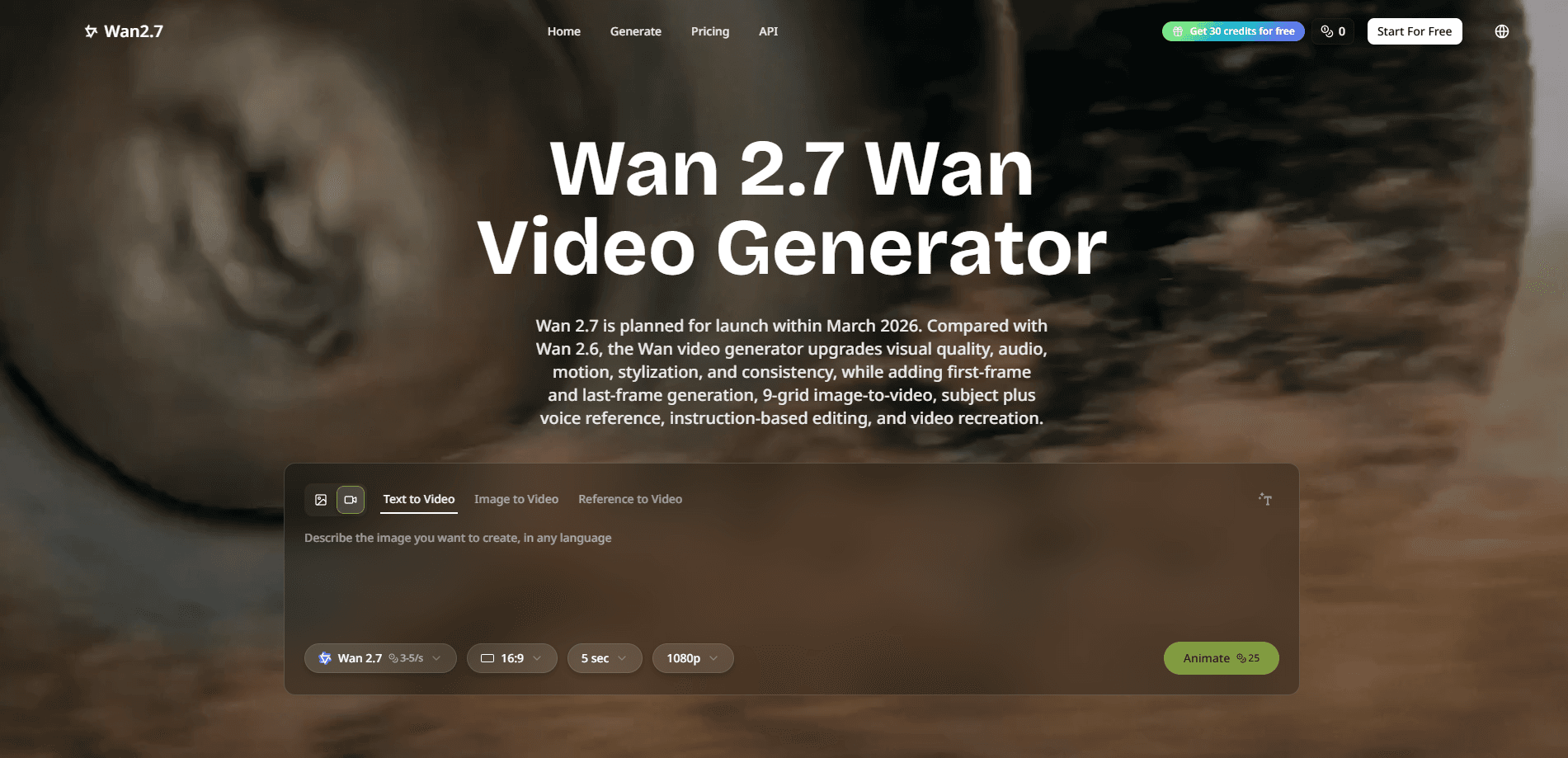
Wan2.7 AI is a web-based video generation platform powered by Wan 2.7, the next release in the Wan series from Alibaba's Tongyi Lab. The core promise is control. Most AI video tools hand you a result and hope you like it. Wan 2.7 lets you decide how a clip begins, how it ends, and who appears in it.
The text to video and image to video modes cover the basics, but the real draw sits in the extras. You can feed in a voice sample to clone a narrator, upload reference footage to steer style and motion, or type a plain-language instruction to edit a clip you already made. That's AI video editing without the timeline. For teams producing a steady stream of social ads or branded character videos, it means less time re-rolling the dice.
The catch is cost and access. Free credits on the site are limited, and heavier use runs into paid plans. The underlying model is closed rather than open source, so you can't run it yourself. You also need a stable connection, since generation happens on remote servers rather than your own machine.
Getting Started
- Create a free account on the Wan2.7 AI website and claim your starting credits.
- Pick a mode such as text to video or image to video, then describe the scene or upload the source image.
- Add control inputs if you need them, like a start and end frame, a voice sample, or a reference clip.
- Generate the video and review the result, then adjust the prompt or use an editing instruction to fix details.
- Export the final clip in 1080P and download it for your project.
Product Information
A quick look at Wan2.7 AI's pricing, supported platforms, and performance.
Best for
The users, tasks, and scenarios where this tool fits best.
Users
- Short-form video creators
- Brand marketers
- Character IP developers
Tasks
- Turning a script into a video
- Animating a product photo
- Building a speaking avatar
- Editing without a re-roll
Scenarios
- Producing social ad variants for a product launch, where several short clips need to share one visual identity.
- Pre-visualizing a storyboard by locking the first and last frame and letting the model fill the motion between them.
- Localizing a master video for several markets by keeping the character and swapping context, style, or setting.
Key features
Text to Video and Image to Video
The two entry modes cover most everyday needs. Text to video builds a scene from a written prompt, while image to video animates a still you upload. Both push toward 1080P video generation, so the result is closer to publishable quality than the low-res drafts many free tools produce. No upscaling step required.
Start and End Frame Control
You set the opening and closing shots, and the model generates the motion that connects them. This turns storyboard work into something closer to directing, since the camera path and the scene's resolution follow your two anchor frames instead of a random roll. It's the feature that separates Wan 2.7 from tools that only accept a single prompt.
Voice Cloning and Lip Sync
Upload a short voice sample and the platform builds a narrator from it, then matches lip movement to the generated speech. Voice cloning video used to mean a separate dubbing pass. Now it happens inside the same generation. For anyone making a digital presenter or a character that needs to sound the same across episodes, this removes a lot of manual work.
Instruction-Based Video Editing
Instead of regenerating from scratch, you describe a change in plain language. Swap a background, adjust clothing, or shift the mood of a shot. It saves iteration time on long projects, where one small fix used to mean another full generation and another wait. That adds up fast.
Character and Subject Consistency
With reference images, the model aims to hold the same face, build, and outfit across multiple clips. Building a library of recurring characters becomes practical, which matters for series content and branded spokespeople who need to look identical in every spot. Can it hold a look across a dozen clips? Usually, if the reference is clear.
Native Audio Synthesis
Generated clips arrive with synced soundscapes rather than silence. You spend less time hunting for background audio or aligning tracks after export, and the audio lands with the video instead of being bolted on later. One less step. One less export.
Pros and cons
Pros
- Text, image, and reference-video inputs mean you can start from whatever material you already have.
- 1080P output with synced audio cuts the manual post-production step for short clips.
- Start and end frame control gives real narrative direction instead of blind generation.
- Voice cloning keeps a presenter's sound consistent across a series.
- A free tier lets you judge output quality before committing to a plan.
Cons
- Free credits run out fast, so regular output needs a paid plan.
- The model is closed, so you can't self-host it or fine-tune it on your own data.
- Generation depends on remote servers, which means a slow connection or a busy queue slows you down.
- Reference-based consistency can drift on complex or crowded scenes, and you may need a couple of retries.
Frequently asked questions
It generates and edits video. You can turn a text prompt or a still image into a 1080P clip, clone a voice for a speaking character, set the start and end frame of a shot, or edit an existing clip with a written instruction.
Related content
Explore related tools, skills, and articles for Wan2.7 AI.
Wan2.7 AI Alternatives

Vadu AI
Vadu AI · Image · VideoVadu AI is a web-based AI video generator that turns written prompts or still images into short clips, and it can also generate images on its own. You type what you want, pick a model and style, and the platform renders the result in minutes. A free plan covers light testing, while paid tiers run from $9 to $77.40 per month based on how many credits you burn.

Mykaraoke Video
MyKaraoke Video · VideoMykaraoke Video is an online karaoke video maker and lyric video maker that turns any song into a finished, lyrics-synced video right in your browser. It handles the slow part for you. The AI pulls vocals out of the mix and locks the lyrics to the beat, then lets you customize background, fonts, and colors before exporting in 1080p MP4. If you make lyric videos for social media, party nights, or music promotion, it skips the software installs and manual timing work entirely. Want a karaoke video generator that doesn't eat your whole evening? That's the pitch here.

Finalframe
Finalframe · VideoFinalframe is a set of free, browser-based tools for grabbing exact frames out of a video clip. Its best-known feature, the Final Frame Extractor, lets you extract the last frame of any video so you can use it as the starting image for AI video tools like Luma Dream Machine, Runway, or Kling. Want to keep a clip going? That last frame is your starting point. The tool runs locally in your browser, needs no sign-up, and costs nothing. A separate paid AI video-generation app from the same team is currently offline while it's rebuilt.