
Wan 3.0
Fooocus · Video
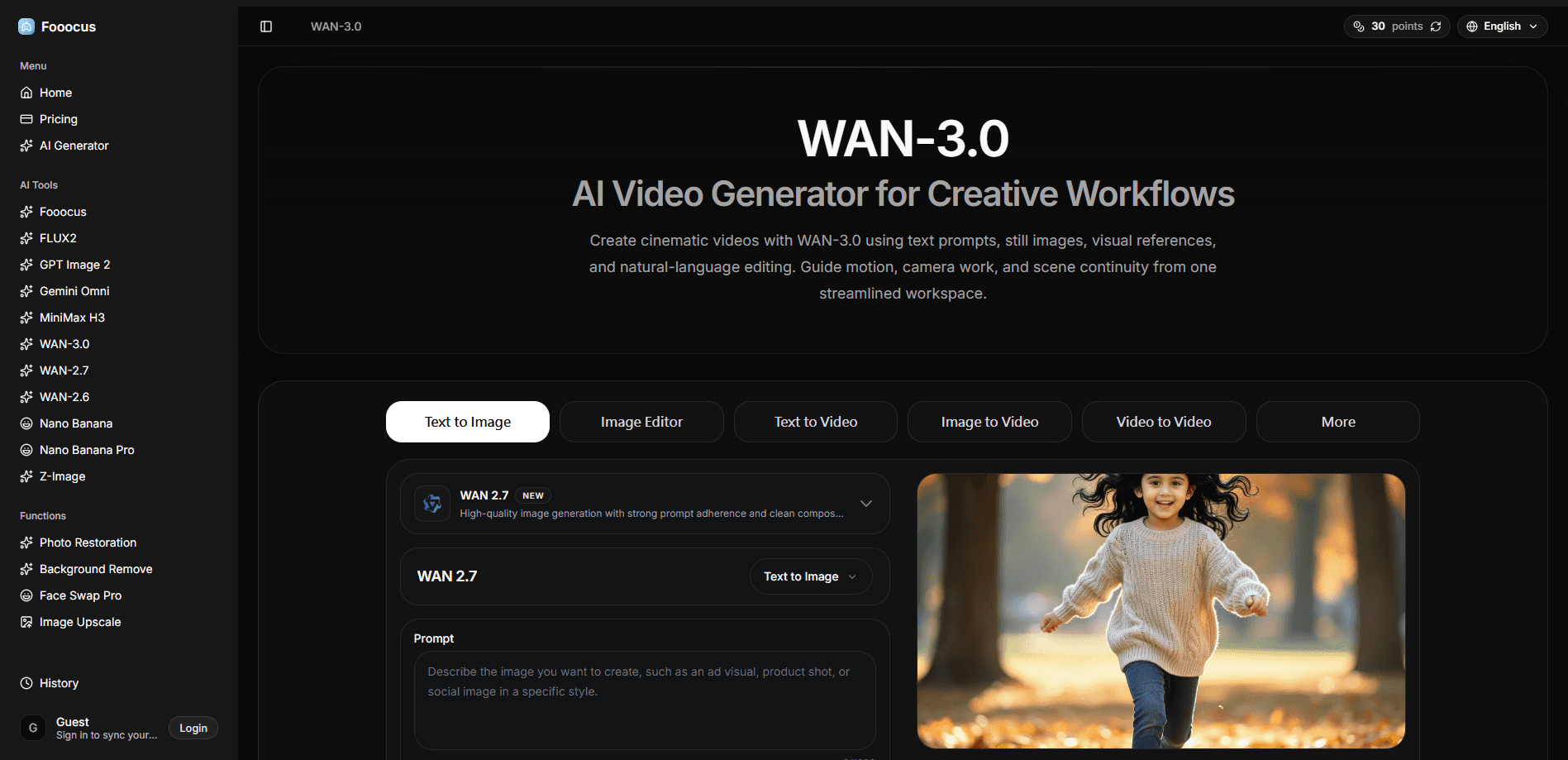
WAN-3.0 is an AI video generator inside the Fooocus.one platform. It turns a written prompt, a still image, or a visual reference into a short video clip, and lets you reshape the result with plain-language editing instructions. The point is speed: you sketch an idea in words, review the motion, then refine tools rather than rebuild from scratch. It works. That matters more than polish when you're still deciding what the scene should be.
About Wan 3.0
What Is WAN-3.0
WAN-3.0 is a web-based AI video creation tool that covers text-to-video, image-to-video, reference-guided generation, and instruction-based editing in one workspace. You don't need editing software or a render farm. You type what you want to see, and the model produces a moving version of it. Why does that matter? Because the gap between a concept and a finished clip is usually the slowest step in the whole process.
The main problem it solves is the gap between an idea and a watchable clip. Storyboards, ad concepts, product demos, and social snippets usually stall because turning a rough thought into footage takes hours of manual work in a traditional editor, from sourcing assets to cutting timing to color-grading each shot by hand. WAN-3.0 compresses that step into a prompt-and-review loop, so a first draft appears in minutes.
The catch is control. Video generation is unpredictable, and the model can drop details, warp faces, or drift between shots. Quality also depends on how well you write the prompt and how clean your source images are. Treat early outputs as drafts, not finished deliverables. That part surprised me. A great prompt still doesn't guarantee a clean result, and a rushed one rarely does.
Getting Started
- Sign in to Fooocus.one with a Google account, or continue as a guest with the free starter points.
- Pick a mode that matches your source: text-to-video for a written idea, image-to-video to animate a still, or a reference and editing workflow for guided changes.
- Describe the subject, setting, motion, camera angle, lighting, and mood in the prompt box, and set resolution, aspect ratio, and duration.
- Generate the clip, watch it for subject consistency and readable detail, then revise the prompt or swap references.
- Download the version you like in the available quality options.
Product Information
A quick look at Wan 3.0's pricing, supported platforms, and performance.
Best for
The users, tasks, and scenarios where this tool fits best.
Users
- Content creators and social media marketers who need quick visual drafts of an idea without hiring an editor.
- Filmmakers and storyboard artists who want to preview camera moves, pacing, and mood before committing to a shoot.
- Product and brand teams building short concept clips for ads or explainers, as long as they check the commercial license terms.
Tasks
- Turning a written scene description into a short cinematic clip for reference or pitching.
- Animating a product photo or artwork so it moves with natural, believable motion.
- Restyling or extending an existing clip through a plain-language editing instruction.
Scenarios
- Early-stage concepting for a video ad, when you need several directions fast and cheap.
- Building a mood board of motion ideas for a client review before full production.
- Producing quick social clips where you don't need a polished panel-level render.
Key features
Text-to-Video Generation
You describe a scene in words, and WAN-3.0 builds a short video. The model reads subject, setting, action, camera movement, lighting, pacing, and mood from your prompt. Specific prompts win. Vague ones lose. That's the fastest route from a written idea to something you can actually watch.
Image-to-Video Animation
Upload a photo, an illustration, or a design, and the tool adds realistic motion and keeps the subject consistent across frames. It's the mode that makes a static image feel alive. Useful for product shots and still artwork. Clean, high-resolution source images give noticeably better results than blurry ones.
Reference-Guided Creation
You can hand the model an image or a clip as a visual reference for composition, motion, character direction, or overall cinematic feel. Some ideas resist words, and a reference communicates them faster than a paragraph of description. It's a practical shortcut when you have a target look in mind. Feed it a strong reference and the whole scene tightens up.
Instruction-Based Editing
Instead of rebuilding a scene, you describe the change you want: adjust the lighting, transfer motion, extend a moment, or shift the visual treatment. The model applies the edit while trying to preserve the core idea. That keeps iteration cheap. It matters when you're testing five variations of the same shot.
Motion and Scene Continuity
You plan movement, camera behavior, and subject consistency together rather than shot by shot. Strong continuity instructions cut down on the visual jitter that plagues AI video, and help each clip follow a coherent rhythm. Get this right and the clip sings. Get it wrong and it distracts.
Flexible Creator Workflow
You move from an initial prompt to references, revisions, and final variants without leaving the workspace. No exporting into different tools between each step. For ads, explainers, storyboards, and social content, that continuity keeps the momentum going, especially when a client wants to see a new direction midway through and you'd otherwise have to reopen three separate programs just to test one small change.
Pros and cons
Pros
- Runs entirely in the browser, so there's no software to install or GPU to manage.
- Covers text, image, reference, and editing workflows in one place instead of four separate tools.
- A free guest tier with starter points lets you test the AI video generator before paying.
- Natural-language editing makes revisions quick, which suits rapid concepting.
- Pricing starts low at $9 per month, with a 40% discount on annual billing.
Cons
- Output quality varies by prompt, source material, and motion complexity, so results need review.
- The free starter points run out fast on video, since each generation burns a chunk of credits.
- There's no public API, so teams can't wire WAN-3.0 into their own production pipeline.
- Commercial use depends on the license active when you generate, which you'll need to confirm per clip.
Frequently asked questions
It's used to turn text prompts, still images, or reference clips into short AI-generated videos. People reach for it for cinematic concepts, product visuals, ads, and social content where a quick moving draft beats a static mockup.
Related content
Explore related tools, skills, and articles for Wan 3.0.
Wan 3.0 Alternatives

Vadu AI
Vadu AI · Image · VideoVadu AI is a web-based AI video generator that turns written prompts or still images into short clips, and it can also generate images on its own. You type what you want, pick a model and style, and the platform renders the result in minutes. A free plan covers light testing, while paid tiers run from $9 to $77.40 per month based on how many credits you burn.

Mykaraoke Video
MyKaraoke Video · VideoMykaraoke Video is an online karaoke video maker and lyric video maker that turns any song into a finished, lyrics-synced video right in your browser. It handles the slow part for you. The AI pulls vocals out of the mix and locks the lyrics to the beat, then lets you customize background, fonts, and colors before exporting in 1080p MP4. If you make lyric videos for social media, party nights, or music promotion, it skips the software installs and manual timing work entirely. Want a karaoke video generator that doesn't eat your whole evening? That's the pitch here.

Finalframe
Finalframe · VideoFinalframe is a set of free, browser-based tools for grabbing exact frames out of a video clip. Its best-known feature, the Final Frame Extractor, lets you extract the last frame of any video so you can use it as the starting image for AI video tools like Luma Dream Machine, Runway, or Kling. Want to keep a clip going? That last frame is your starting point. The tool runs locally in your browser, needs no sign-up, and costs nothing. A separate paid AI video-generation app from the same team is currently offline while it's rebuilt.