

Wan.Video
Alibaba (Tongyi Lab) · Video · China AI
Wan.Video is Alibaba's AI video platform that turns text prompts or still images into short clips, and its newer models add synced audio and dialogue in one pass.
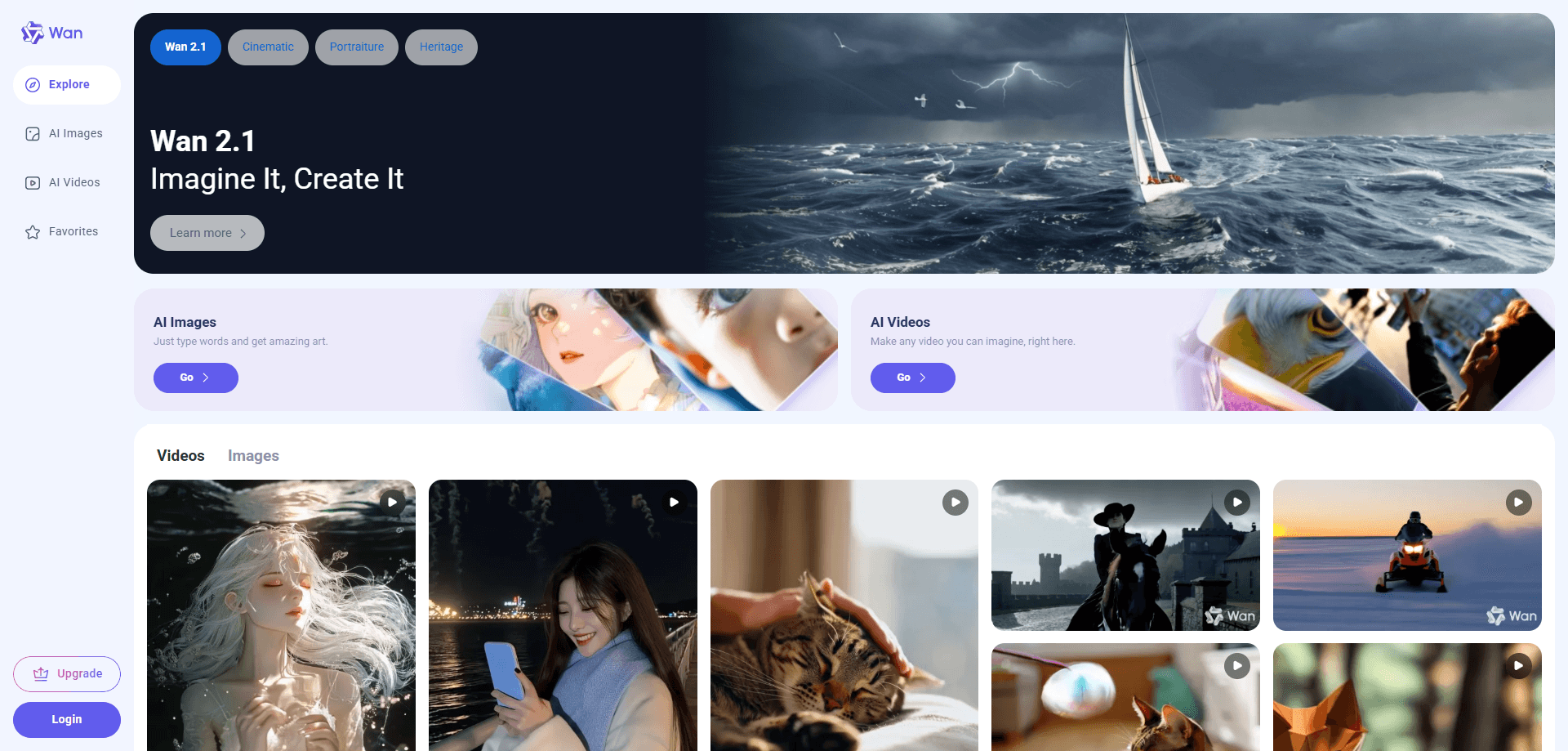
About Wan.Video
What Is Wan.Video
Wan.Video is the standalone web home for Alibaba's Wan model family, a set of AI video generators that build moving footage from text prompts or a single starting image. You type what you want to see, or upload a photo, and the platform returns a clip that you can download and drop into a project.
The draw is access. Earlier video models demanded a capable GPU and a local install, which locked most people out. Wan.Video, the AI filmmaking and short video creation platform from Alibaba, runs in a browser, hands new accounts daily free credits, and keeps the first attempt close to a few clicks. Researchers and developers still get the open weights of several Wan versions elsewhere, so the platform and the open releases feed each other.
The limits matter too. Clips are short, usually a handful of seconds, and longer or higher-resolution renders eat credits fast. Audio, multilingual dialogue and the newest models sit behind paid tiers, and popular models can queue for a while when demand spikes. Wan.Video suits quick concept work and social clips more than long-form production.
Getting Started
- Open wan.video and sign in with an Alibaba or Tongyi account.
- Claim your daily credits, or pick a paid plan if you need more headroom and priority rendering.
- Choose a mode such as text to video or image to video, then write a prompt or upload a starting frame.
- Set the resolution, aspect ratio and clip length, then start the generation.
- Preview the result, download it if it works, and regenerate with a tweaked prompt if it does not.
Product Information
A quick look at Wan.Video's pricing, supported platforms, and performance.
Best for
The users, tasks, and scenarios where this tool fits best.
Users
- Social media creators
- Marketers
- Hobbyist filmmakers
- Developers and researchers
Tasks
- Text to video
- Image to video
- AI video with audio
- Concept testing
Scenarios
- A small brand with no video budget
- A creator stuck on a hook
- A student learning video editing
Key features
Text to Video Generation
Wan 2.5 and later versions handle this core mode: you describe a scene and the model builds it, including motion and camera movement, in resolutions up to 1080p. The result is a ready clip rather than a set of frames, so the whole idea to output loop stays on one page. It is the fastest path for anyone who has a script but no footage.
Image to Video Animation
One of the most used modes on this video generation platform: upload a photo, a product image or a piece of art and the model brings it to life with movement and consistent lighting. Character and product details hold up better across the clip than in older tools, which matters when the subject has to stay recognizable. This is the mode most people reach for when they already have a visual and just want motion.
Native Audio and Dialogue
Recent Wan versions generate sound in the same pipeline as the picture, so speech, effects and music line up with what happens on screen. It handles multiple voices and several languages, which removes a separate voiceover step for talking clips. Audio is a paid-feature area, so expect credits to move faster here.
Multiple Resolutions and Lengths
You can render at 480p, 720p or 1080p and choose a short or extended clip, with the newest models pushing toward longer single takes. Higher settings cost more credits and take longer, so the trade between quality and budget is yours to set. Keeping a fast low-res pass for drafts and a high-res pass for finals is the usual workflow.
Prompt and Motion Control
Structured prompts let you steer camera moves and multi-shot sequences instead of accepting whatever the model picks. You can reference a style or an aesthetic keyword to land a particular look. Better prompt control is what separates a usable take from a lucky one.
Open Models and API Access
Several Wan models ship as open weights, and Alibaba exposes them through a cloud API with per-second pricing. That means you can prototype on the site and then move the same model into your own product. For developers, the platform is both a playground and a production route.
Pros and cons
Pros
- Free daily credits make it cheap to try before paying.
- The browser interface skips the GPU and setup that older video models required.
- Newer models generate synced audio and dialogue in one pass.
- Open-weight releases let developers self-host or fine-tune instead of being locked to the site.
- Support for Chinese and English prompts suits creators working across both markets.
Cons
- Clips are short, so long scenes mean stitching several generations together.
- Credits drain quickly at high resolution or with audio, which pushes casual users toward a paid plan.
- Busy models queue, and waiting times stretch when demand picks up.
- The best audio and the newest models sit behind paid tiers, so the free tier feels more like a demo.
Frequently asked questions
It generates short videos from text prompts or still images, with newer models adding synced audio and dialogue. People use it for social clips, ad concepts, storyboards and quick visual experiments without a camera or crew.
Related content
Explore related tools, skills, and articles for Wan.Video.
Wan.Video Alternatives

ngram 2.0
ngram · Video · Marketingngram 2.0 is an AI video generator for teams. It turns a prompt, a screen recording, or a product URL into a narrated explainer, product demo, or AI avatar video, and every scene stays editable.

OpenScreen 2
OpenScreen (open-source project) · Video · ProductivityOpenScreen 2 is a free, open-source screen recorder and demo video editor for Windows, macOS, and Linux, with automatic zooms, styled frames, local captions, and agent edits.

Skreno
Skreno · Video · ProductivitySkreno is a browser screen recorder that captures a tab, a window or your whole display, then attaches AI transcripts, summaries and console logs to one share link.