

Wava AI
Wava AI · Video · Marketing
Wava AI is an AI video tool that turns scripts into faceless story videos, split screen clips, and voiceovers for content creation. It suits creators who post short videos without showing their face.
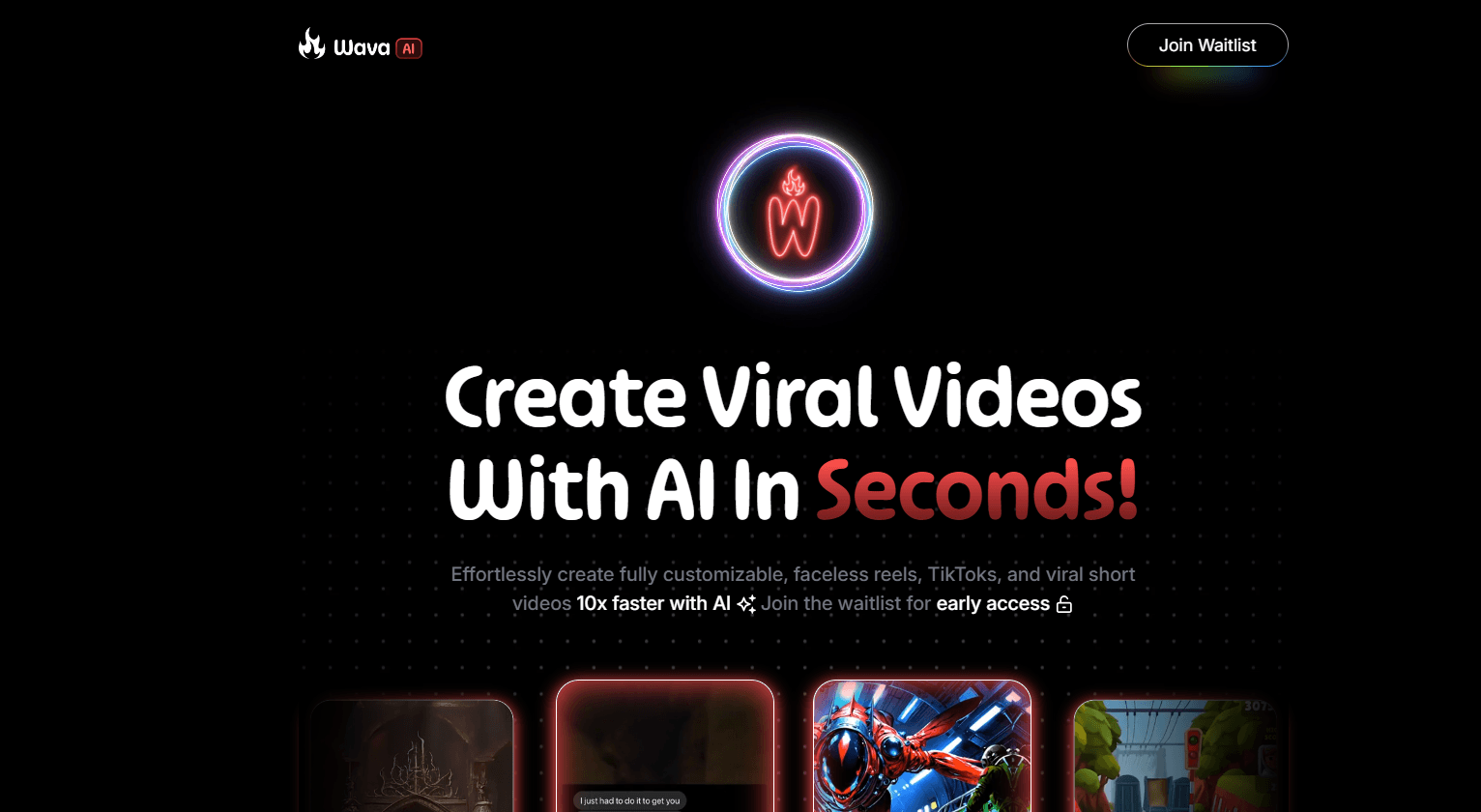
About Wava AI
What Is Wava AI
Wava AI is a web-based AI video generator aimed at faceless creators, the accounts that post viral shorts without ever appearing on camera. You write a script or pick a story, and the platform assembles a narrated clip with background footage, captions, and a synthetic voice. The company says more than 1.5 million creators use it and that millions of clips have been generated on the platform.
The core output is the text story video, the format where a narrated story plays over unrelated background clips, the type that fills TikTok and YouTube Shorts feeds. Wava AI also builds split screen clips, the side-by-side layout you see with an AI voice narrating on one side or a reaction on the other. Voiceovers come from a text to speech engine, with a magazine-style voice import for creators who want their own tone.
The whole pitch is speed. It targets people who spend hours editing footage by hand and would rather let the platform assemble a clip from a script. It is a subscription product, so a card is required after the free credits run out, and like any AI video tool the result needs a human pass before it goes live.
Getting Started
- Sign up for a Wava AI account in the browser. New users get a small credit balance to test the tools.
- Pick a template: text story video, split screen clip, or a straight voiceover.
- Paste a script or type a short story, then choose a voice and a background style.
- Let the platform generate the clip, then tweak the captions, timing, and visuals in the editor.
- Export the finished video and post it to TikTok, Instagram Reels, or YouTube Shorts.
Product Information
A quick look at Wava AI's pricing, supported platforms, and performance.
Best for
The users, tasks, and scenarios where this tool fits best.
Users
- Faceless content creators
- Social media managers
- Solo side earners
- Storytellers without editing skills
Tasks
- Turning a script into a narrated clip
- Creating split screen videos
- Generating voiceovers
- Adding captions automatically
- Producing clips in bulk
Scenarios
- Running a faceless shorts channel
- Testing a viral format
- Repurposing written stories
Key features
Text story videos
Text story videos are the heart of Wava AI. You supply a story, and the platform pairs a synthetic narration with background footage and captions, producing the narrated clip that fills short-video feeds. It removes the labor of hunting stock clips and syncing them to audio by hand. The catch is the usual one for this format: the background footage is generic, so the visuals support the story rather than match it scene by scene.
Split screen clips
Split screen clips put two panels side by side, the layout behind the reaction and storytelling videos that trend on TikTok and Reels. Wava AI assembles the panels from your script, so you get the format without editing two video tracks in a timeline. It works best for content where the split carries meaning, such as a narrator on one side and gameplay or footage on the other, and less well when a single full-frame shot would tell the story just as clearly.
Custom AI voiceovers
The voiceover tool turns a script into speech, and Wava AI also offers a custom voice import so creators can keep a familiar tone across videos. It runs on a text to speech engine, and the voice is what carries a faceless clip, since there is no on-camera presenter. Results are close to natural but not identical to a human reader, so a script that reads well aloud matters more than one that only looks good on the page.
Automatic captions
Captions are laid over the clip, which matters because most short videos are watched with the sound off. The tool syncs the text to the narration and styles it for the screen, so a viewer scrolling in silence still follows the story. The style options are limited compared with a dedicated caption app, but the built-in version saves a step in the workflow.
Background video library
Wava AI ships a library of background clips, so a text story video has footage without a separate stock subscription. The library is what makes the format fast, since the platform matches a clip to the mood of the story rather than leaving you to search. The selection is built for the faceless style, which means it leans on generic b-roll instead of the specific, branded footage a business video might need.
Credit-based generation
Generation runs on AI credits, and each plan bundles a set number alongside minutes of video. Wava Basic carries 30 credits and 30 minutes, Pro carries 60 of each, and Elite carries 150, with the per-video cost falling as the tier rises. The model suits creators who produce steadily, but a heavy month can push past the bundled allowance and require an upgrade.
Pros and cons
Pros
- The workflow starts from a script, so a creator who cannot film or edit can still publish videos.
- Text story videos and split screen clips match formats that already get views on TikTok, Reels, and Shorts.
- The custom voice import keeps a consistent sound across a channel without recording each time.
- Background clips are included, so there is no separate stock-footage bill on top of the subscription.
- Captions are automatic, which fits silent scrolling and saves a manual step.
Cons
- There is no free forever tier, so publishing at volume means a monthly subscription.
- Credits and video minutes are capped per plan, and heavy output can outrun the bundled allowance.
- Background footage is generic, so the visuals support the narration rather than matching it.
- Generated voices and clips still need a human check before posting, since AI output can miss the mark.
Frequently asked questions
Wava AI is a web-based AI video generator for faceless content. You give it a script or story, and it produces a narrated clip with background footage, captions, and a text to speech voice. Its main formats are text story videos and split screen clips, the styles that fill TikTok, Reels, and YouTube Shorts feeds.
Related content
Explore related tools, skills, and articles for Wava AI.
Wava AI Alternatives

ngram 2.0
ngram · Video · Marketingngram 2.0 is an AI video generator for teams. It turns a prompt, a screen recording, or a product URL into a narrated explainer, product demo, or AI avatar video, and every scene stays editable.

OpenScreen 2
OpenScreen (open-source project) · Video · ProductivityOpenScreen 2 is a free, open-source screen recorder and demo video editor for Windows, macOS, and Linux, with automatic zooms, styled frames, local captions, and agent edits.

Skreno
Skreno · Video · ProductivitySkreno is a browser screen recorder that captures a tab, a window or your whole display, then attaches AI transcripts, summaries and console logs to one share link.