

WaveSpeedAI
WaveSpeedAI · Video
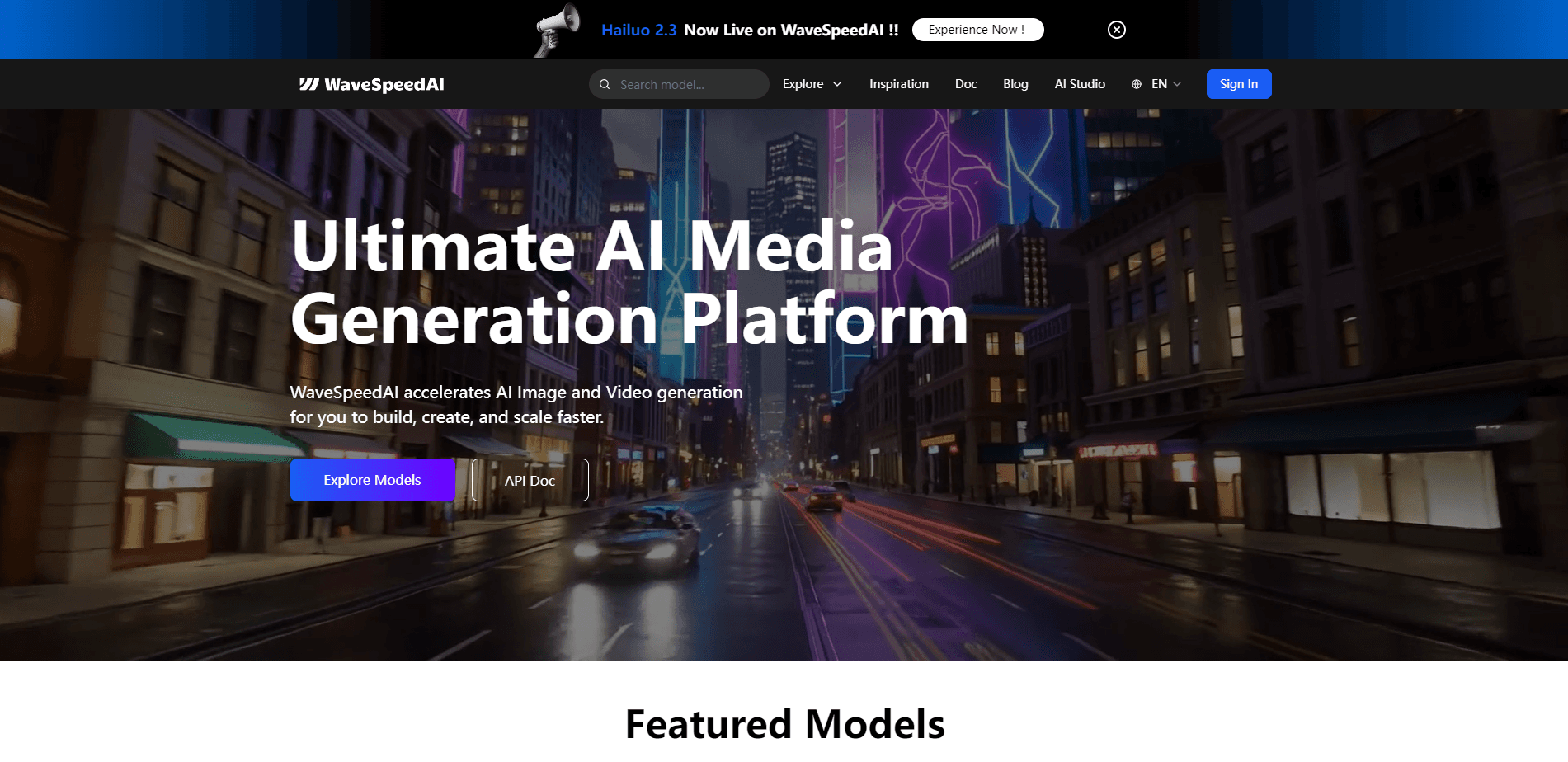
WaveSpeedAI is a high-performance AI media generation platform that turns text, image, or audio prompts into professional images and videos. It bundles 1,000+ models from makers like Google, ByteDance, and OpenAI behind one API and one dashboard. Speed is the whole point. Developers and creators get AI content without stitching together separate services. So who is it really for?
About WaveSpeedAI
What Is WaveSpeedAI
WaveSpeedAI is an inference platform for generative AI, not a single model. Founded in 2025 by CEO Zeyi Cheng and based in Singapore, it gives you one API key that reaches text-to-image, image-to-video, text-to-video, speech, and large language models. The pitch is speed and breadth together: images land in under 2 seconds and videos in under 2 minutes, according to the company.
The main problem it solves is fragmentation. Instead of signing up with a dozen different providers just to reach FLUX, Kling, Veo, or Stable Diffusion through their own separate dashboards and billing systems, you hit one endpoint and pay one bill. That matters most when you're prototyping fast and don't want to rebuild your pipeline every time a better model ships.
The biggest limit is that this is a pay-per-use service with no free tier beyond a small trial credit. New accounts get $1 in credits. That won't stretch far on premium video models. If you're just curious, the web generators let you test a few prompts before you commit money.
Getting Started
- Create an account at wavespeed.ai with your email. No credit card is required to sign up.
- Claim the $1 in free trial credits, or top up your balance to reach more models.
- Pick a model in the AI image generator or AI video generator, then type your prompt.
- Generate and download the result, or copy the equivalent API call from the docs to move it into your own app.
- For production work, generate an API key and call the REST API, Python SDK, or JavaScript SDK from your codebase.
Product Information
A quick look at WaveSpeedAI's pricing, supported platforms, and performance.
Best for
The users, tasks, and scenarios where this tool fits best.
Users
- Developers building AI features
- Content creators and marketers
- Indie studios and small teams on a budget
Tasks
- Generating marketing visuals from text prompts
- Turning stills into motion
- Prototyping AI pipelines
- Batch automation
Scenarios
- A developer who needs to add an image generator to an app this week without negotiating contracts with five vendors.
- A social media manager who wants quick AI video clips from reference photos for a campaign.
- An enterprise team that needs higher concurrency, custom deployment, and an SLA through the sales channel.
Key features
One API for 1,000+ Models
WaveSpeedAI routes requests to over 1,000 models from Google, ByteDance, OpenAI, Stability AI, Luma, Runway, and more. You keep a single AI model API key and a single integration, then swap models by changing one parameter. That's the core time-saver here.
Blazing Fast Inference
The platform runs on tuned GPU clusters and reports sub-second image generation with up to 4x faster video rendering than alternatives. The company lists zero cold starts and under 1s inference latency, which matters when you're generating at volume rather than one image at a time.
No-Code Image and Video Generators
You don't need to be a developer to use it. The web Image Generator and Video Generator give you a curated model list, a prompt box, and downloads. Pick a model, type what you want, and go.
Desktop App for Windows, macOS, and Linux
WaveSpeed Desktop brings the same generation engine to a native app, so you can work offline from the browser with no code and no setup. Useful if you'd rather keep your workflow on your machine.
Developer SDKs and Integrations
The docs cover a REST API plus Python and JavaScript SDKs. Webhook support handles async jobs, and there are integrations for ComfyUI and n8n to slot generation into existing node-based or automation workflows.
Enterprise-Grade Scale and Security
WaveSpeedAI advertises 99.99% uptime, high concurrency, encryption, and private deployment options. Larger teams get dedicated support, performance SLAs, volume discounts, and help deploying custom models through the sales team.
Transparent Pay-Per-Use Pricing
There are no monthly fees or commitments. You add credits and pay per image, per second of video, or per million tokens for language models. Every model shows its unit price up front, and new accounts start with $1 in credits.
Pros and cons
Pros
- One API key reaches 1,000+ image, video, audio, and language models, so you skip juggling multiple provider accounts and can move a prototype from one model to another by changing a single line of code.
- Speed is the headline: images in under 2 seconds and videos in under 2 minutes, with no cold-start delays.
- Pricing is pay-as-you-go with no subscription, and each model's per-unit cost is listed up front.
- No-code generators plus native desktop apps mean non-developers can create without touching an API.
- Official SDKs, ComfyUI, and n8n integrations cover both coding and no-code workflows.
Cons
- The free tier is only $1 in trial credits, which won't cover many premium video generations, so testing video models costs money fast.
- Pay-per-use pricing makes budgeting harder for high-volume projects than a flat monthly plan would, since costs scale directly with output.
- Model availability and quality change as providers update their own models, so a workflow that works today may need tuning later.
Frequently asked questions
It's a platform, not a single model. WaveSpeedAI gives you unified access to more than 1,000 generative AI models for images, video, audio, and text through one API and one dashboard, aimed at both developers and creators.
Related content
Explore related tools, skills, and articles for WaveSpeedAI.
WaveSpeedAI Alternatives

Vadu AI
Vadu AI · Image · VideoVadu AI is a web-based AI video generator that turns written prompts or still images into short clips, and it can also generate images on its own. You type what you want, pick a model and style, and the platform renders the result in minutes. A free plan covers light testing, while paid tiers run from $9 to $77.40 per month based on how many credits you burn.

Mykaraoke Video
MyKaraoke Video · VideoMykaraoke Video is an online karaoke video maker and lyric video maker that turns any song into a finished, lyrics-synced video right in your browser. It handles the slow part for you. The AI pulls vocals out of the mix and locks the lyrics to the beat, then lets you customize background, fonts, and colors before exporting in 1080p MP4. If you make lyric videos for social media, party nights, or music promotion, it skips the software installs and manual timing work entirely. Want a karaoke video generator that doesn't eat your whole evening? That's the pitch here.

Finalframe
Finalframe · VideoFinalframe is a set of free, browser-based tools for grabbing exact frames out of a video clip. Its best-known feature, the Final Frame Extractor, lets you extract the last frame of any video so you can use it as the starting image for AI video tools like Luma Dream Machine, Runway, or Kling. Want to keep a clip going? That last frame is your starting point. The tool runs locally in your browser, needs no sign-up, and costs nothing. A separate paid AI video-generation app from the same team is currently offline while it's rebuilt.