

Waymark
Waymark · Video · Marketing
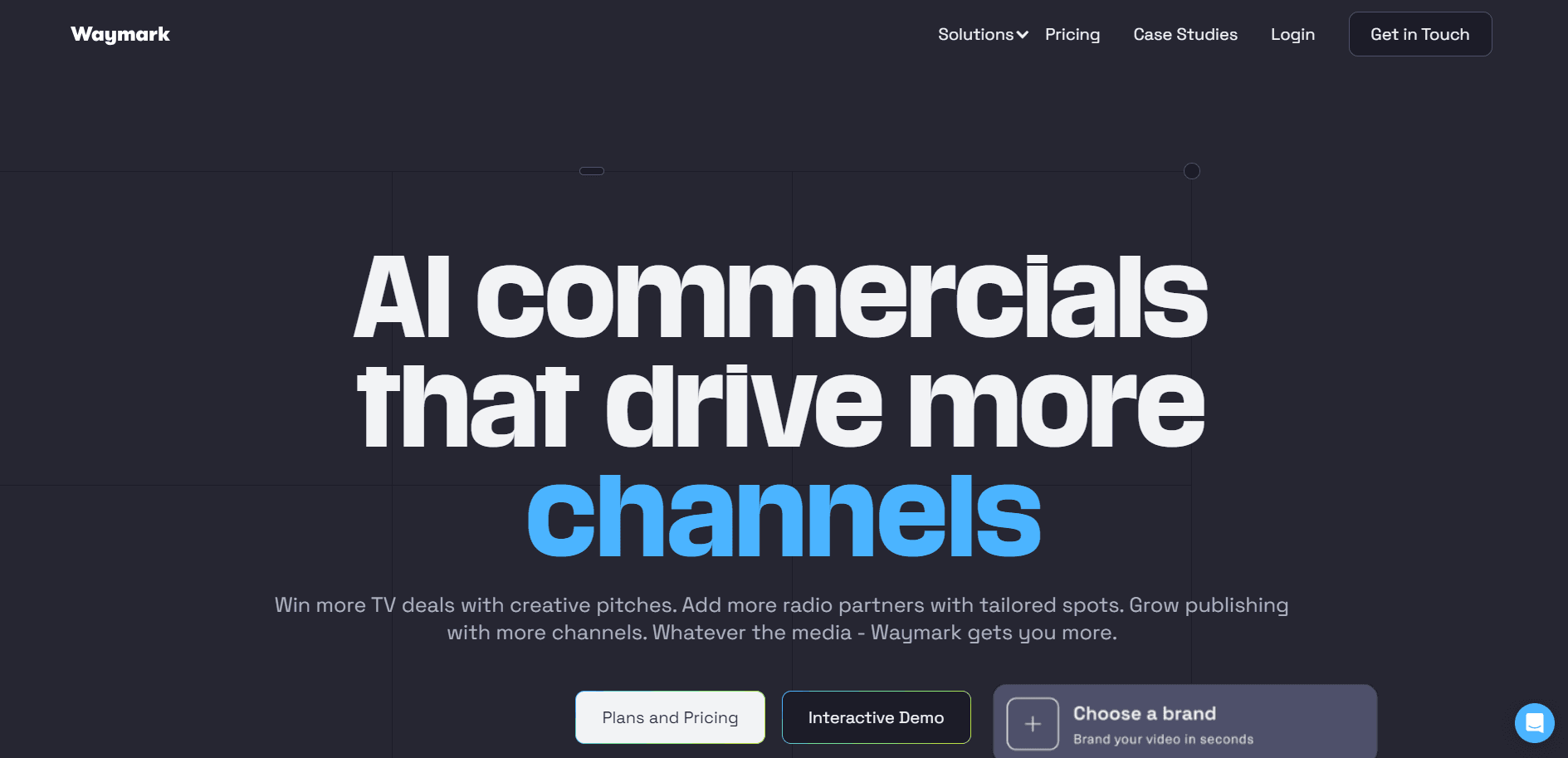
Waymark is an AI video ad creator that turns a brand's website into broadcast-ready video ads. It pulls logos, images and copy, writes a script, adds a voiceover, then exports for TV and digital.
About Waymark
What Is Waymark
Waymark is a web platform for producing video advertisements without a film crew. You paste a client's website address, and the software reads the page for logos, product shots, colors and copy, then assembles a finished ad with a script, branded visuals and a synthetic voice reading the lines. What you get back is a real video file, not a storyboard or a template with blanks to fill.
The product is built for people who sell and run ads rather than people who shoot them. Sales teams use it to hand a prospect a custom spot before a meeting. Agencies use it to turn around campaigns for many clients at once. Ad platforms plug it in so their customers can build creative on the spot instead of waiting on a production house.
Two things shape who this fits. It's a production tool for paid advertising, so hobbyists making a personal video aren't the target. And quality scales with your input: the AI works best when a brand already has a clean website with real imagery. A thin or outdated site gives it little to work with.
Getting Started
- Head to waymark.com and sign up. The Starter plan opens with a 7 day free trial.
- Enter a brand's website URL. Waymark scans the page and builds a brand profile from the logos, images, color scheme and text it finds.
- Let the AI write the ad. It drafts a script, picks footage from the stock library and lays out the scenes.
- Fine-tune the result in the editing suite. Swap images, rewrite lines, change the pacing, or pick a different AI voice.
- Download the final cut or generate variations. Export in the aspect ratios, lengths and languages you need, then publish to TV, OTT or social.
Product Information
A quick look at Waymark's pricing, supported platforms, and performance.
Best for
The users, tasks, and scenarios where this tool fits best.
Users
- Media sales reps
- Agency creative teams
- Ad platform teams
Tasks
- Building a spec ad for a sales pitch
- Localizing a campaign for new markets
- Repurposing one ad across channels
- Testing many creative angles quickly
Scenarios
- Preparing for a client meeting on short notice
- Running video ads across a large client roster
- Getting ads to air on a self-serve platform
Key features
Instant Brand Customization
The platform builds a brand profile straight from a website. It captures logos, imagery, colors and tone, then applies them across every scene and text element. That means a new client's ad looks like their brand after one URL entry, not a round of file handoffs.
AI Scriptwriting
A script is generated for the ad in seconds, written to match the brand's voice and the product on the page. You can rewrite any line yourself, so the copy stays under your control while the first draft saves the blank-page work.
Professional AI Voiceovers
Several realistic voice options come built in, and you can set tone and gender to fit the spot. The audio generates with the video, so there's no separate recording session or talent booking.
Intuitive Editing Suite
Scenes, text, footage and pacing are all adjustable in a browser editor made for speed. You can swap a stock clip for a product shot, shorten a beat, or reorder the story without touching a timeline tool.
Instant Video Variations
One click rewrites, recuts and regenerates the ad in new aspect ratios, lengths and languages. A single concept becomes a set of channel-ready versions, which removes the usual resizing and re-editing step.
Language Translation
The ad can be regenerated in multiple languages while keeping the visuals and brand identity intact. That lets one campaign reach audiences in different regions without building each version from scratch.
Pros and cons
Pros
- Turns a website into a finished video ad in minutes, which cuts the time and cost of a traditional shoot.
- Unlimited draft generations let you experiment freely and only spend a download on the cuts you keep.
- Translation and variations cover multiple languages, aspect ratios and lengths from one original ad.
- Editing stays in the browser, so no editing software or specialized skills are needed.
- Enterprise options add white labeling, CRM automations and custom templates for larger operations.
Cons
- Final downloads are capped by plan, so a Starter seat gets only two publication-ready videos a month. Heavy output needs an upgrade.
- The Starter plan starts at $350/mo, which puts it out of reach for casual or personal projects.
- Output quality depends on the source site, so a thin or outdated website gives the AI less to work with. You may need to supply better assets.
- There's no free tier and no self-serve API, so developers wanting programmatic access have to go through sales.
Frequently asked questions
Waymark creates video ads for businesses. It reads a brand's website, writes a script, adds a voiceover and produces a broadcast-ready video ad that can run on TV, OTT and digital platforms.
Related content
Explore related tools, skills, and articles for Waymark.
Waymark Alternatives

ngram 2.0
ngram · Video · Marketingngram 2.0 is an AI video generator for teams. It turns a prompt, a screen recording, or a product URL into a narrated explainer, product demo, or AI avatar video, and every scene stays editable.

OpenScreen 2
OpenScreen (open-source project) · Video · ProductivityOpenScreen 2 is a free, open-source screen recorder and demo video editor for Windows, macOS, and Linux, with automatic zooms, styled frames, local captions, and agent edits.

Skreno
Skreno · Video · ProductivitySkreno is a browser screen recorder that captures a tab, a window or your whole display, then attaches AI transcripts, summaries and console logs to one share link.