

Whisker
Spatial Kittens · Image · Coding
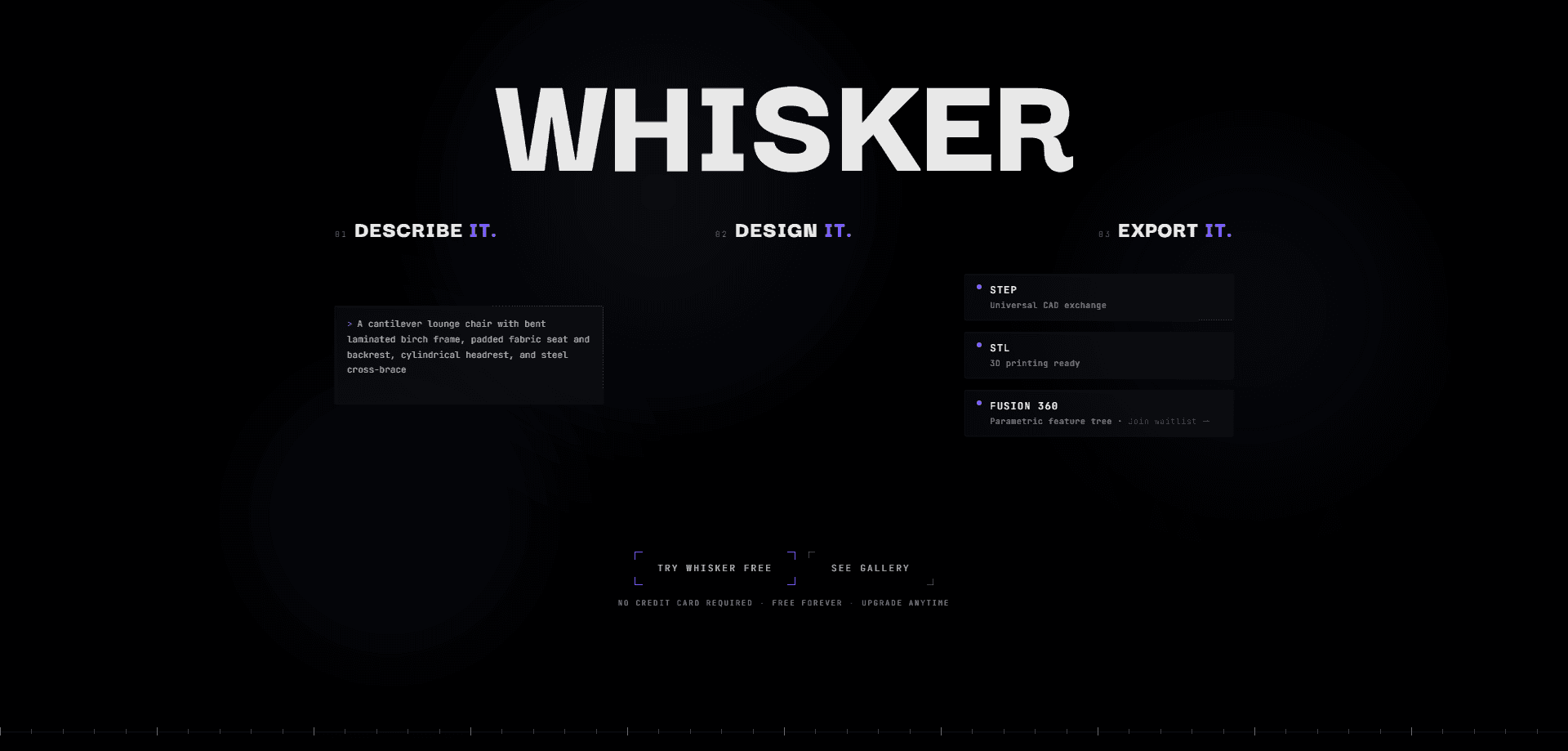
Whisker is an AI parametric CAD tool that converts plain English descriptions into production-grade 3D models. It's text to CAD at its most direct. Type something like "a 100 x 50 x 20 mm box with two mounting holes," and it generates a B-Rep solid in about a minute. Every dimension stays editable, and you can export STEP or STL files or push the model straight into Fusion 360 with its feature tree intact.
About Whisker
What Is Whisker
Whisker is a browser-based CAD tool that skips the sketching and extruding grind. Instead of drawing geometry point by point, you describe the part you need in everyday language. The AI behind it handles mechanical constraints, material properties, and parameter relationships, then returns a real parametric solid rather than a static mesh. That last part matters. Meshes are dead ends. A parametric B-Rep model keeps its dimensions as named parameters, so you can change a width or hole diameter later and the geometry updates.
It's built for people who need a usable part fast. Engineers prototyping a bracket. Hobbyists mocking up an enclosure. Designers testing whether an idea survives contact with real constraints. The output is meant for manufacturing and 3D printing, not just a pretty render.
The honest limits: Whisker is new, and most of what's public comes from its own site and early listings. Complex assemblies and long-term stability are still open questions. If your work depends on a deep third-party plugin community, this isn't that yet. An AI 3D model generator it may be, but it won't replace a mature CAD stack overnight.
Getting Started
- Go to the Whisker site and sign up with email or a Google account.
- In the prompt box, describe your part with shape, key dimensions, material or intent, and any special features like fillets, holes, or ribs.
- Let the multi-agent pipeline generate a B-Rep solid model, usually within about 30 seconds.
- Open the parametric editor, tweak dimensions like length or hole size, and run the built-in validation to catch self-intersections or invalid surfaces.
- Export as STEP or STL, or send it to Fusion 360 to keep editing with the full feature tree.
Product Information
A quick look at Whisker's pricing, supported platforms, and performance.
Best for
The users, tasks, and scenarios where this tool fits best.
Users
- Engineers and product designers
- Hobbyists and makers
Tasks
- Generating mechanical parts from a text prompt
- Producing manufacturable files
- Reusing models in Fusion 360
Scenarios
- Early design exploration when you want several part variations without redrawing each one.
- Quick turnaround on a one-off part for a fixture or repair, where a text prompt beats a full modeling session.
- Teaching or demoing parametric modeling, since the parameters stay visible and editable.
Key features
Natural Language Part Input
You describe the part the way you'd explain it to a colleague, and Whisker turns that into geometry. The tool reads shape, dimensions, and intent from your wording. A prompt like "a parametric bracket, 100 mm long, 20 mm thick, chamfered edges" gives it enough to work with. It's the fastest path from an idea to a first model.
True Parametric B-Rep Output
Whisker generates solid B-Rep geometry, not a triangle mesh, which means the model carries editable parameters that let you change a hole diameter or an overall width and watch the part update instead of forcing a full rebuild from scratch. Downstream CAD and CAM tools can work with it properly, which is the whole point of staying parametric.
One-Click Fusion 360 Integration
If you already work in Autodesk's world, Whisker imports into Fusion 360 with the feature tree and user parameters preserved, so you can keep modeling inside Fusion without rebuilding the part you just generated. That removes a lot of rework.
STEP and STL Export
Export clean STEP files for manufacturing and CAM, or STL for 3D printing and quick sharing. Both formats cover the common next steps after you've settled on a design, so you're not locked into Whisker to use the model.
Automatic Validation and Repair
Whisker checks generated solids for problems like self-intersections and invalid surfaces, and it includes repair routines to reduce geometry errors. Catching those issues early saves you from discovering them mid-print or mid-machining, when fixes get expensive.
Parameter Panel Editing
After generation, a parametric editing view lets you adjust key dimensions and watch the model update in step, which keeps small refinements quick and spares you from rewriting the whole prompt just to nudge a single value. You can iterate on a design without starting over.
Pros and cons
Pros
- Generates real parametric CAD, not a static mesh, so the model stays editable downstream.
- Deep Fusion 360 integration suits teams already working inside Autodesk's toolset.
- Built-in validation and repair reduce the odds of broken geometry slipping through.
- A free plan lets you test the workflow before committing.
Cons
- The product only launched in 2026, so community knowledge and long-term stability are still unproven.
- Public documentation is thin, and how well it handles complex assemblies isn't clear.
- Compared with open options like Zoo, third-party integrations and transparency are less developed.
Frequently asked questions
Whisker turns a written description of a part into a production-ready parametric 3D model. You type the specs in plain English, and it generates a B-Rep solid you can edit, export, or import into other CAD tools.
Related content
Explore related tools, skills, and articles for Whisker.
Whisker Alternatives

X Ray Interpreter
X-ray Interpreter · ImageX Ray Interpreter is a web-based AI radiology tool that turns X-rays, CT scans, MRI, ultrasound, and PET images into plain-language reports. You upload a scan, get a preliminary X-ray interpretation in moments, then ask follow-up questions if something needs explaining. It works as a second opinion and a learning aid, not as a medical diagnosis.

Aieasypic
AIEasyPic · ImageAIEasyPic is an AI image generator that turns plain text prompts into finished artwork in seconds. You can also train custom models on your own photos, swap faces in existing images, and create short video clips from text, all from a browser. It suits casual creators who want quick visuals and hobbyists who want to build a personal model without touching any code.

Chargen
Chargen · ImageChargen is an AI character generator and worldbuilding toolkit built for Dungeons & Dragons and other tabletop RPGs. It turns a one-line idea into a painted character portrait, spins up NPCs, monsters, maps and encounters from the same session, and keeps every creature's details close at hand. The tabletop RPG art side runs on a credit system called Gold, while the text generators stay free for everyone.