

WM Studio
Widemile · Video
WM Studio is an AI video and image generator that turns a text prompt or a still photo into finished clips and artwork. It runs on several of the strongest generation models out there, including Nano Banana Pro, Veo 3.1, Sora 2 Pro, and Kling v3 Pro. You pick a model the way you'd pick a lens, matching it to the shot you want and the look you're after. WM Studio is aimed at creators who need fast visual output, not a full editing suite.
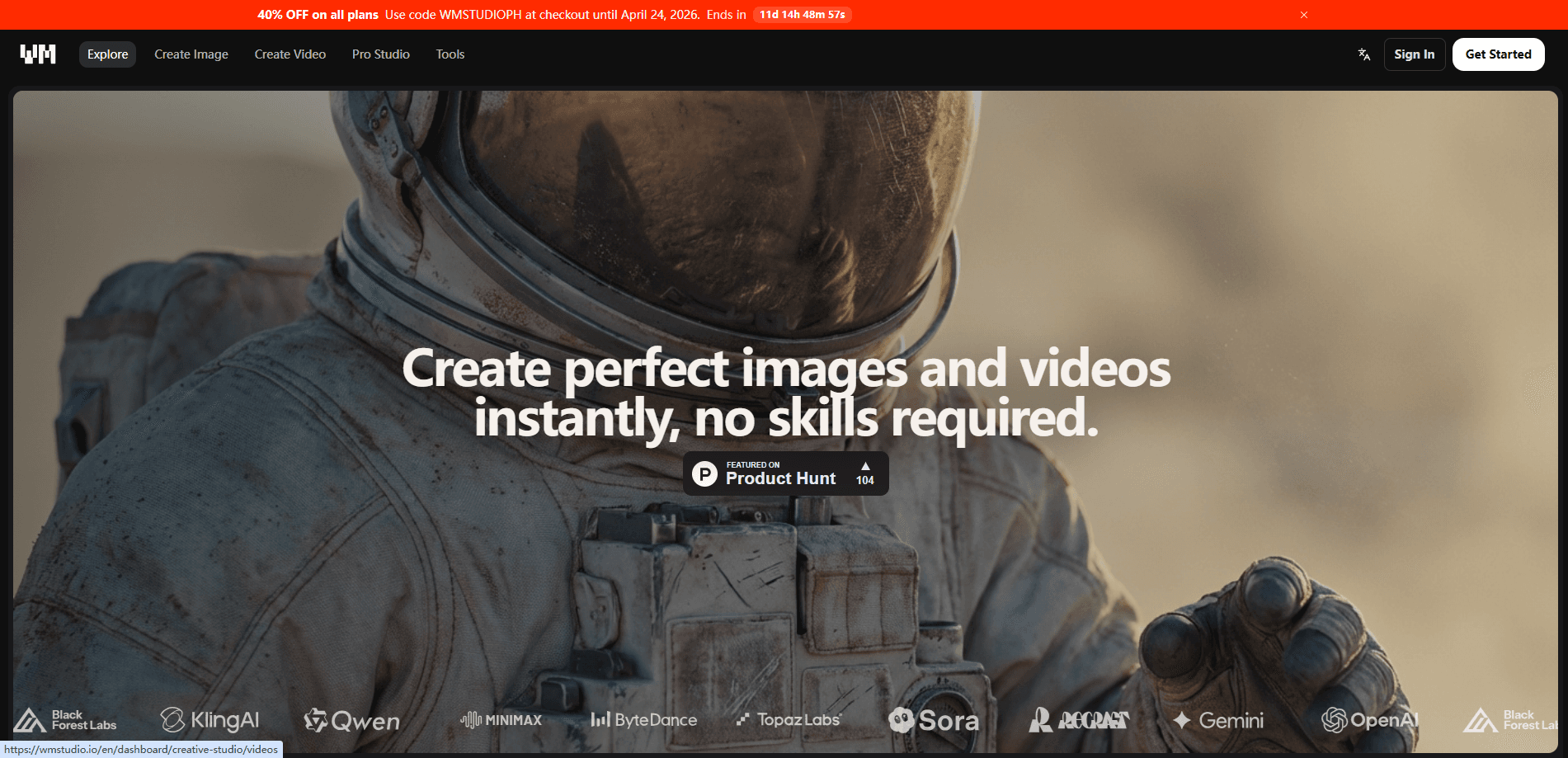
About WM Studio
What Is WM Studio
WM Studio is a web-based AI creative platform built around a simple idea. You describe what you want, or you upload something you already have, and the site generates the image or video for you. There's no timeline to scrub and no keyframes to set by hand.
The draw is the model lineup. Instead of betting on a single engine, WM Studio routes your request through specialized models, each known for a different strength. Nano Banana Pro handles detailed image work, Veo 3.1 and Sora 2 Pro lean cinematic, and Kling v3 Pro has a reputation for motion that holds together. For anyone who's bounced between five different tabs to get one usable clip, that consolidation is the point.
The catch: WM Studio is a generation tool, not a studio replacement. It won't cut your footage, mix your audio, or organize a long project. You still need somewhere else to assemble the final cut.
Getting Started
- Go to the WM Studio site and sign in, or create an account if you don't have one.
- Pick your output, image or video, then choose the model that fits the task.
- Write a prompt describing the scene, or upload a reference image to work from.
- Set whatever options the model exposes, like aspect ratio or clip length, then generate.
- Download the result, or iterate with a fresh prompt until the shot looks right.
Product Information
A quick look at WM Studio's pricing, supported platforms, and performance.
Best for
The users, tasks, and scenarios where this tool fits best.
Users
- Social media creators
- Marketers and small brands
- Hobbyists and prompt tinkerers
Tasks
- Text to video
- Image to video
- AI image generation
Scenarios
- Filling a content calendar when you don't have footage and can't shoot
- Pitching a concept before budget exists
- Testing a visual direction across several models
Key features
Multi-Model Generation
WM Studio doesn't lock you into one engine. The platform pulls from Nano Banana Pro, Veo 3.1, Sora 2 Pro, and Kling v3 Pro, each with its own strengths. That matters. No single model wins every task, and switching between them inside one account beats juggling separate subscriptions. You want a moody cinematic shot? Reach for Veo. Need clean text inside an image? That's a different model. The choice is the feature.
Text to Video
Type a description and get a moving clip back. This is the core use case for anyone producing short-form content at volume, where the difference between posting today and posting next week often comes down to whether you can generate a passable clip without a camera or a crew. The quality depends heavily on the model you choose and how specific your prompt is.
Image to Video
Upload a photo and let the platform animate it. It's the fastest route to motion when you already have the perfect still but need it to move. A portrait. A product. A quiet street at dusk.
AI Image Generation
Beyond video, WM Studio generates still images from prompts. Nano Banana Pro is the model most users will reach for here, since it's tuned for detail and text rendering in images, which makes it the better pick when a design needs legible words baked into the frame.
Prompt-Based Workflow
Everything runs on prompts, which keeps the learning curve shallow for newcomers who have never touched generative tools before, while still leaving experienced users enough room to refine a scene through repeated passes until the output matches the picture in their head. You describe, you generate, you adjust. There's no node graph or plugin stack to learn.
Web-Based Access
WM Studio runs in the browser, so there's nothing to install. You can generate from a laptop and keep working across devices, with a live connection as the only real requirement. The machine you're sitting at matters less than staying online.
Pros and cons
Pros
- Access to several top-tier video and image models without separate subscriptions.
- Text to video and image to video both covered, so one tool handles two common jobs.
- Browser-based, with no install or local hardware to worry about.
- Prompt-driven workflow is easy to pick up if you're new to AI generation.
Cons
- Pricing and free-tier details aren't clearly published, so you can't budget before signing up.
- It's a generation tool, not an editor. You'll still need separate software to cut, mix, and finish a project.
- Output quality varies a lot by model, and picking the right one takes some trial and error.
- No mobile app, so you're tied to a browser.
Frequently asked questions
It's an AI creative platform for generating images and videos from text or image inputs, and that flexibility is the whole point. You use it to produce clips and visuals quickly, mostly for social content, marketing, and concept work.
Related content
Explore related tools, skills, and articles for WM Studio.
WM Studio Alternatives

ngram 2.0
ngram · Video · Marketingngram 2.0 is an AI video generator for teams. It turns a prompt, a screen recording, or a product URL into a narrated explainer, product demo, or AI avatar video, and every scene stays editable.

OpenScreen 2
OpenScreen (open-source project) · Video · ProductivityOpenScreen 2 is a free, open-source screen recorder and demo video editor for Windows, macOS, and Linux, with automatic zooms, styled frames, local captions, and agent edits.

Skreno
Skreno · Video · ProductivitySkreno is a browser screen recorder that captures a tab, a window or your whole display, then attaches AI transcripts, summaries and console logs to one share link.