
Filmora: AI Video Editor&Maker
Wondershare · Video · China AI
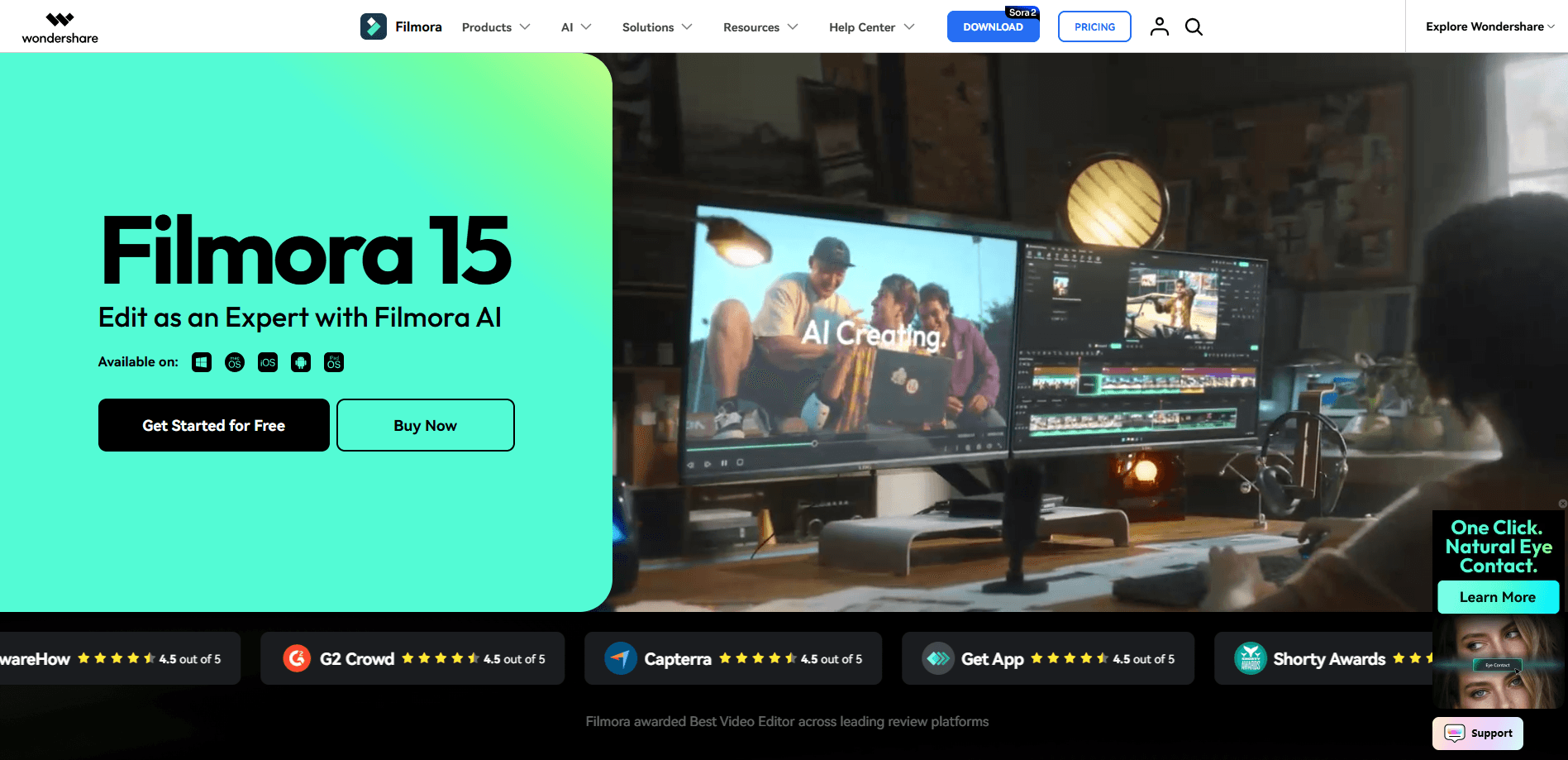
Wondershare Filmora is a cross-platform AI video editor for Windows, macOS, Android, and iOS. It pairs a drag-and-drop timeline with AI tools like text-to-video, auto captions, and voice cloning. Beginners finish a clip fast. Experienced editors still get keyframes, motion tracking, and 4K output. The free version covers basic editing, but exports carry a watermark until you upgrade.
About Filmora: AI Video Editor&Maker
What Is Wondershare Filmora
Wondershare Filmora is a video editing app built for people who want professional-looking results without a steep learning curve. It's also widely used as general video editing software for social clips, tutorials, and short films. You drop clips, images, and audio onto a timeline, then cut, trim, and arrange them in any order. Anything that used to require a plugin, like background removal or beat-synced cuts, now sits inside the same window.
The pull here is speed, and it's the main reason people switch from free editors that make every small task feel like a chore. Instead of learning a dozen menus, you start with templates and let the AI tools handle the tedious parts: cleaning up audio, writing subtitles, or turning a script into a rough cut. It runs on phones and desktops, and projects sync across devices if you're on a paid plan.
The trade-off is price structure. The Filmora free plan is genuinely usable, but every export gets a watermark. The full creative asset library stays locked behind a subscription. If you just need one polished video and don't care about a logo in the corner, free is fine. If you post regularly, you'll want a paid tier. That's why Filmora pricing matters more than the feature list for anyone posting weekly.
Getting Started
- Download Filmora from filmora.wondershare.com or the Google Play Store, then install it on your device.
- Create or sign in with a free Wondershare ID to turn on cloud features and activation.
- Start a new project and drag your video, photo, and audio files onto the timeline.
- Pick a template or apply an AI tool such as auto captions, then trim and polish the sequence.
- Export your video, choosing 4K resolution on a paid plan if you want watermark-free output.
Product Information
A quick look at Filmora: AI Video Editor&Maker's pricing, supported platforms, and performance.
Best for
The users, tasks, and scenarios where this tool fits best.
Users
- Beginners who want to edit on a phone or laptop without learning pro software
- YouTubers and social media creators posting on a schedule
- Small teams making marketing clips
Tasks
- Adding subtitles to a long interview
- Cleaning noisy audio
- Turning a script into a rough video
Scenarios
- Editing a travel vlog on the train
- Producing a weekly product demo
- Restoring shaky phone footage
Key features
AI Video Editing Tools
Filmora leans hard on AI, and most of it targets the parts of editing people hate, which is why the company keeps adding new models with each yearly release instead of saving them for a separate pro tier. Text-to-video turns a written prompt into a starter clip, auto captions transcribe speech, and voice cloning creates a synthetic voice from a sample. These aren't gimmicks you'll use once. Captions alone save an hour on a long video. That adds up.
Drag-and-Drop Timeline
The timeline is the core workspace, and it's built for speed over complexity. You drag clips in, trim edges, and rearrange scenes without hunting through menus. A dual-timeline view lets you see your source footage next to the edit, which matters when you're matching shots from different cameras and need to confirm timing before you commit to the cut.
Massive Creative Asset Library
Filmora ships with millions of royalty-free assets: transitions, effects, music, and ready-made templates. This is the feature that separates it from bare-bones editors. Paid plans open the full library. Free users get a limited set. If you make social content, the templates alone justify the subscription.
Motion Tracking and Keyframes
You can lock text, graphics, or effects to a moving object, or animate anything on screen with keyframes. Filmora also adds a Pen Tool for drawing custom motion paths with speed control. It's the kind of control that used to mean opening a pro editor, and it now sits inside a beginner-friendly app that most people can pick up in an afternoon without watching a single tutorial video.
Cross-Platform Editing
One project can move between Windows, macOS, Android, and iOS, which is what makes Filmora a true cross-platform video editor. Start on your phone, finish on a laptop, and keep your edits in sync through cloud storage on paid tiers. Not every editor does this well. Most treat the app as an afterthought. Filmora treats mobile as a real workspace.
Audio and Voice Tools
Audio gets its own toolkit: denoise, beat detection that syncs cuts to music, and text-to-speech. Speech-to-text covers 27 languages, which is wider than most consumer editors offer. For podcasters and YouTubers, this removes a separate audio-editing step. Big time saver.
Export and Format Options
Free users export with a watermark. That's the deal. Paid plans give you watermark-free output up to 4K. Filmora supports the common formats you'd need for YouTube, TikTok, and Instagram, and the mobile app handles up to 4K UHD too.
Pros and cons
Pros
- AI video editing tools like auto captions, text-to-video, and voice cloning cut real editing time.
- The asset library is huge and royalty-free, so you rarely need outside stock.
- Runs on Windows, macOS, Android, and iOS with project sync on paid plans.
- Interface is friendly enough for beginners yet includes keyframes and motion tracking.
- A one-time perpetual license exists for people who dislike subscriptions.
Cons
- Free exports carry a watermark, which rules out the free plan for anything public.
- The full asset library and AI credits sit behind paid tiers, so costs add up.
- Heavy AI effects can lag on older phones and lower-spec laptops.
- Licensing is single-user on the Basic and Advanced plans. Sharing a seat isn't an option there.
Frequently asked questions
Yes. You get all the basic editing features and can export videos for free, but the exported files include a watermark. Cloud storage and the full creative asset library need a paid plan.
Related content
Explore related tools, skills, and articles for Filmora: AI Video Editor&Maker.
Filmora: AI Video Editor&Maker Alternatives

Vadu AI
Vadu AI · Image · VideoVadu AI is a web-based AI video generator that turns written prompts or still images into short clips, and it can also generate images on its own. You type what you want, pick a model and style, and the platform renders the result in minutes. A free plan covers light testing, while paid tiers run from $9 to $77.40 per month based on how many credits you burn.

Mykaraoke Video
MyKaraoke Video · VideoMykaraoke Video is an online karaoke video maker and lyric video maker that turns any song into a finished, lyrics-synced video right in your browser. It handles the slow part for you. The AI pulls vocals out of the mix and locks the lyrics to the beat, then lets you customize background, fonts, and colors before exporting in 1080p MP4. If you make lyric videos for social media, party nights, or music promotion, it skips the software installs and manual timing work entirely. Want a karaoke video generator that doesn't eat your whole evening? That's the pitch here.

Finalframe
Finalframe · VideoFinalframe is a set of free, browser-based tools for grabbing exact frames out of a video clip. Its best-known feature, the Final Frame Extractor, lets you extract the last frame of any video so you can use it as the starting image for AI video tools like Luma Dream Machine, Runway, or Kling. Want to keep a clip going? That last frame is your starting point. The tool runs locally in your browser, needs no sign-up, and costs nothing. A separate paid AI video-generation app from the same team is currently offline while it's rebuilt.