

WordMate
WordMate · Leaning
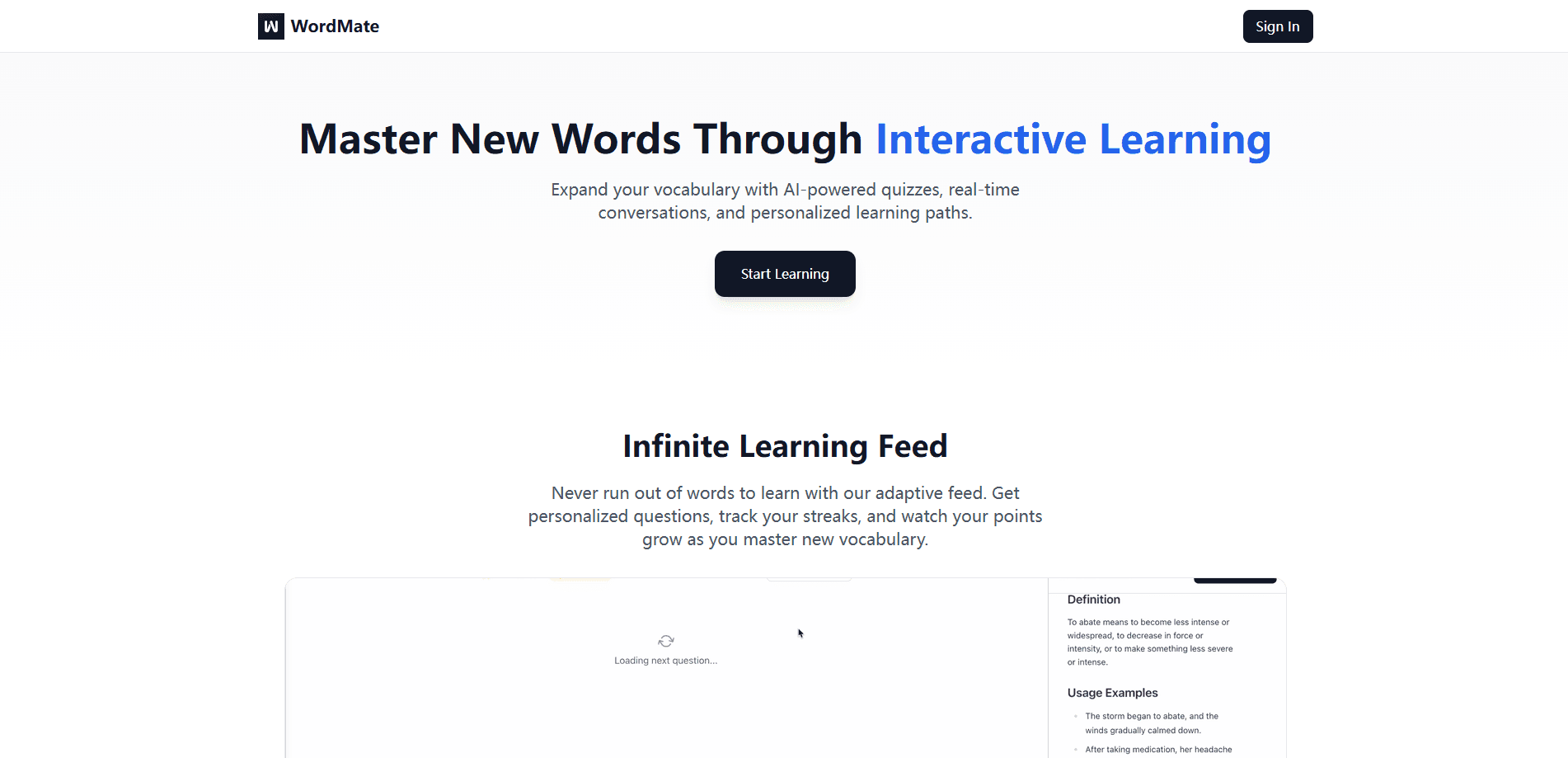
WordMate is an AI vocabulary app that helps you learn words through context, short writing practice, and an in-chat tutor instead of plain flashcard drills.
About WordMate
What Is WordMate
WordMate is a vocabulary learning product built by Harsha Kotla and a small team focused on one idea: memorizing word lists is not the same as being able to use a word. The app surrounds each word with real passages, usage notes, and prompts, so learners learn new words the way they actually meet them in interviews, essays, and conversations.
The core problem WordMate targets is the gap between recognition and recall. Most study apps test whether you can pick the right word from a list, which builds passive familiarity. WordMate pushes you to produce the word yourself through writing prompts and follow-up questions, which is the skill that shows up in real use.
Its main limitation is scope. WordMate is a vocabulary and language-learning tool, not a full course or grammar platform, and its deeper features assume an internet connection and a browser or app session. Learners who only want a translated definition may find a dictionary quicker.
Getting Started
- Create an account on the WordMate website or open the app and sign in.
- Pick a target language and set up custom word categories or import a list you want to study.
- Read a generated passage and tap words you do not know to get instant definitions and usage notes.
- Answer the practice prompt by writing a sentence or two with each new word.
- Ask the in-chat assistant for extra examples or synonyms, then track your progress over time.
Product Information
A quick look at WordMate's pricing, supported platforms, and performance.
Best for
The users, tasks, and scenarios where this tool fits best.
Users
- Language learners who forget words quickly
- Students preparing for interviews and essays
- Self-directed learners who want structure without a tutor
Tasks
- Building active vocabulary from a word list
- Practicing writing with new words
- Getting on-demand word explanations
Scenarios
- A 10-minute daily study block
- Last-minute prep before an interview or exam
- Stuck on an unfamiliar word mid-reading
Key features
AI Chat Assistant
The built-in chat assistant acts as a study partner rather than an answer machine. Short commands such as define, example, and synonym let you pull extra context on a word at the moment you need it, so help arrives without removing the effort that makes learning stick. WordMate keeps the assistant in a supporting role, encouraging you to keep working through the prompt yourself.
Contextual Reading Mode
Contextual vocabulary learning is the heart of Reading Mode, which pairs words with real passages rather than isolated entries. As you read, unknown words are a tap away from instant definitions, usage notes, and follow-up questions, so you learn each word the way it appears in real text. When you finish a passage, a prompted review folds the new words back into the study loop.
Practice Mode Writing Prompts
Practice Mode flips the usual flashcard flow by asking you to use a word instead of just recognizing it. In about 30 to 60 seconds you explain, connect, or create with the word, and WordMate tailors each prompt to your level. These short reps target deep encoding, which is what moves a word from short-term familiarity into usable memory.
Instant Word Intelligence
When you look up a word, WordMate returns far more than a definition. It shows meaning, usage context, and related forms together, so you can see how the word behaves in different sentences. Having that detail in one place saves the back-and-forth of checking several sources and keeps you inside the study flow.
Custom Categories and Progress Tracking
You can build custom categories around the topics you care about, from business vocabulary to exam prep, and WordMate records what you have studied. Progress tracking shows where your recall is solid and where it still slips, which helps you decide what to revisit instead of re-reading words you already know.
Pros and cons
Pros
- Builds active recall through writing prompts rather than multiple-choice recognition, which targets the skill that shows up in real conversations and essays.
- Contextual reading keeps vocabulary tied to real passages, so words are learned with the usage and nuance that definitions alone miss.
- The in-chat assistant offers just-in-time help without handing over the answer, keeping learners in a productive struggle.
- Custom categories and progress tracking turn a loose study habit into a reviewable routine.
- Free to start, so you can test whether the context-and-practice loop fits your study style before paying.
Cons
- It is a vocabulary tool, not a full course, so grammar, pronunciation, and structured curriculum are largely out of scope and you need other resources for those.
- The deeper features depend on a browser or app session with an internet connection, which limits offline study.
- Because it favors active production over quick lookups, learners who just want a fast translation may find the practice flow slower than a dictionary.
Frequently asked questions
WordMate is used to build vocabulary you can actually recall and use. It combines contextual reading, short writing practice, and an in-chat study assistant so you learn words through use instead of memorizing isolated lists.
Related content
Explore related tools, skills, and articles for WordMate.
WordMate Alternatives
Coddy
Coddy · Coding · LeaningCoddy is a gamified platform to learn to code through short interactive lessons in 20+ languages, with a browser editor, an AI tutor and free certificates.

Marv
Cameron (independent developer) · Coding · Productivity · LeaningMarv is an AI cursor companion for Windows and Mac. It sees your screen, answers out loud, and draws arrows and highlights that show you the next click.

Teachoo
iAsk AI · Leaning · ChatbotTeachoo is a free AI homework helper that walks students through math, science, writing and coding problems one step at a time, with photo input, hints and flashcards.