

WorkElate
WorkElate · Productivity
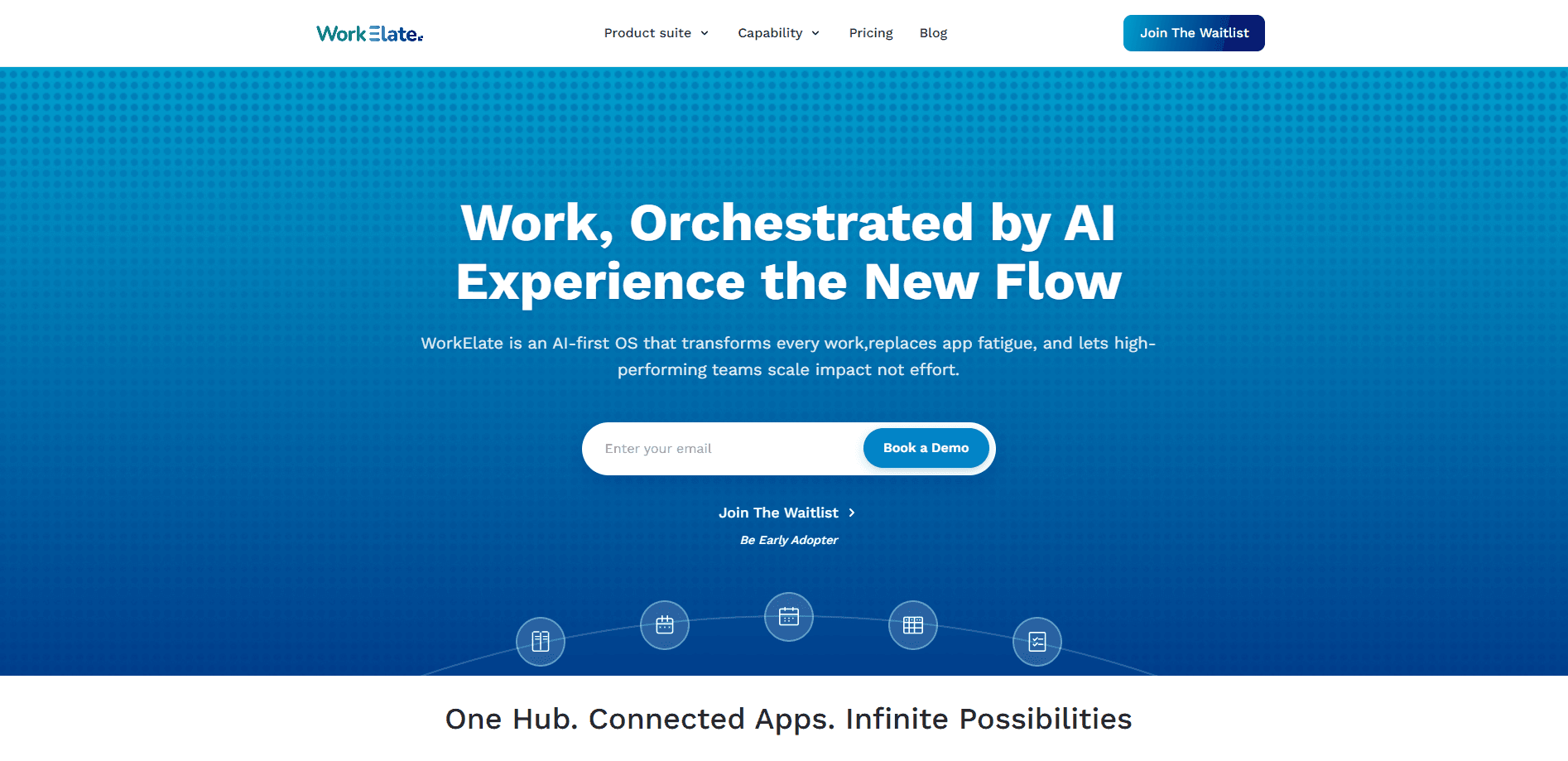
WorkElate is an AI-native workspace that bundles Docs, Sheets, WeMail, Chat, Tasks, Canvas, and Forms into a single office suite driven by one AI that remembers your work and acts across every app. It's a unified work platform, not five subscriptions stitched together. Teams run planning, execution, and client work in one place, while the AI connects decisions to tasks and form responses to calendar events. It's built AI-first rather than as a chatbot bolted onto each tool.
About WorkElate
What Is WorkElate
WorkElate is an AI-native office suite for teams that are tired of glue work. It combines the everyday tools people already use, documents, spreadsheets, email, chat, tasks, whiteboards, and forms, and puts a single AI layer on top of all of them. That AI watches the whole workspace, so a decision made in Chat can turn into a Tasks card, and a Forms response can turn into a Calendar booking.
The pitch is simple. Most productivity stacks make you move data between apps by hand. WorkElate's AI handles those handoffs, remembering context across every module and confirming before it acts on anything that matters. The work happens in one workspace instead of five tabs, which is the whole point of a unified work platform built around a single AI that never loses track of where your work actually lives. No more tab hopping.
The main limitation is timing. WorkElate is still early, and its pricing page currently offers a waitlist rather than published plans, so you can't fully evaluate the cost against your current stack yet. There's also a real learning curve in trusting an AI that acts across your work. If your team lives deep in a specific legacy tool, the switch won't be frictionless.
Getting Started
- Join the waitlist from the WorkElate pricing page to get access as early adopters are onboarded.
- Once you're in, sign in and create a workspace, then invite teammates so context lives in one shared place.
- Connect the modules you need first, usually Docs, Tasks, and Forms, and let the AI index your existing work.
- Describe a goal in Chat and watch the AI pull context from across the apps before it proposes actions.
- Approve or edit what the AI suggests, then let it push results into Tasks, Sheets, or Calendar.
Product Information
A quick look at WorkElate's pricing, supported platforms, and performance.
Best for
The users, tasks, and scenarios where this tool fits best.
Users
- Founders wearing every hat
- Small teams that lose context between tabs
- Consultants juggling multiple clients
Tasks
- Turning a chat decision into an assigned task
- Converting form submissions into follow-up work
- Generating a first draft deck or document from a single prompt, then editing it in the same workspace.
Scenarios
- Client onboarding
- Planning a project on a shared Canvas and running it in Tasks, both wired to the same AI.
- Running a weekly ops review without exporting data between apps, since Sheets and Docs share one live workspace.
Key features
One AI across every app
The core of WorkElate is a single AI that watches your entire workspace rather than one tool at a time. Ask it a question about your work and it answers from across Docs, Sheets, Chat, and Tasks. It also acts, turning decisions into cards and form responses into bookings. That cross-app awareness matters. It's what separates WorkElate from a chatbot added to a standalone editor, and it's the main reason teams consider switching.
AI-native Docs and Sheets
Docs and Sheets are built for live co-editing, so teammates work in the same file in real time. What makes them different is the AI layer sitting on top. You can generate a draft or a dataset from a prompt and then edit it in place, without exporting to another app. That saves real time. For teams frustrated by copy-paste between tools, that's the practical win.
WeMail, Chat, and Calendar
WorkElate folds email, chat, and scheduling into the same workspace. WeMail handles AI-native email, Chat syncs work conversations, and Calendar manages scheduling. Because they share one AI brain, a scheduling request in Chat can become a calendar event without you re-entering the details. That's the connective tissue most stacks are missing. Why does it matter? Because re-entering details is where small delays pile up.
Tasks, Boards, and Canvas
Tasks brings Kanban planning with bucketed columns, priority tags, and delivery dates that the AI can pre-fill from client data. Canvas is a collaborative whiteboard for mapping a process or a strategy visually. Board adds strategy and experience mapping. They plug into the same AI, so planning and execution stay linked.
Forms and workflow automation
Forms capture responses and trigger downstream work. The onboarding demo shows a five-step flow, form, persona, board, task, spreadsheet, where each output feeds the next automatically. Auto-generated forms can arrive with project name, goals, and timelines already set up, so a new client onboarding sequence that would take an afternoon of manual setup instead runs as one connected flow that ends in a live, editable spreadsheet row. It's workspace automation aimed at B2B teams, not just data collection.
Built AI-first, not retrofitted
WorkElate's own framing is that it wasn't retrofitted from yesterday's software. The AI is the operating layer, not a feature in a menu. That design choice shows up in how actions propagate between apps. It's a bold claim. Whether the approach holds up at scale is still an open question, since the product is early.
Pros and cons
Pros
- Consolidates docs, sheets, email, chat, tasks, canvas, and forms into one workspace, which cuts down on subscriptions and context switching.
- The single AI acts across apps, so decisions and form responses flow into tasks and calendar events automatically.
- The AI confirms before acting on anything important, which keeps teams in control of consequential changes.
- Separate per-client work-graphs help consultants and agencies keep accounts from bleeding into each other.
- Live co-editing in Docs and Sheets is native, not an add-on.
Cons
- Pricing isn't published yet, so you can't compare WorkElate's cost against your current stack before committing.
- The product is early and still onboarding through a waitlist, which limits hands-on evaluation.
- Relying on an AI that acts across your whole workspace takes trust, and the learning curve is real for cautious teams.
- Deep ties to a specific legacy tool may make migration harder than the unified pitch suggests.
Frequently asked questions
WorkElate is a unified workspace for planning, execution, and client work. It combines Docs, Sheets, WeMail, Chat, Tasks, Canvas, and Forms, and runs them through one AI that connects work between apps. Teams use this AI task management and workspace automation approach to avoid moving data by hand between separate tools.
Related content
Explore related tools, skills, and articles for WorkElate.
WorkElate Alternatives

Swms
Swms AI · Writing · Productivity · BusinessSwms is an AI safety compliance tool that turns a plain description of a job into ready-to-use safety documents. Describe your project, trade, and known hazards, and it writes a safe work method statement, job hazard analysis, safe work procedure, RAMS, or safety data sheet in seconds. It also ships with Oscar, a chat assistant that answers workplace safety questions in any language. Teams in construction, mining, transport, and warehousing use it to cut the paperwork that usually eats into a workday.

Wordly AI Translation
Wordly · Voice & Language · ProductivityWordly AI Translation is a real-time AI translation and captioning platform built for meetings, conferences, and events. It delivers live translation, captions, transcripts, and summaries in more than 60 languages, and attendees join by scanning a QR code or opening a link instead of using dedicated headsets. The platform works with Zoom, Microsoft Teams, Google Meet, and Webex, and it's designed for organizations that want multilingual access without hiring human interpreters for every session. Simple as that.

Rows
Rows (Superhuman) · Productivity · BusinessRows is an AI spreadsheet and data analysis tool that imports live data from more than 50 sources, then lets you work with it using plain language instead of SQL queries or nested formulas. You can pull numbers out of PDFs, connect ad platforms, databases, and bank accounts, and ask the AI to build reports, merge datasets, or set up models that recalculate themselves. It runs in the browser, works like a spreadsheet, and now sits under the Superhuman umbrella.