

Workout Planner Gym Log・Fit AI
Social Tech Inc. · Productivity · Leaning · AI Assistant
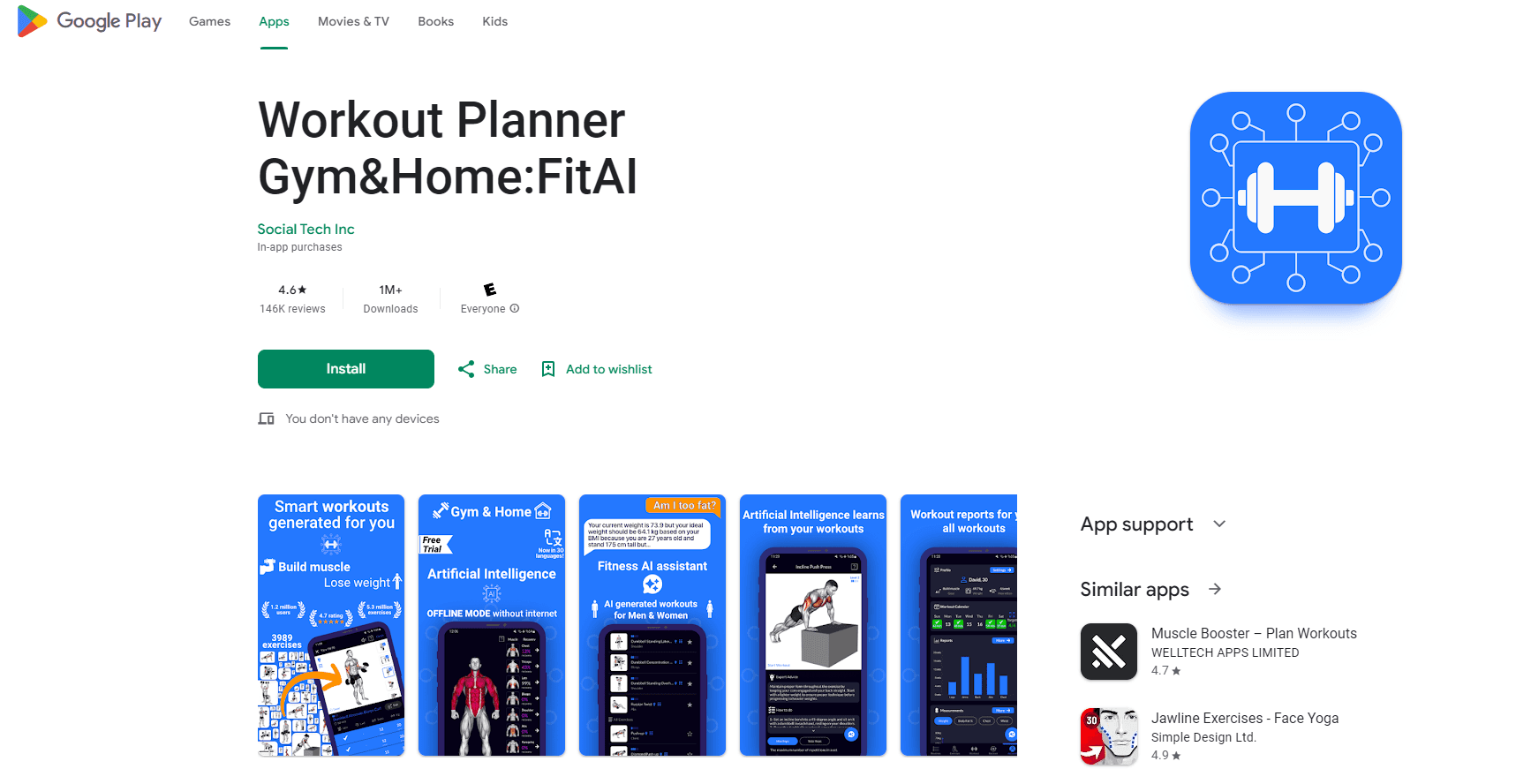
Workout Planner Gym Log・Fit AI is an AI fitness app that builds a personalized workout plan, logs every set with a gym tracker, and coaches you through 3,000+ exercises at the gym or at home.
About Workout Planner Gym Log・Fit AI
What Is Workout Planner Gym Log・Fit AI
Workout Planner Gym Log・Fit AI, usually called FitAI, is an Android fitness app from Social Tech Inc. It does three jobs that most people juggle across separate apps: it plans your training, logs what you actually lift, and answers training questions through an AI coach. You tell it your goal, your equipment, and your experience level, and it builds a routine around those answers instead of handing you a generic template.
The pitch is the AI that adapts. Every plan ships with sets, reps, and rest times matched to your level, and as you log sessions the app reshapes the program based on how you actually perform. That feedback loop is the difference between a plan that keeps working after week four and one that quietly stops matching your progress.
The limits matter too. FitAI is Android-first, so iPhone users need the separate App Store app rather than this one. The library is large, but the AI output still leans on the data you feed it, and a rushed setup gives back a less useful plan. Premium features sit behind a subscription, and the free download alone will not unlock the full coaching layer.
Getting Started
- Install FitAI from Google Play and pick your goal, such as building muscle, losing weight, or getting stronger.
- Enter your body stats, training experience, and the equipment you can actually access, gym or home.
- Let the AI generate a workout plan with exercises, sets, reps, and rest times for your level.
- Start a session, log each set through the gym log, and let the tracker record weight, reps, and personal records.
- Review your charts over the following weeks, since the AI adjusts the plan as your performance changes.
Product Information
A quick look at Workout Planner Gym Log・Fit AI's pricing, supported platforms, and performance.
Best for
The users, tasks, and scenarios where this tool fits best.
Users
- Beginners with no gym background
- People training at home with little or no equipment
- Lifters who already train and want structure
- Anyone who wants answers between sessions
Tasks
- Building a personalized workout plan
- Logging every set at the gym
- Following guided home workouts
- Tracking long-term progress
Scenarios
- A first-time gym member who does not know where to start
- Training at home with minimal gear
- Running a push pull legs or upper/lower split
- A returning lifter rebuilding a routine
Key features
AI workout planner and personal trainer
The planner asks about your goal, fitness level, and equipment, then generates a full routine with exercises, sets, reps, and rest times. It covers muscle building, weight loss, and general strength, and it keeps adapting as you log real sessions. You can also ask the AI trainer about exercises, training, and recovery and get an answer without waiting on a coach.
Gym log and workout tracker
The gym log is the tracking half of FitAI. You record sets, reps, and weights in a few taps, and the tracker turns them into charts, workout history, and personal records. For lifters who care about progressive overload, that history is the number that drives the next jump in load, and the app flags new records as you hit them.
3,000+ exercises with video
The exercise library covers every major muscle group, from chest, back, and shoulders to glutes, calves, and forearms, with gym and bodyweight movements mixed together. Each entry comes with a video demonstration and text cues for form, so a beginner learns the movement instead of copying a video blindly. Ready-made routines for abs, chest, legs, and glutes sit alongside the full catalog.
Home and gym workouts in one app
FitAI runs both training environments. Home workouts use bodyweight and calisthenics or light equipment like dumbbells, kettlebells, and resistance bands. Gym workouts add barbells and machines. You can also build your own split, whether that is push pull legs, upper/lower, or full body, so the app follows your structure rather than forcing its own.
Wear OS workout tracker
The Wear OS app logs training straight from the watch and syncs live with your phone. It shows real-time heart rate, rest timer alerts, and a home screen tile for the current workout. That means you leave the phone in the bag and still keep the data, which is the point for anyone who finds mid-set phone taps a distraction.
Strength, HIIT, and recovery sessions
Beyond straight lifting, FitAI covers HIIT and cardio for fat loss, plus running, cycling, stretching, yoga, and foam rolling for recovery and mobility. The mix suits people who want one app for the full week instead of a strength app plus a separate cardio tracker plus a mobility routine somewhere else.
Pros and cons
Pros
- Builds a plan around your goal, level, and equipment instead of serving the same routine to everyone.
- The gym log and tracker keep real numbers behind progressive overload, so strength gains are visible over time.
- The 3,000+ exercise library works for gym and home, with video and form cues on every movement.
- The AI coach answers training, nutrition, and recovery questions between sessions, which removes the wait for a person.
- The Wear OS app logs from the watch and syncs live, so you can train without reaching for the phone.
Cons
- Android and Wear OS only, so iPhone users have to use the separate App Store app rather than this listing.
- Premium features sit behind a subscription, and the free download alone will not unlock the full AI coaching layer.
- The quality of the plan depends on the setup answers, so a rushed intake yields a less useful routine.
- The library is large enough to overwhelm a beginner who has not decided on a goal yet.
Frequently asked questions
It is an AI fitness app that builds a personalized workout plan, logs your sets through a gym tracker, and coaches you through 3,000+ exercises. People use it to plan training, track progress, and get form guidance at the gym or at home.
Related content
Explore related tools, skills, and articles for Workout Planner Gym Log・Fit AI.
Workout Planner Gym Log・Fit AI Alternatives

Swms
Swms AI · Writing · Productivity · BusinessSwms is an AI safety compliance tool that turns a plain description of a job into ready-to-use safety documents. Describe your project, trade, and known hazards, and it writes a safe work method statement, job hazard analysis, safe work procedure, RAMS, or safety data sheet in seconds. It also ships with Oscar, a chat assistant that answers workplace safety questions in any language. Teams in construction, mining, transport, and warehousing use it to cut the paperwork that usually eats into a workday.

Wordly AI Translation
Wordly · Voice & Language · ProductivityWordly AI Translation is a real-time AI translation and captioning platform built for meetings, conferences, and events. It delivers live translation, captions, transcripts, and summaries in more than 60 languages, and attendees join by scanning a QR code or opening a link instead of using dedicated headsets. The platform works with Zoom, Microsoft Teams, Google Meet, and Webex, and it's designed for organizations that want multilingual access without hiring human interpreters for every session. Simple as that.

Rows
Rows (Superhuman) · Productivity · BusinessRows is an AI spreadsheet and data analysis tool that imports live data from more than 50 sources, then lets you work with it using plain language instead of SQL queries or nested formulas. You can pull numbers out of PDFs, connect ad platforms, databases, and bank accounts, and ask the AI to build reports, merge datasets, or set up models that recalculate themselves. It runs in the browser, works like a spreadsheet, and now sits under the Superhuman umbrella.