

X PhotoKit
ROUSEMOBI LIMITED · Image
X PhotoKit is an Android photo editor that combines AI face swap, filters, collage layouts, and ready-made templates in one app, so you can retouch, merge, or restyle photos without desktop software.
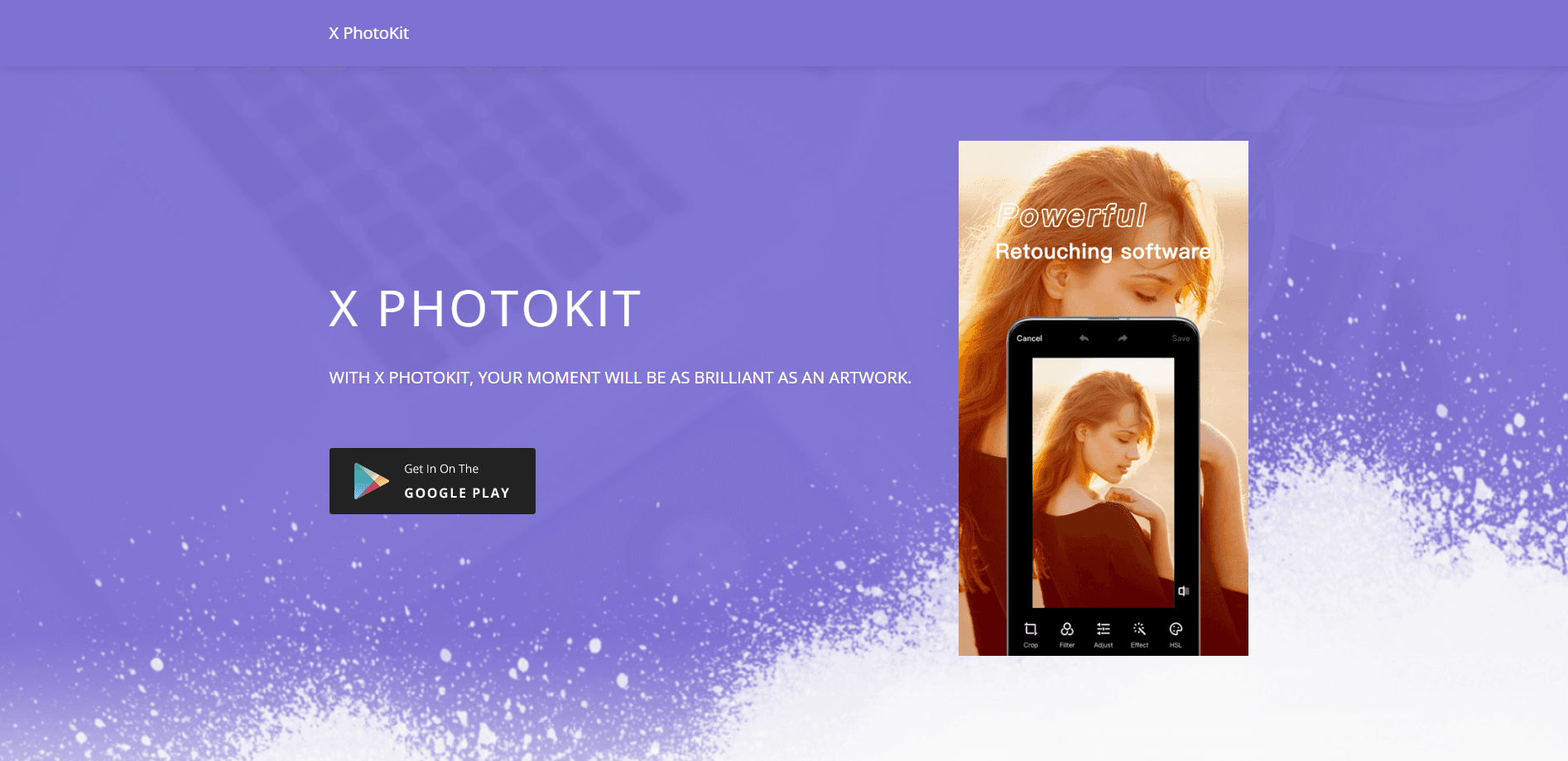
About X PhotoKit
What Is X PhotoKit
X PhotoKit is a mobile photo editing app built around three tasks most people actually do with pictures: cleaning up a shot, combining several shots, and turning one photo into something shareable. It runs on Android through the Google Play listing (package name com.xphotokit.app), and the developer, ROUSEMOBI LIMITED, also ships companion apps and browser tools under the same brand.
The app leans on AI for the parts that used to take manual work. Face swap is the headline feature: you upload a selfie and the algorithm blends your face onto a chosen image. Collage and stitching handle the layout side, and a filter and adjustment set covers basic color work. Everything sits behind a simple interface aimed at casual users rather than retouching professionals.
There is no free lunch. The app shows ads and gates many tools behind in-app purchases, so the free experience is a trial of sorts. Anyone who wants unrestricted access pays for it.
Getting Started
- Install X PhotoKit from Google Play, or open the web tool at xphotokit.com.
- Launch the app and pick a module: face swap, photo editor, collage, or templates.
- Upload a photo from your gallery or take a new one with the camera.
- Apply the AI tool or filter you want, then adjust the result before saving.
- Export the finished image and share it to your social apps or gallery.
Product Information
A quick look at X PhotoKit's pricing, supported platforms, and performance.
Best for
The users, tasks, and scenarios where this tool fits best.
Users
- Casual creators
- Social media posters
- Small business sellers
Tasks
- Swapping a face into a photo
- Building a photo collage
- Merging a panorama
- Making a poster or cover
Scenarios
- Holiday greetings
- Travel memory keeping
- Profile and avatar fun
- Quick product shots
Key features
AI Face Swap
Upload a selfie and X PhotoKit replaces the face in a target picture with yours. The algorithm matches skin tone and lighting so the result reads as natural rather than pasted on, which is the main reason people open the app.
Photo Editor and Filters
The editor bundles filters, effects, and manual sliders for brightness, contrast, temperature, and saturation. You can also sharpen detail or blur a background for a DSLR-style shallow-focus look, all without a separate editing tool.
Templates for Posters and Covers
A built-in template library covers holidays, promotions, and social posts. Acting as a photo template editor, you swap in your own photos and tweak the text, which makes a polished-looking graphic possible in a couple of minutes.
Photo Collage Maker
Collage mode arranges multiple images into grid, mosaic, or fusion layouts. Layouts and backgrounds come premade, so the work is mostly choosing which photos go where.
Image Stitching
Stitching joins several photos edge to edge to build a wide or tall panorama. As an image stitching app, this mode is a practical way to show a full scene or a photo sequence in one frame instead of several.
One-Tap AI Restoration and Styling
Beyond editing, X PhotoKit includes AI tools that repair blurry or low-resolution photos, colorize them, or push them into a comic and animated style. These sit under the same app family as the photo editor.
Pros and cons
Pros
- Combines face swap, collage, and editing in one install, so you skip juggling apps.
- Face swap results blend lighting and skin tone, which keeps swapped photos from looking obviously fake.
- Template and collage libraries save time for posters and social posts.
- Runs on Android and has a browser tool for desktop use, so the workflow is not locked to one device.
Cons
- The free version is ad-supported, and many tools are locked behind in-app purchases, which interrupts editing.
- Pricing is listed per item rather than as a clear monthly subscription, so the real long-term cost is hard to predict up front.
- The tool is built for quick, casual edits, so it lacks the layer control and fine masking that serious retouchers expect.
Frequently asked questions
Yes, X PhotoKit is free to download from Google Play, but the app shows ads and offers in-app purchases from about $10.99 to $22.99 per item for premium access. You can edit photos on the free tier, but several tools stay locked until you pay.
Related content
Explore related tools, skills, and articles for X PhotoKit.
X PhotoKit Alternatives

Tractionwave
TractionWave · Image · MarketingTractionWave is an AI attention heatmap tool for static ads. Upload a PNG or JPG and it returns predicted attention, ranked hotspots, and fixes before you spend budget.

Imejis.io
Imejis.io · Image · MarketingImejis.io is an AI design studio for agents and marketing teams. Describe an image in plain words, and it writes the copy, builds the layout, reflows it to every size, then exports a finished file.

Layoutr
Van Dijk Ontwikkeling · Image · China AILayoutr is a browser floor plan tool that scales your own plan, places furniture at true size, shows the room in 3D and renders it with AI.