

X-Pilot
X-Pilot · Video · Leaning
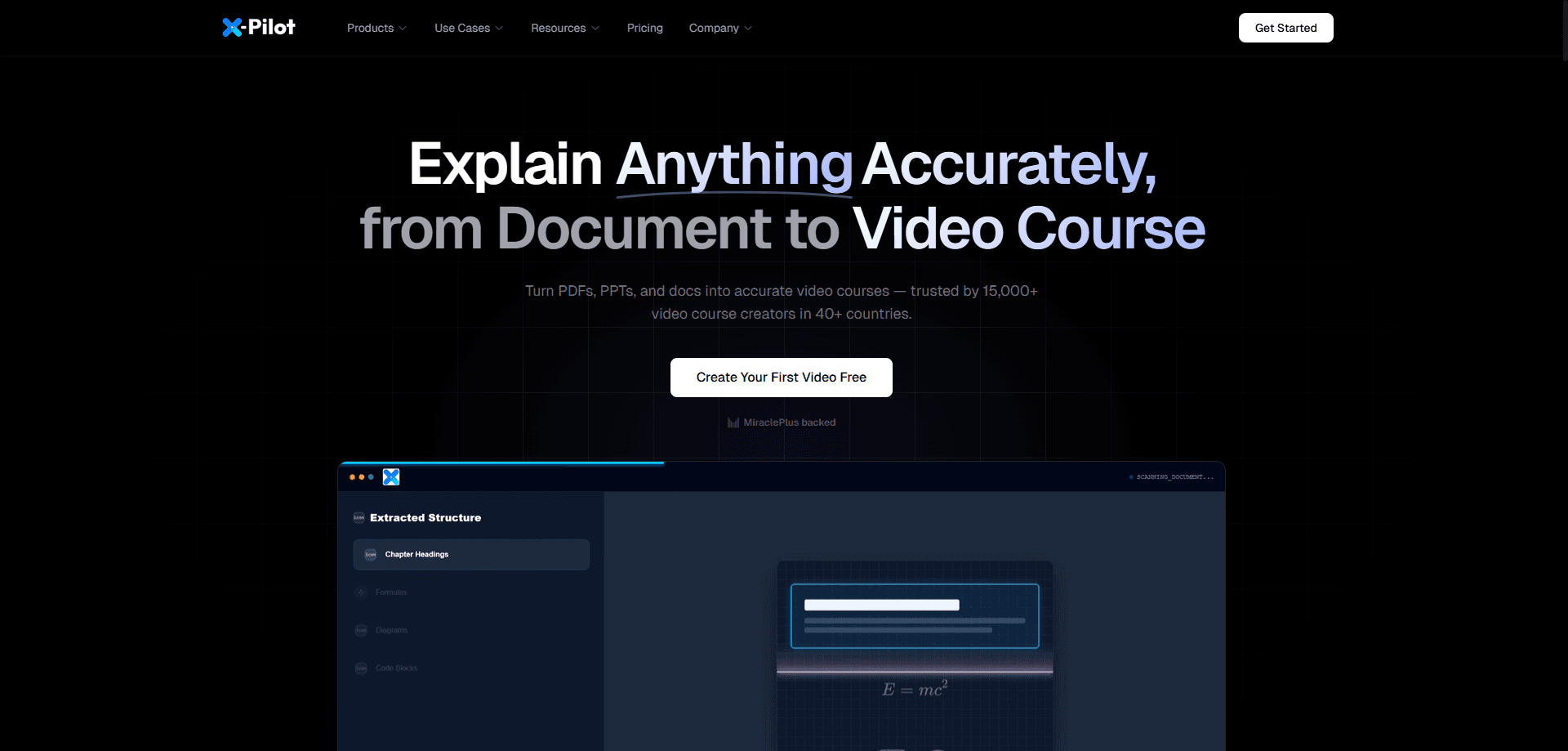
X-Pilot is an AI course video generator built for teachers, trainers, and course creators who can't afford to publish a wrong diagram or missed formula. It also works as a training video generator for corporate and compliance teams, and as a course video maker for anyone turning documents into lessons. You start from a topic, text, PDF, PowerPoint deck, DOCX file, or URL, and it drafts an outline plus scenes you can refine in plain language. Every scene traces back to your source material. Approved scenes render from code rather than a fresh generative pass each time, which is what separates X-Pilot from a typical prompt-to-video tool.
About X-Pilot
What Is X-Pilot
X-Pilot is an AI video production tool focused on course and training content. It takes the material you already have, such as past exam papers, compliance manuals, lecture notes, or slide decks, and turns it into an editable video project with narration, diagrams, and on-screen text. The pitch is accuracy: if your learners would catch a wrong number, this workflow is built to keep you in control.
The problem it solves is trust. Most AI video generators produce a polished clip, then leave you guessing whether the narration matches the facts. X-Pilot keeps the outline and scenes editable, so you review before anything renders. Files run long too, since a single project can hold a lesson past 20 minutes, and chapter-based courses split into one project per chapter.
The main limit is scope. This isn't a cinematic AI video maker for social clips or ads, and it doesn't promise zero-touch publishing. You review the output, or it isn't the right fit. That review step is the whole point.
Sound like more work? Yes. But when a compliance module or an exam lesson carries a wrong formula, a second look before export is cheaper than a correction after launch.
Getting Started
- Sign up at x-pilot.ai and open a new video project.
- Pick your source: paste a topic or text, or upload a PDF, PPT, DOCX, or URL.
- Enter your voice and language, then let X-Pilot propose an outline and scenes.
- Check the outline and describe any changes you want in plain language.
- Preview the scenes and export a 1080p MP4 once everything looks right.
Product Information
A quick look at X-Pilot's pricing, supported platforms, and performance.
Best for
The users, tasks, and scenarios where this tool fits best.
Users
- Teachers and professors
- Corporate trainers and L&D leads
- Course creators on Udemy or Teachable
- Product and marketing teams
Tasks
- PDF to video
- PPT to video
- Knowledge visualization
- Element-level editing
Scenarios
- Certification prep where a single mislabeled diagram costs learner trust.
- Compliance training that needs a bilingual narrator across regions.
- Weekly chapter releases for an online course library.
- Turning a research paper or API doc into an onboarding explainer.
Key features
Source-Grounded Scene Generation
Every generated scene links back to the source you fed it, so you can trace where a fact came from. That matters when the material is a clinical SOP or an exam syllabus, where a vague paraphrase isn't good enough. You review the trace, not a black box.
Natural-Language Element Editing
You select a single element in a scene, such as a title, diagram, formula, or the narration, and describe the change in your own words. X-Pilot previews the revision before you export. It's faster than rebuilding from scratch, and it keeps edits surgical. Small fix, no rebuild.
58 Knowledge Visualization Components
The tool ships with a library of diagrams, annotated figures, animated formulas, charts, code blocks, and process visuals. These are what make a hard concept readable on screen. For a chemistry mechanism or a network diagram, a plain avatar talking over a slide falls short. This is where X-Pilot earns its keep. Not every topic needs it. Hard science does.
Long-Form Course Videos Past 20 Minutes
One project can hold a full lesson longer than 20 minutes with every scene still editable. Longer videos are where most generators fall apart and start losing consistency. Here you refine scene by scene before delivery, so length doesn't force a quality tradeoff.
Chapter-Based Course Series
You plan and edit a chapter outline, then X-Pilot creates a separate project for each chapter you select. Organizing those projects as a series fits course libraries that release lessons over weeks. It turns a single video tool into a light production pipeline, and it means a drop in one chapter's quality doesn't force you to rebuild the whole course to keep the set consistent.
Education AI Avatar
You can add a digital instructor to lead the lesson while the knowledge scenes stay the teaching surface. X-Pilot positions this avatar as a low-cost entry option, with a promotion bringing the checkout price down. It's a presenter layer, not a replacement for the visuals.
Deterministic Rendering
Approved scenes render from code, so what you preview is what you get in the final file. Nothing gets regenerated behind your back between review and export. For training content that needs sign-off, that predictability removes a lot of guesswork.
Pros and cons
Pros
- Source-traceable scenes make it easy to verify facts before publishing.
- Plain-language editing works at the element level, which saves time on small fixes.
- Handles long lessons past 20 minutes without forcing a rebuild.
- 58 visualization components cover diagrams, formulas, charts, and code.
- Chapter-based projects suit course libraries that ship in installments.
Cons
- It isn't a cinematic prompt-to-video tool, so social clips and ads need something else.
- Every video needs a human review pass, which slows teams that want zero-touch output.
- No public API is confirmed, so automation-hungry workflows may hit a wall.
- Pricing details live behind the checkout flow, which makes upfront comparison harder.
Frequently asked questions
It turns source material like PDFs, slides, lecture notes, and URLs into editable course and training videos. The focus is lessons where accuracy matters, not short social clips. You can start from a topic alone or from a document you already have.
Related content
Explore related tools, skills, and articles for X-Pilot.
X-Pilot Alternatives

ngram 2.0
ngram · Video · Marketingngram 2.0 is an AI video generator for teams. It turns a prompt, a screen recording, or a product URL into a narrated explainer, product demo, or AI avatar video, and every scene stays editable.

OpenScreen 2
OpenScreen (open-source project) · Video · ProductivityOpenScreen 2 is a free, open-source screen recorder and demo video editor for Windows, macOS, and Linux, with automatic zooms, styled frames, local captions, and agent edits.

Skreno
Skreno · Video · ProductivitySkreno is a browser screen recorder that captures a tab, a window or your whole display, then attaches AI transcripts, summaries and console logs to one share link.