

Xmind
Xmind Ltd. · Productivity
Xmind is a mind mapping and brainstorming tool that combines classic diagramming with AI-assisted idea generation. It works as a brainstorming app for people who think better in branches than in sentences, and it leans on AI to get the first draft moving. Build a map by hand, or hand it a prompt, file, image, or link. The AI drafts an editable structure you refine. It runs on web, desktop, and mobile. This mind map software fits planning, note-taking, and project work rather than pure design.
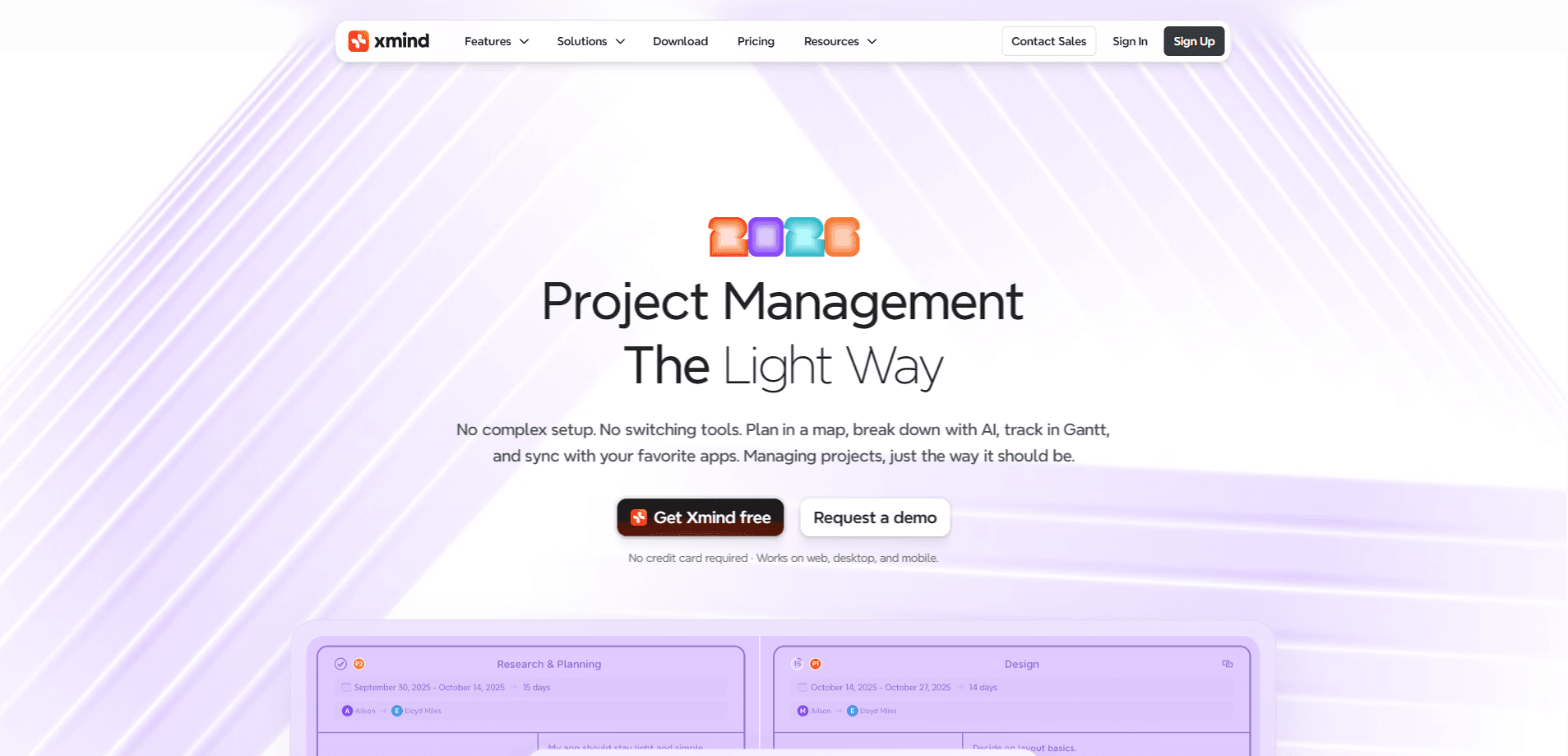
About Xmind
What Is Xmind
Xmind is a mind mapping app built around one job: getting scattered thinking onto a canvas you can actually work with. It supports mind maps, fishbone diagrams, timelines, matrices, and org charts. Pick the shape that matches the problem instead of forcing everything into a tree. So why do people keep it open all day? Because a map you can rearrange in seconds beats a document you have to rewrite from scratch.
The bigger shift is AI. The Xmind AI generator can take a prompt, a PDF, or a rough set of notes and turn it into a structured map in seconds, which is usually the difference between starting and stalling. From there you expand branches, reorganize nodes, or export the whole thing as a PDF, PowerPoint, or Markdown file.
The main limit is depth of opinion. Xmind gives you structure and polish. It won't tell you your plan is weak. If you want a tool that challenges your ideas instead of arranging them, this isn't it.
Getting Started
- Create an account on the Xmind website or install the desktop or mobile app.
- Start from a blank canvas, a template, or the AI tab, where you drop in a prompt, file, image, or link.
- Let the AI generate a draft map, then rename, merge, or delete nodes until the structure fits your thinking.
- Style the map with themes and markers, then export or share it with your team.
Product Information
A quick look at Xmind's pricing, supported platforms, and performance.
Best for
The users, tasks, and scenarios where this tool fits best.
Users
- Students
- Product and project managers
- Writers and researchers
Tasks
- Brainstorming from a prompt
- Meeting summaries
- Study and recall
- Cross-language work
Scenarios
- Kicking off a new project when the scope is still fuzzy and you need a shared picture everyone agrees on.
- Preparing a talk or lesson where you want a slide-like flow built from your own outline.
- Organizing personal knowledge, from a job hunt to a reading backlog, in one place you can actually find again.
Key features
AI Mind Map Generator
Give it a topic, a document, or a link. Xmind AI drafts a full map you can edit right away. It's the fastest way in when you're staring at a blank canvas. The output is a starting point, not a finished plan. Expect to do real editing afterward. It also works in multiple languages.
Multiple Diagram Structures
The tool covers mind maps, fishbone diagrams, timelines, matrices, and org charts. You can mix structures inside a single file. That matters when one problem needs a cause-and-effect view and another needs a schedule. No app switching required to change the lens.
Task and Project Tracking
Nodes can carry priority, due dates, owners, and progress, so a map doubles as a lightweight task board. Convert a plan into a Gantt view to see timing and dependencies at a glance. For small teams this can replace a separate tracker, but if you're coordinating dozens of people across several quarters you'll want a dedicated project management tool at that point. Heavy program management will outgrow it fast.
Real-Time Collaboration
Multiple people can edit the same map online, with changes synced as they happen. Comments and shared links make review rounds simpler than emailing files back and forth. It's cloud-based. Offline editing on the web version isn't the point, so the desktop app is the better bet there.
Presentation Mode
Present mode walks through your branches one at a time with animated transitions. It turns a map into something close to a slide deck. It's handy for teaching and reviews where you want to reveal structure gradually. You still get the underlying map, so you can jump around if the room goes off script.
Export and Format Support
Maps export to PDF, Word, PowerPoint, Markdown, PNG, and SVG. The output can feed a report, a deck, or a print file. That range is why this mind map software often ends up as the front end of a longer document workflow. Formatting holds up well at high resolution. That matters if the map is going on a wall.
Pros and cons
Pros
- AI generation turns a prompt or file into a usable first draft fast. It kills the blank-page problem.
- Structure variety is genuinely broad for one tool, covering maps, timelines, fishbones, and org charts.
- Real-time collaboration and comments make it workable for teams, not just solo note-takers.
- Export range is wide. Maps move cleanly into reports, decks, and print.
- The free tier is real and usable. Paid plans stay under $10 a month.
Cons
- The free plan caps AI credits, so heavy AI use pushes you toward a subscription quickly.
- Built-in task tracking is basic, and serious projects will still want a dedicated PM tool.
- Web sync depends on the cloud, so pure offline work is limited outside the desktop app.
Frequently asked questions
It's for organizing ideas visually: brainstorming, planning projects, mapping research, and turning notes into a structure you can present or export. It leans toward thinking and planning rather than freeform design.
Related content
Explore related tools, skills, and articles for Xmind.
Xmind Alternatives

Swms
Swms AI · Writing · Productivity · BusinessSwms is an AI safety compliance tool that turns a plain description of a job into ready-to-use safety documents. Describe your project, trade, and known hazards, and it writes a safe work method statement, job hazard analysis, safe work procedure, RAMS, or safety data sheet in seconds. It also ships with Oscar, a chat assistant that answers workplace safety questions in any language. Teams in construction, mining, transport, and warehousing use it to cut the paperwork that usually eats into a workday.

Wordly AI Translation
Wordly · Voice & Language · ProductivityWordly AI Translation is a real-time AI translation and captioning platform built for meetings, conferences, and events. It delivers live translation, captions, transcripts, and summaries in more than 60 languages, and attendees join by scanning a QR code or opening a link instead of using dedicated headsets. The platform works with Zoom, Microsoft Teams, Google Meet, and Webex, and it's designed for organizations that want multilingual access without hiring human interpreters for every session. Simple as that.

Rows
Rows (Superhuman) · Productivity · BusinessRows is an AI spreadsheet and data analysis tool that imports live data from more than 50 sources, then lets you work with it using plain language instead of SQL queries or nested formulas. You can pull numbers out of PDFs, connect ad platforms, databases, and bank accounts, and ask the AI to build reports, merge datasets, or set up models that recalculate themselves. It runs in the browser, works like a spreadsheet, and now sits under the Superhuman umbrella.