

Yammi AI
Roman Domin · Video
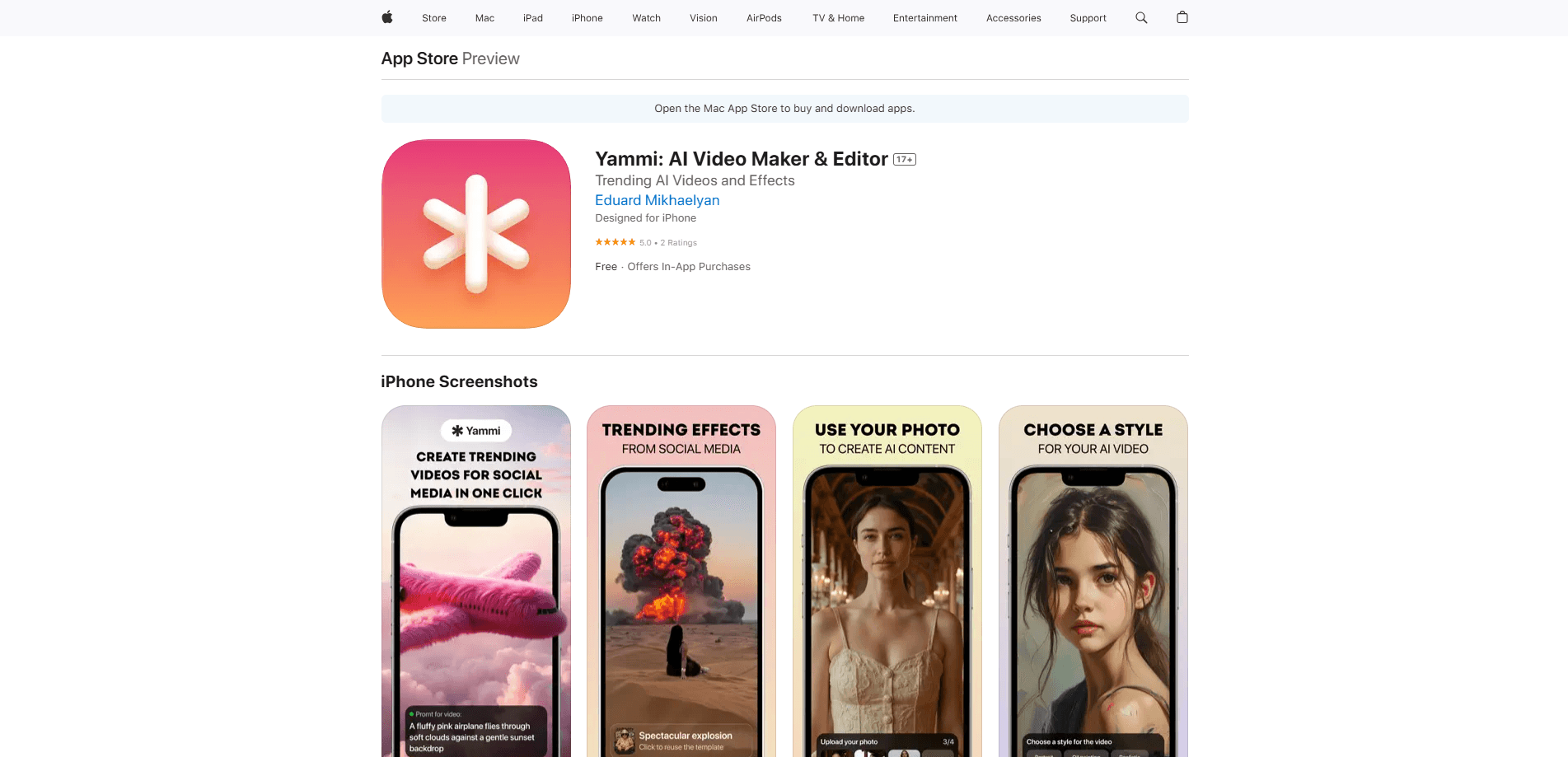
Yammi AI is an AI video maker for iOS that turns photos, text, and templates into short social media video, backed by generation models and one-tap effect templates.
About Yammi AI
What Is Yammi AI
Yammi AI is a mobile video creation app aimed at people who want shareable clips without learning a full editing suite. You pick a template or effect, drop in a photo or a line of text, and the app handles the animation and rendering. It leans hard into short-form social content: vertical, punchy, and built to stop a scroll.
The pitch is speed over control. There's no timeline to wrestle with and no layer stack to manage. For someone who wants a clip in a couple of minutes, that trade-off works. For someone who wants frame-level timing, it won't.
The app runs on generation models rather than a single fixed engine, so output quality shifts depending on which model and effect you choose. Effects like floods, portrait fire, or toy-figure transformations are the headline draw. Newer or heavier models may burn through credits faster.
Getting Started
- Install Yammi from the App Store and open it. No account or sign-up is required to start.
- Pick a template or effect from the library, or start from a photo or written prompt.
- Upload your image or type your idea, then set the output format (9:16, 16:9, 1:1, and others).
- Generate the clip, preview it, and save or share it straight to your social apps.
Product Information
A quick look at Yammi AI's pricing, supported platforms, and performance.
Best for
The users, tasks, and scenarios where this tool fits best.
Users
- Social media creators
- Everyday users
- Brands and marketers
Tasks
- Turning a single photo into a moving scene
- Reviving old photos
- Making text-to-video clips
- Generating template-based videos in bulk
Scenarios
- Posting a daily social update
- Testing a creative concept before a full production
- Turning a static ad or product shot into a moving one
Key features
One-Tap Templates and Effects
The core of this AI video editor is a library of effects you apply with a single tap. Floods crashing into a scene, portraits catching fire, objects getting squished, and people turning into toy figures are all prebuilt. The effect templates are the draw: a striking clip with almost no setup, which is exactly what hooks viewers in a feed.
Photo-to-Video Generation
Upload a photo and the app animates it rather than leaving it static. This matters for anyone with a camera roll full of images and no footage. You get motion, lighting, and pacing applied to a still you already own, without filming anything new.
Text-to-Video Generation
When you have an idea but no image, you describe it and the AI video maker generates the visuals. It's the fallback when your concept doesn't map to an existing template. Quality here depends on the model chosen, so results vary more than with the preset effect templates.
Multiple Generation Models
This AI video generator offers several generation models instead of one, aimed at different looks, from realistic motion to stylized effects. Picking the right model is the main lever for output quality, but the heavier ones can be slower and cost more credits.
Social-Ready Output Formats
Clips export in vertical, square, and wide ratios so the same idea fits different feeds. That saves the awkward crop-and-reframe step that trips people up when a wide clip hits a vertical platform.
No Account, No Editing Skill Needed
You don't create a login to use the app, and the interface assumes zero editing knowledge. That lowers the barrier for casual users, and it also means there's no cloud project history tied to an account.
Pros and cons
Pros
- Templates and effects deliver a watchable clip with almost no effort.
- No sign-up means you can try it within seconds of installing.
- Multiple generation models let you trade speed for a more polished look.
- Vertical-first exports match where short-form video actually gets watched.
- Credit packs sit alongside subscriptions, so you can buy generation volume without committing monthly.
Cons
- iOS only, so Android users can't run it at all.
- No account system means projects don't sync or carry over if you switch devices or reinstall.
- Heavier models consume credits quickly, and credit packs and subscriptions are separate spends.
- You get little fine control over timing or framing, so precision edits aren't possible in-app.
Frequently asked questions
Yammi AI turns photos, text, and templates into short AI-generated videos. You choose an effect or describe an idea, and the app renders a clip you can post to social platforms.
Related content
Explore related tools, skills, and articles for Yammi AI.
Yammi AI Alternatives
Griffin by Tavus
Tavus · Voice & Language · Video · ChatbotGriffin by Tavus is the first Human Interaction Model: a full-duplex, video-to-video system that watches, listens, and answers during a live video call in real time.

Syllaby AI Avatar 2.0
Syllaby · Video · MarketingSyllaby AI Avatar 2.0 turns a script into a presenter-led video with a reusable AI avatar, natural voice, B-roll and automatic subtitles, all in one browser workflow.

Vitra.ai
Vitra.ai · Voice & Language · Video · MarketingVitra.ai is an agentic content platform that creates, translates, reviews, and publishes video, images, documents, and app content in 120 languages from one shared brief.