

Yapgan
muhammedikinci · Productivity · Leaning
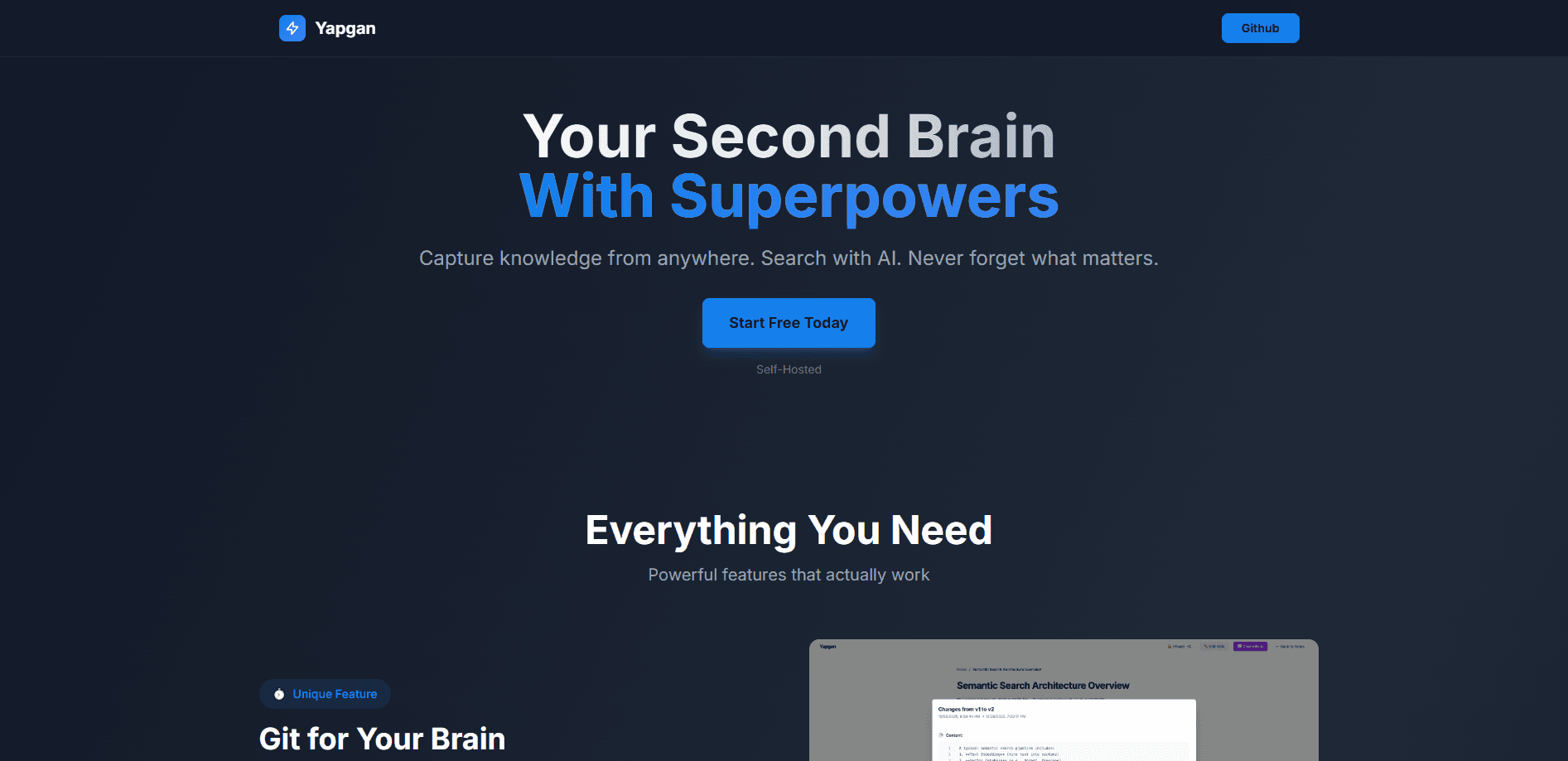
Yapgan is a free, self-hosted note app that turns scattered snippets into a searchable second brain. As an AI note-taking tool, it captures highlighted text from any webpage through a Chrome or Brave extension, then indexes every note so an AI assistant can answer questions about your own material later. Browser note capture takes one click. It keeps your data on your own machine, tracks every edit with Git-style version history, and links related ideas into a knowledge graph. Developers get a RESTful API on top, but you'll need Docker to run it.
About Yapgan
What Is Yapgan
Yapgan is a self-hosted note-taking tool for people who hoard more ideas than they can remember. Instead of a cloud service that holds your notes, it runs on your own hardware through Docker, so nothing leaves your machine unless you publish it.
The core problem it solves is retrieval. Most note apps are good at saving and bad at finding. Yapgan pairs full-text search with semantic search powered by a local embedding model, which means you can search by meaning rather than exact wording. Add an AI chat layer, and you can ask plain questions like "what did I save about vector databases" and get a real answer pulled from your notes. That's the whole pitch.
The catch is the setup. This is a developer-flavored tool, not a consumer app. You need Go 1.21+, PostgreSQL 15+, and Docker Compose to get it running, and the embedding service downloads a 2.24 GB model on first launch. Not turnkey. If you want a polished mobile app you can sign into in ten seconds, Yapgan isn't that.
Getting Started
- Clone the repository and run
docker-compose up -dto spin up the embedding service, frontend, backend, PostgreSQL, and Qdrant. - Wait for the embedding model to finish downloading (the 2.24 GB
model.onnx_datafile). Without it, notes won't index and search stays broken. - Open
http://localhost:5173in your browser and create your user account. - Load the browser extension from
chrome://extensions/with Developer mode on, then point it at theextensions/browser/directory and log in. - Highlight text on any site, click the extension icon, add a title and optional tags, and save your first note.
Product Information
A quick look at Yapgan's pricing, supported platforms, and performance.
Best for
The users, tasks, and scenarios where this tool fits best.
Users
- Developers who already run Docker and want their notes on their own infrastructure
- Researchers and knowledge workers who save a lot of source material
- Privacy-focused users
Tasks
- Capturing quotes and passages while reading online
- Asking questions across your own notes
- Tracking how an idea changed over time
- Publishing selected notes as public pages
Scenarios
- Building a personal research library from articles, docs, and Stack Overflow threads.
- Studying, where you collect definitions and explanations and need to find them fast before an exam.
- Keeping a design or product log where decisions evolve and you want the history intact.
Key features
Git-Style Version History
Every save creates a new version, so you can see how a note evolved and restore any earlier state with one click. The visual timeline includes a diff viewer that shows exactly what changed between revisions. For anyone who has overwritten a good draft with a worse one, this alone is worth the install. Sound familiar?
Chat With Your Notes
Yapgan connects to GPT-5 nano, according to the project's website, and lets you ask questions about any note. It generates summaries and responds in your own language, and conversations stay focused on the topic you picked. The value is that answers come from your material, not the open web. No generic chatbot replies.
Knowledge Graph and Wikilinks
You link notes with [[wikilinks]], and Yapgan builds backlinks automatically. A visual graph view then shows how your notes connect, which helps you spot clusters and gaps in your thinking. It's a familiar model if you've used Obsidian. How many notes have you written and never opened again? A graph view is the fastest way to see dead ends.
Semantic Search
A local embedding service indexes your notes into a vector database called Qdrant. That means search understands meaning rather than exact wording, so a query phrased completely differently from the original note still finds the right result months later. The full-text search runs alongside it for exact matches. Both work offline.
One-Click Web Capture
The Chrome and Brave extension lets you highlight text on any page and save it as a note with a title and tags. A side panel stays open while you browse, and there's a built-in Markdown preview. It works on articles, documentation, ChatGPT conversations, and forum threads. No copy-paste required.
Public Note Sharing
You can publish any note as a public page with Markdown rendering and a custom slug for SEO. Publishing is a single click, and the rest of your notes stay private. It's a quick way to turn a private note into something shareable. Handy for a portfolio.
Self-Hosted and API-Ready
The backend is built with Go and the Echo framework, stores notes in PostgreSQL, and authenticates with JWT access and refresh tokens. A RESTful API covers notes CRUD, tags, and search, and the repo ships an api-requests.http file with example calls for every endpoint. If you want to hook Yapgan into your own scripts or a custom client, the door is open without any reverse engineering.
Pros and cons
Pros
- Fully free and open source, with no subscription tiers or feature gates.
- Notes live on your own hardware, so your data stays private by default.
- Semantic search plus a knowledge graph makes old notes genuinely findable.
- Git-style versioning protects your drafts and shows how ideas changed.
- Clean REST API and a documented set of endpoints for anyone building on top.
Cons
- Setup requires Docker, PostgreSQL, and a 2.24 GB embedding model download before you can save a single note, so it isn't turnkey for anyone without server experience.
- The AI chat depends on GPT-5 nano, which means you'll need an API key and a connection to a third-party model despite the local-first pitch.
- There's no official mobile app, so capture is tied to a desktop browser.
- Support and documentation come from the repository alone, so you're troubleshooting on your own if something breaks.
Frequently asked questions
Nothing hidden, just setup work and hosting costs. Yapgan has no paid plans or subscription tiers. You can install it and run the full feature set at no cost. Your only real expenses are the hardware or server you host it on and any API costs from the AI model you connect.
Related content
Explore related tools, skills, and articles for Yapgan.
Yapgan Alternatives

Swms
Swms AI · Writing · Productivity · BusinessSwms is an AI safety compliance tool that turns a plain description of a job into ready-to-use safety documents. Describe your project, trade, and known hazards, and it writes a safe work method statement, job hazard analysis, safe work procedure, RAMS, or safety data sheet in seconds. It also ships with Oscar, a chat assistant that answers workplace safety questions in any language. Teams in construction, mining, transport, and warehousing use it to cut the paperwork that usually eats into a workday.

Wordly AI Translation
Wordly · Voice & Language · ProductivityWordly AI Translation is a real-time AI translation and captioning platform built for meetings, conferences, and events. It delivers live translation, captions, transcripts, and summaries in more than 60 languages, and attendees join by scanning a QR code or opening a link instead of using dedicated headsets. The platform works with Zoom, Microsoft Teams, Google Meet, and Webex, and it's designed for organizations that want multilingual access without hiring human interpreters for every session. Simple as that.

Rows
Rows (Superhuman) · Productivity · BusinessRows is an AI spreadsheet and data analysis tool that imports live data from more than 50 sources, then lets you work with it using plain language instead of SQL queries or nested formulas. You can pull numbers out of PDFs, connect ad platforms, databases, and bank accounts, and ask the AI to build reports, merge datasets, or set up models that recalculate themselves. It runs in the browser, works like a spreadsheet, and now sits under the Superhuman umbrella.