
Yaranga
Yaranga · Productivity · Leaning
Yaranga is an AI note-taking and task management app built for people who think faster than they can organize. It doubles as an AI task management tool: it captures typed or voice notes the moment they arrive, transcribes them, and turns action items into tasks placed directly on your schedule. There's no folder system to maintain, so the tool stays out of your way and keeps working notes and to-dos in one place. For anyone who wants what's often called an ADHD-friendly productivity app, that low-friction setup is the whole point.
About Yaranga
What Is Yaranga
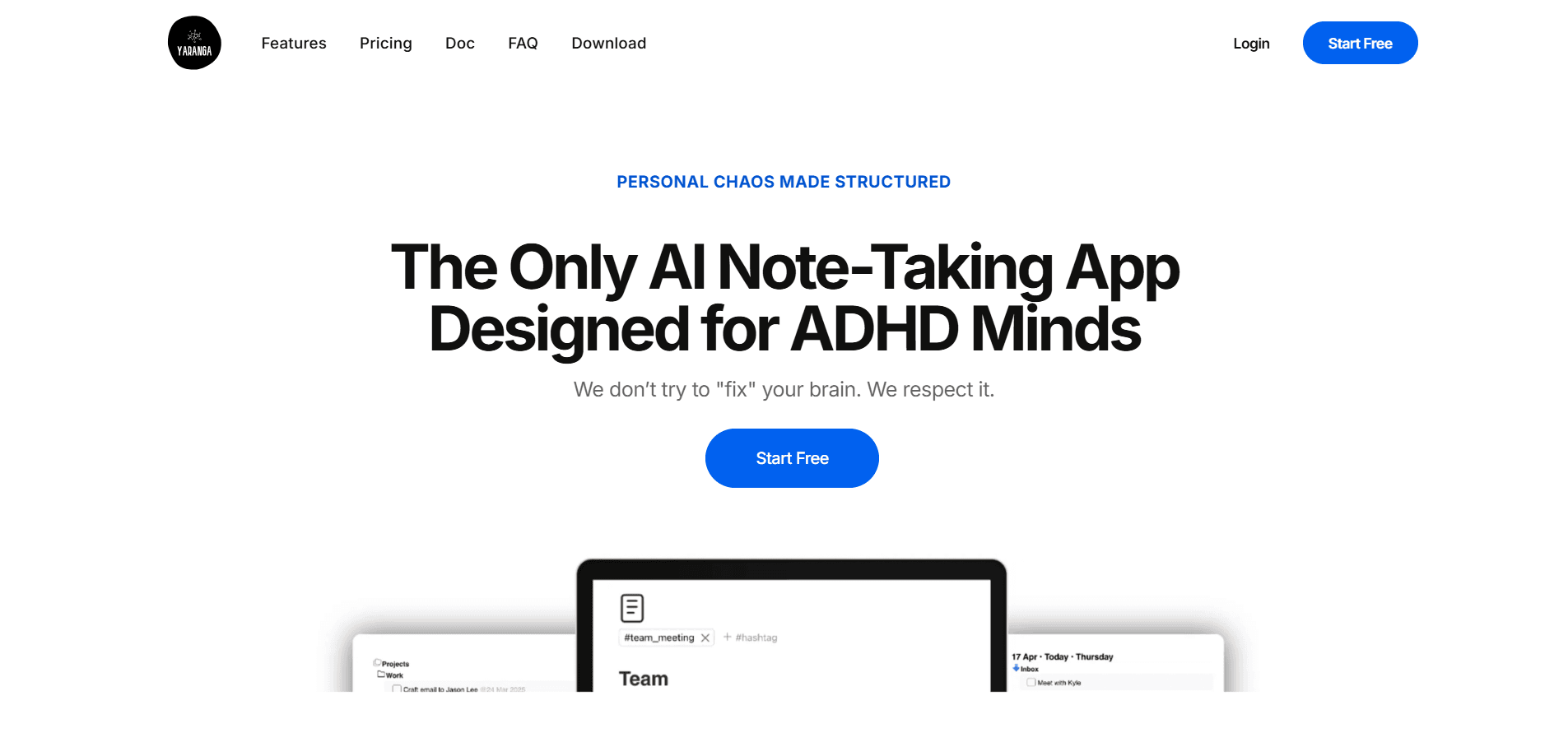
Yaranga is a workspace where notes and tasks live together. You drop an idea, a meeting note, or a to-do as soon as it hits you, and the app does the filing. That's the pitch. Its marketing targets startup founders, freelancers, consultants, and busy professionals who'd rather not spend their afternoons sorting an inbox.
The core promise is speed. Instead of deciding "is this a note or a task?" and picking the right place to put it, you type or speak and move on. AI extracts the to-dos, auto-tags the rest, and stores everything so it's findable later. The company describes this as a zero-folder structure: tags and search do the sorting that folders normally would. Simple, really.
Two limits are worth knowing up front. First, the product is still young, and the mobile app isn't out yet. Second, the zero-folder model trusts AI to organize for you, so people who prefer strict manual control over where every item lands may find it looser than they'd like. From what the site shows, the desktop app and browser version are the current way in.
Getting Started
- Create an account at yaranga.net and log in, or start with the free plan directly from the homepage.
- Open the desktop app or web version and add your first note, either by typing or by sending a voice message.
- Link the WhatsApp or Telegram bot so you can forward voice memos and messages straight into the workspace.
- Let AI pull out action items and place them on your task board, then check the schedule it builds.
- Tag or leave items as they land, since Yaranga files and surfaces them automatically.
Product Information
A quick look at Yaranga's pricing, supported platforms, and performance.
Best for
The users, tasks, and scenarios where this tool fits best.
Users
- Startup founders
- Freelancers and consultants
- Busy professionals juggling many threads
Tasks
- Capturing meeting notes
- Turning ideas into tasks
- Managing daily to-dos
Scenarios
- Catching an idea on a commute
- Context switching between projects
- Early planning for a new project
Key features
Voice-to-Note Capture
You can send a voice message to the Yaranga bot on WhatsApp or Telegram and the app transcribes it, structures it, and files it automatically. That means a memo recorded in a meeting or between calls turns into a searchable note without any typing. No hands needed. It's the feature that makes the app usable when your hands aren't free.
Notes and Tasks in One Flow
Yaranga lets you write a note and add a task on the same line, without switching between a notes app and a to-do list. The app pulls the to-dos out of your writing and places them on your schedule. One line, two jobs. Keeping both in one flow removes the usual gap between writing something down and actually acting on it.
AI-Powered Auto-Organization
There are no folders to set up or maintain. Yaranga auto-tags notes and stores them for fast retrieval, and it surfaces the tasks it thinks matter most. This is the part that suits busy minds: you capture first and organize later, or let AI handle the sorting entirely. Nothing to file. Nothing to name. That's the draw.
Zero-Folder, Distraction-Free Workspace
The app drops the folder hierarchy that most note tools are built around. Tags and search do the work instead, so nothing gets buried in a directory you forgot to open. It's a genuinely distraction-free workspace. For people who lose track of where they saved things, that's a real change in how retrieval feels.
Smart Navigation and Resume
Yaranga brings you back to where you left off, opening your last note or task so you don't have to hunt for your place. It's a small thing that matters during a busy day of context switching, when rebuilding your mental context wastes real time. Why does that matter? Because momentum is easy to lose.
Integrated Reminders
Incoming messages, events, and reminders flow into Yaranga directly, so you aren't copying details from one app into another. That keeps your schedule and your notes reading from the same source rather than drifting apart, which is exactly the kind of small sync failure that quietly costs busy people a few minutes several times a day.
Team Sharing
Small teams can share notes, assign tasks, and track progress inside the same workspace. Invites are quick, and shared tasks keep everyone reading from one board. It fits teams that move fast and care more about clarity than heavy project-management tooling. Less setup. More shipping.
Pros and cons
Pros
- Voice memos from WhatsApp or Telegram become transcribed, filed notes
- Notes and tasks live in one workspace, cutting app switching
- Zero-folder design removes setup and ongoing upkeep
- Resume-where-you-left-off navigation suits constant context switching
- Free plan lets you test the workflow before paying
Cons
- No mobile app yet, so capturing on the go depends on the bots and desktop
- Zero-folder organization can feel loose if you want manual control over placement
- Young product, so integrations and long-term feature depth are still filling in
Frequently asked questions
Yaranga is an AI note-taking and task management app. You capture notes by typing or voice, and it transcribes, tags, and files them while pulling action items onto a task board. Notes and tasks stay in one workspace instead of two separate apps.
Related content
Explore related tools, skills, and articles for Yaranga.
Yaranga Alternatives

Swms
Swms AI · Writing · Productivity · BusinessSwms is an AI safety compliance tool that turns a plain description of a job into ready-to-use safety documents. Describe your project, trade, and known hazards, and it writes a safe work method statement, job hazard analysis, safe work procedure, RAMS, or safety data sheet in seconds. It also ships with Oscar, a chat assistant that answers workplace safety questions in any language. Teams in construction, mining, transport, and warehousing use it to cut the paperwork that usually eats into a workday.

Wordly AI Translation
Wordly · Voice & Language · ProductivityWordly AI Translation is a real-time AI translation and captioning platform built for meetings, conferences, and events. It delivers live translation, captions, transcripts, and summaries in more than 60 languages, and attendees join by scanning a QR code or opening a link instead of using dedicated headsets. The platform works with Zoom, Microsoft Teams, Google Meet, and Webex, and it's designed for organizations that want multilingual access without hiring human interpreters for every session. Simple as that.

Rows
Rows (Superhuman) · Productivity · BusinessRows is an AI spreadsheet and data analysis tool that imports live data from more than 50 sources, then lets you work with it using plain language instead of SQL queries or nested formulas. You can pull numbers out of PDFs, connect ad platforms, databases, and bank accounts, and ask the AI to build reports, merge datasets, or set up models that recalculate themselves. It runs in the browser, works like a spreadsheet, and now sits under the Superhuman umbrella.