

Ycode
Ycode Inc. · Coding
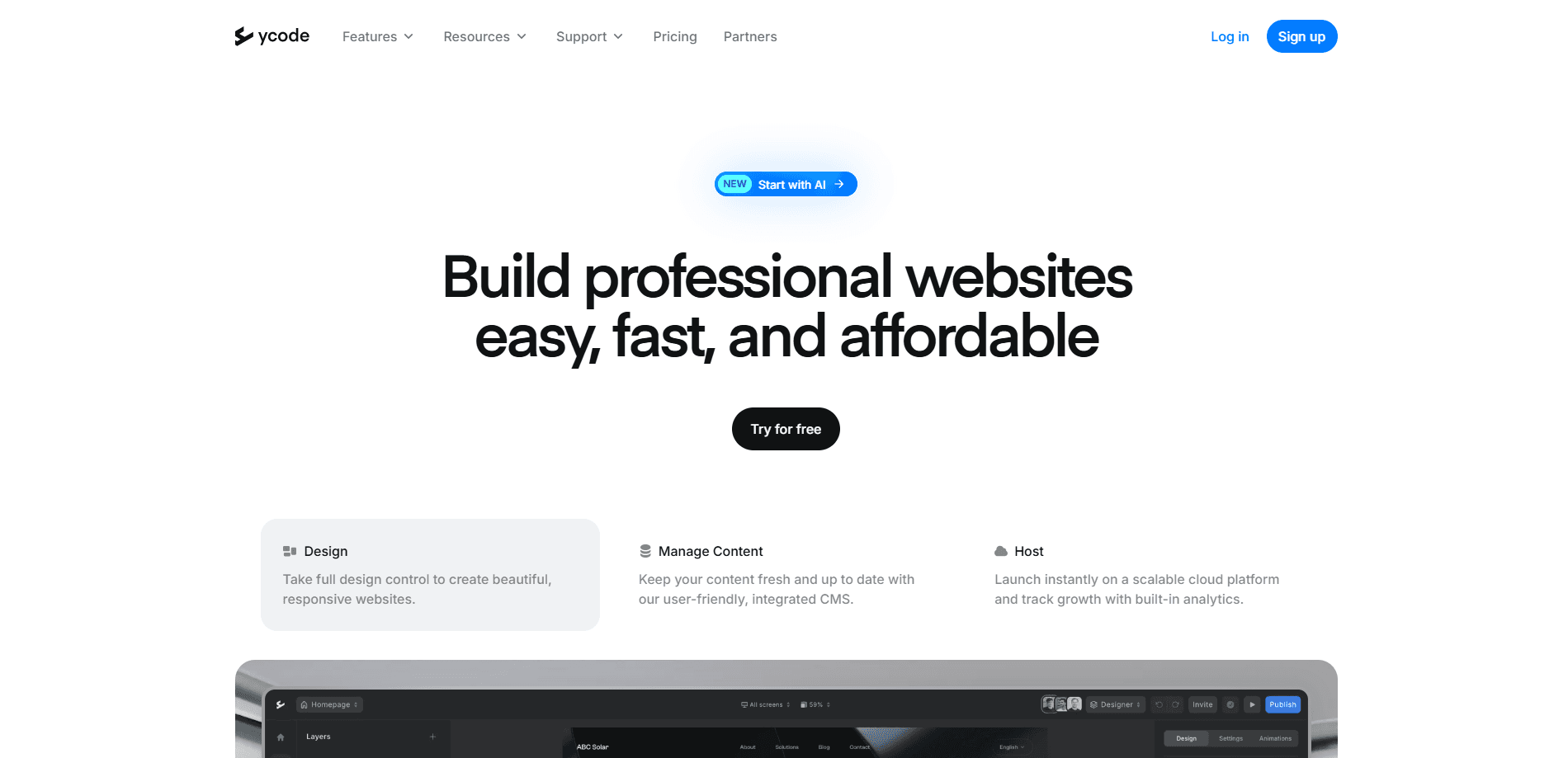
Ycode is an open source visual website builder and CMS. You can self-host it for free or run it on managed Ycode Cloud, and edit pages, collections, and content with AI.
About Ycode
What Is Ycode
Ycode is a visual website builder that gives you full control over your site. It sits in the same space as Webflow or Framer, but with a key difference. Self-hosted Ycode runs on your own infrastructure, and Ycode Cloud handles hosting when you want someone else to run it. As a no code website builder, it skips the markup entirely.
The product targets a common frustration. On most closed platforms, your design, content, and infrastructure live inside the vendor's system. Their pricing, their rules, their roadmap. Ycode hands that control back. Fork the GitHub repo, deploy to Vercel, connect a Supabase project, and the site is yours.
Both versions share the same core tools: a drag-and-drop editor, a built-in CMS, forms, and localization. This self-hosted website builder and its cloud sibling keep the same editor and CMS. One limit worth knowing up front. The cloud plan caps CMS items at 20,000, so very large content libraries push you toward self-hosting.
Getting Started
- Sign up at ycode.com for the managed cloud, or fork the repository on GitHub if you plan to self-host.
- Deploy your fork to Vercel, then create a Supabase project and add its credentials as environment variables.
- Run the setup wizard to create your admin account and apply the database migrations.
- Open the editor, add a page, and drag elements onto the canvas.
- Connect a custom domain and publish when the site is ready.
Product Information
A quick look at Ycode's pricing, supported platforms, and performance.
Best for
The users, tasks, and scenarios where this tool fits best.
Users
- Developers who want full control over code and data
- Designers moving off Webflow or Framer
- Small teams and non-technical founders
Tasks
- Building marketing sites and portfolios
- Managing structured content
- Structured content at scale
Scenarios
- Agencies juggling several client sites
- Teams that need data kept on their own infrastructure
- Editing through AI chat
Key features
Open Source and Self-Hosted
The full platform is open source. Fork it on GitHub, deploy to Vercel, and connect Supabase, and you own the code, the data, and the deployment. There is no license fee and no vendor lock-in on the technical stack. For teams with strict data rules, this is the main draw.
Ycode Cloud Managed Hosting
If you would rather not run infrastructure, Ycode Cloud handles hosting, automatic updates, and a global CDN. Sign up and start building without touching a server. Ycode pricing is simple here. The open source build costs nothing to run, and the cloud plan carries a monthly fee after its free trial. The trade-off is a CMS ceiling of 20,000 items and a dependence on the vendor for uptime.
Visual Drag-and-Drop Editor
The editor works like Webflow or Framer. You place elements on a canvas, adjust layouts, spacing, and styles, and set how the page behaves on different screen sizes. Designers get pixel-level control without writing markup, and the same editor serves both cloud and self-hosted installs.
Built-In CMS and Collections
Ycode ships with a CMS for structured content. You create collections, add fields, and organize repeatable data like blog posts, product listings, or team pages. Updates flow into the live site, so you manage content in one place instead of editing each page by hand.
Bring Your Own AI
Every Ycode project exposes an MCP server, so external AI clients can read and edit your site. Anthropic, OpenAI, Google Gemini, and xAI models are all supported. You describe a change in plain language, and the model updates layouts, spacing, styles, or content for you.
Forms and Localization
Forms and unlimited languages come standard, so you can collect submissions and serve multilingual sites from the same project. Both features carry no item limits, which matters for businesses that run in several markets.
Pros and cons
Pros
- Open source core means no license fee and no lock-in on the stack.
- Self-hosting keeps code and data entirely under your control.
- The editor matches Webflow and Framer on visual design control.
- MCP support lets Claude, ChatGPT, and other AI clients edit the site directly.
- Unlimited users, pages, form entries, and languages on both versions.
Cons
- Self-hosting requires a GitHub, Vercel, and Supabase setup, so it is not plug-and-play for non-technical users.
- Cloud CMS items cap at 20,000, which pushes large content libraries toward self-hosting.
- The project is young, with the newest release still in the 0.x range, so expect rough edges.
- Managed support beyond community channels depends on the cloud plan.
Frequently asked questions
Ycode builds and manages websites without code. You design pages in a visual editor, run a CMS for structured content, and publish to a custom domain, either on managed cloud hosting or on your own infrastructure.
Related content
Explore related tools, skills, and articles for Ycode.
Ycode Alternatives
Forefront
Forefront · CodingForefront is a web platform for building with open-source AI. It lets you fine-tune leading open-source language models on your own data, evaluate how they perform, and run them through an API or export them to host yourself. Developers who want the convenience of a closed-source platform but insist on owning their models and data are the target audience here.

Startkit
StartKit.AI · CodingStartkit is a boilerplate for building AI SaaS and AI wrapper products. Think of it as an AI startup boilerplate with the boring parts already wired up: authentication, Stripe and Lemon Squeezy payments, usage limits, transactional email, and an AI API starter that talks to OpenAI, Anthropic, Groq, or Llama. You clone the repo, set your price, and start on the part of your product that people actually pay for. It's Next.js under React and Tailwind, so most of the boilerplate code already feels familiar.
Testim
Tricentis · CodingTestim is an AI-powered test automation platform for building and running end-to-end tests across web, mobile, and Salesforce applications. It leans on machine learning to keep tests stable when an interface changes, so teams spend less time fixing broken selectors. Not bad for an automated testing tool you can start using today. You create tests by recording actions in a browser, then optionally add JavaScript when you need more control. It's a solid pick for busy QA teams.