

Yolly AI
Unknown · Video
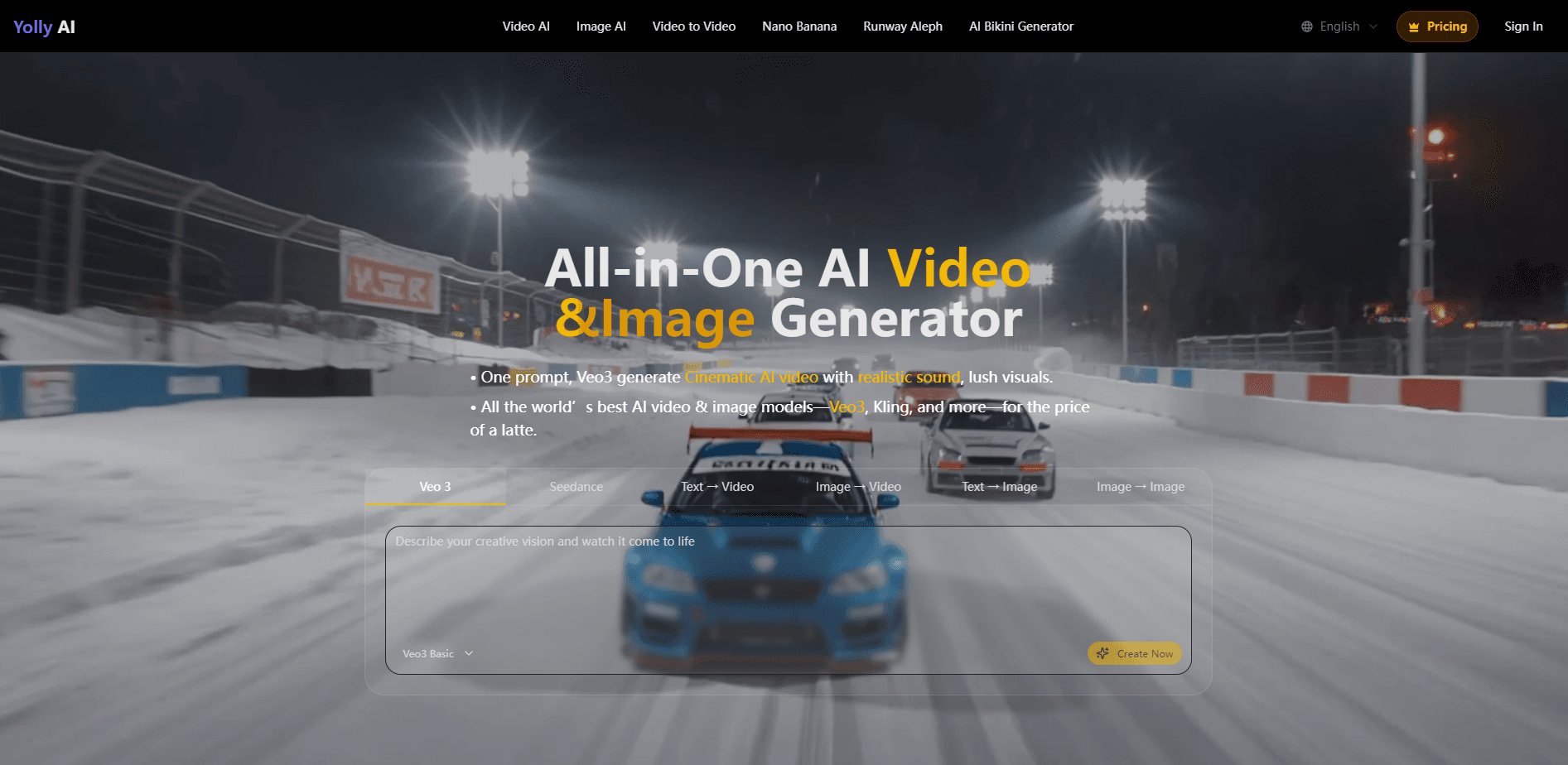
Yolly AI is an all-in-one AI video and image generator that turns a single text prompt into 4K videos with sound or high-resolution images in seconds, bundling top models like Veo 3 and Kling.
About Yolly AI
What Is Yolly AI
Yolly AI is a web-based AI video and image generator built for people who want cinematic output without a film crew. You type a prompt or upload a reference, and the platform runs it through whichever advanced model it has on hand. That includes Veo 3, Kling 2.5 Turbo, Seedance 2.0, Wan 2.0, Runway and Hailuo for video, plus Ideogram, Flux, DALL-E, GPT-4o and Imagen for stills.
The pitch is consolidation. Instead of paying for a separate subscription to each model, you get them behind one account and one set of credits. Yolly AI also ships more than 100 ready-made templates for the formats people actually post, such as hug videos, ASMR clips and vertical product ads.
The main limits are practical. The free plan stamps a watermark on everything you make, and the free credit allowance runs out fast if you generate often. Output quality still depends on the model you pick, so a cheap run and a premium one won't look the same.
Getting Started
- Sign up at yolly.ai with an email or a social login.
- Pick a mode: text to video, image to video, video to video, text to image, or image to image.
- Choose a model and, if you want a head start, a template from the library.
- Write your prompt or upload your source file, then set the aspect ratio and resolution.
- Generate, review the clip, and download it. Free renders carry a watermark until you subscribe.
Product Information
A quick look at Yolly AI's pricing, supported platforms, and performance.
Best for
The users, tasks, and scenarios where this tool fits best.
Users
- Social media creators
- Small business marketers
- Indie filmmakers and storytellers
- Hobbyists curious about AI video
Tasks
- Turning a written idea into a short clip
- Animating a still image
- Generating stills for a project
- Restyling existing footage
Scenarios
- Daily social posting
- Pre-production planning
- Product launch campaigns
Key features
One Prompt, Many Models
As an AI video maker, Yolly AI routes your request through a menu of leading generators rather than locking you into one. Video options include Veo 3, Kling 2.5 Turbo, Seedance 2.0, Wan 2.0, Runway, and Hailuo; image options include Flux, Ideogram, DALL-E, GPT-4o, and Imagen. You compare results across models in one place instead of juggling five subscriptions.
Text to Video With Synced Audio
The core feature takes a text description or a script and produces a video with matching visuals and sound. Camera motion is handled for you, which is what makes the output read as cinematic rather than static. Veo 3 adds realistic sound to the picture in the same run.
Image to Video Animation
Upload a single still or a short sequence and Yolly AI animates it with movement, transitions, and effects. This is the fastest route for artists and designers who want a static visual to breathe without rebuilding the scene from scratch.
Video to Video Restyling
Drop in an existing clip and change its look. You can add effects, shift the overall mood, or convert footage into a different genre. It's aimed at creators who already have raw material and want a new angle on it.
100+ Ready-Made Templates
The library covers trending formats like hug videos, ASMR clips, AI fight scenes, and vertical product ads. Templates remove the blank-page problem and cut the prompt-writing work down to a few tweaks.
Image Generation and Editing Modes
Text to image and image to image round out the toolkit. Image to image keeps the core content of your input while shifting style, which helps when you're iterating on a look across several renders.
Credit-Based Subscriptions
Every plan runs on credits: Starter gives 500 a month, Standard gives 1,200, and Pro gives 6,000. Higher tiers also unlock watermark-free downloads, lossless export, and a music commercial license.
Pros and cons
Pros
- Bundles Veo 3, Kling, Seedance, and other top models under one subscription.
- Handles text-to-video, image-to-video, video-to-video, and image generation in one place.
- A large template library speeds up social-first formats like vertical ads and ASMR clips.
- Free tier makes it easy to test output quality before paying.
- Entry plan starts at $9.90/mo and adds watermark-free downloads.
Cons
- Free renders carry a watermark, so anything public needs a paid plan.
- Free credits are limited, and heavy generation burns through them quickly.
- Output quality swings between models, so results aren't consistent unless you learn which one to pick.
Frequently asked questions
Yes, there's a free plan. It includes a small number of free video and image renders with basic features, and full access to all functions for three free uses. Beyond that you need credits, which come with a subscription.
Related content
Explore related tools, skills, and articles for Yolly AI.
Yolly AI Alternatives
Griffin by Tavus
Tavus · Voice & Language · Video · ChatbotGriffin by Tavus is the first Human Interaction Model: a full-duplex, video-to-video system that watches, listens, and answers during a live video call in real time.

Syllaby AI Avatar 2.0
Syllaby · Video · MarketingSyllaby AI Avatar 2.0 turns a script into a presenter-led video with a reusable AI avatar, natural voice, B-roll and automatic subtitles, all in one browser workflow.

Vitra.ai
Vitra.ai · Voice & Language · Video · MarketingVitra.ai is an agentic content platform that creates, translates, reviews, and publishes video, images, documents, and app content in 120 languages from one shared brief.