

Z Image Turbo AI
Tongyi-MAI (model) / zimageturbo.ai (hosted workspace) · Image
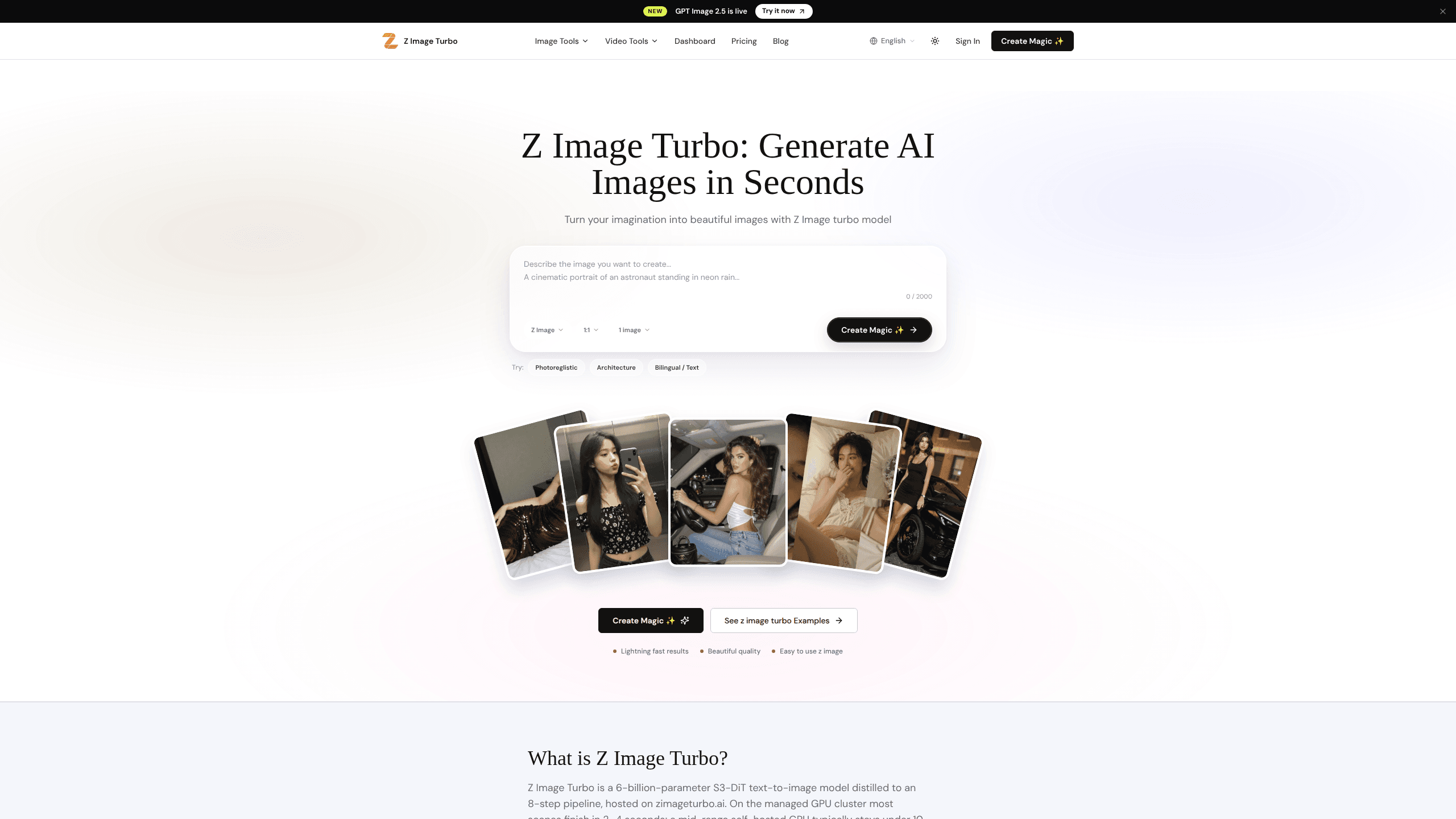
Z Image Turbo AI is a text-to-image generator built on Tongyi-MAI's Z-Image-Turbo model, a 6-billion-parameter pipeline distilled down to 8 sampling steps. It runs in a browser workspace, through a REST API, or locally inside ComfyUI, and it handles both English and Chinese prompts. Most hosted images finish in 2 to 4 seconds, which makes it a practical pick for anyone who needs fast visual output without babysitting a slow render queue.
About Z Image Turbo AI
What Is Z Image Turbo AI
Z Image Turbo AI is a hosted workspace wrapped around an open image model. The underlying checkpoint comes from Tongyi-MAI, and the site adds credits, saved prompts, and shared team folders on top of it. You type a description, the model renders an image, and you download the result. That's the whole loop.
The main problem it solves is speed. Photorealistic diffusion models often take dozens of steps and tens of seconds per image, which is fine for a one-off render but painful when you're iterating on a layout or testing a dozen prompt variations in a single afternoon. Z-Image-Turbo is built around an 8-step sampler, so it trades a little fine control for latency you can actually feel.
The biggest limitation is that aggressive distillation comes with rules. Keep CFG at 1.0, keep Shift between 3 and 6, and keep steps at 8 to 10. Push past that and the sampler tends to collapse, so the model rewards users who follow instructions and punishes tinkering.
Getting Started
- Open zimageturbo.ai and create an account; the workspace starts you off with free credits.
- Type your prompt in English or Chinese, up to 1,000 characters, and pick an aspect ratio such as 1:1, 16:9, or 9:16.
- Generate the image and preview the result, which usually lands in a few seconds.
- Refine the prompt or settings if you want changes, then download the finished file.
- For automation, grab an API key and call the generate endpoint, then poll the status endpoint until the image URL comes back.
Product Information
A quick look at Z Image Turbo AI's pricing, supported platforms, and performance.
Best for
The users, tasks, and scenarios where this tool fits best.
Users
- Social media creators
- Game and app developers
- Chinese-speaking users
- Product and e-commerce teams
Tasks
- Text-to-image generation
- On-image text
- Local batch work
Scenarios
- Rapid brainstorming
- Real-time apps
- Offline work
Key features
Eight-step generation
Instead of the dozens of steps most diffusion models need, Z Image Turbo AI renders a full image in 8 sampling steps. That's the reason it stays fast. Less computation per image means lower latency and higher throughput. Fast image generation at this speed changes what interactive products and dashboards can build. The gap between seconds and minutes is real.
Bilingual prompt support
The model understands English and Chinese natively, and it can place readable text in either language inside the image itself. That's a rare trick. Most generators mangle on-image words, so signs, labels, and posters usually come out garbled, which is exactly the kind of detail that sinks a product mockup before anyone reads the rest of the file. Here they mostly hold up.
Three ways to run it
You can generate in the browser workspace, call the REST API, or run the same checkpoint locally in ComfyUI. The API works asynchronously: submit a task to get a task ID, then poll the status endpoint until it returns image URLs. Billing sits at about $0.02 per request, and failed tasks aren't charged.
Local ComfyUI workflow
The open weights mean you're not locked into the hosted service. A mid-range GPU typically finishes an image in under 10 seconds, and with GGUF quantization the model can squeeze into 8 GB of VRAM. If you care about offline control or avoiding per-request costs, that's the route.
Credit-based plans
The hosted workspace opens with free credits. Paid tiers scale from Basic at $29/month through Pro at $59 and Max at $99, each bumping your monthly credit allowance and support level. All paid plans share the same catalog of image and video models, so the tiers mostly differ on volume and processing priority. It's a blunt instrument. Pay more, get more credits.
Prompt library and builder
Paid plans add a guided prompt builder, presets, and full access to a prompt library. It's aimed at people who know what they want to see but not how to phrase it. Take this AI art generator's sample prompts. They show the kind of detail that gets results: lighting, lens, mood, and resolution cues.
Pros and cons
Pros
- Fast output: most hosted images finish in 2 to 4 seconds.
- Open weights, so you can self-host or use ComfyUI instead of paying per request.
- Handles English and Chinese prompts, plus readable on-image text.
- Straightforward API with simple async polling and clear billing at $0.02 per request.
Cons
- The 8-step sampler is fragile. Stray too far from CFG 1.0 and 8 to 10 steps and quality drops.
- The site's paid plans bundle other image and video models, so you're partly paying for a catalog you may not want.
- Self-hosting wants a decent GPU; 8 GB cards need GGUF quantization and still aren't snappy.
- Free credits run out, and there's no obvious unlimited free tier for casual users.
Frequently asked questions
It's a text-to-image generator for turning written prompts into finished images fast. Common uses include social media visuals, game and app asset prototypes, and e-commerce mockups.
Related content
Explore related tools, skills, and articles for Z Image Turbo AI.
Z Image Turbo AI Alternatives

X Ray Interpreter
X-ray Interpreter · ImageX Ray Interpreter is a web-based AI radiology tool that turns X-rays, CT scans, MRI, ultrasound, and PET images into plain-language reports. You upload a scan, get a preliminary X-ray interpretation in moments, then ask follow-up questions if something needs explaining. It works as a second opinion and a learning aid, not as a medical diagnosis.

Aieasypic
AIEasyPic · ImageAIEasyPic is an AI image generator that turns plain text prompts into finished artwork in seconds. You can also train custom models on your own photos, swap faces in existing images, and create short video clips from text, all from a browser. It suits casual creators who want quick visuals and hobbyists who want to build a personal model without touching any code.

Chargen
Chargen · ImageChargen is an AI character generator and worldbuilding toolkit built for Dungeons & Dragons and other tabletop RPGs. It turns a one-line idea into a painted character portrait, spins up NPCs, monsters, maps and encounters from the same session, and keeps every creature's details close at hand. The tabletop RPG art side runs on a credit system called Gold, while the text generators stay free for everyone.