

ZASSHA
co-r-e · Productivity
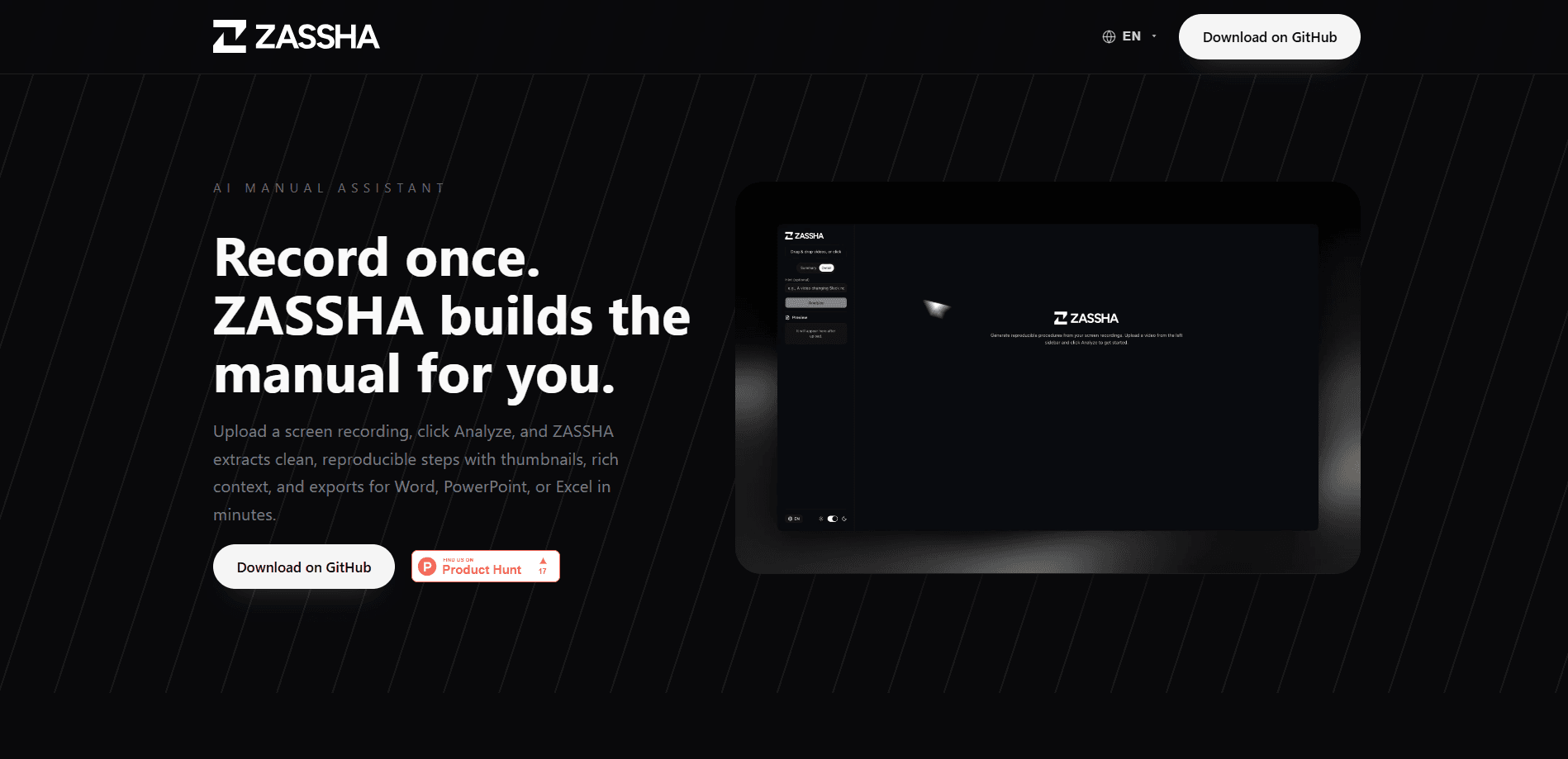
ZASSHA is an open-source AI manual assistant that turns a screen recording into structured, step-by-step documentation. You upload a video, click Analyze, and the tool pulls out each operation as a numbered step with timestamps, screenshots, and AI-written explanations, then exports the result to Word, PowerPoint, or Excel. It runs on your own machine through a Node.js app and connects to Google's Gemini API, so you stay in control of what leaves your device. Think of it as a video to documentation converter you host yourself, and it works as a lightweight SOP generator for teams that live on runbooks.
About ZASSHA
What Is ZASSHA
ZASSHA is a self-hosted web app for anyone who has to document a process but dreads typing it out line by line. Instead of writing a manual by hand, you record yourself doing the task once, hand the clip to ZASSHA, and let the AI reconstruct the workflow as a clean operation table. The output mirrors what a technical writer would produce: an overview, an inference about what the operator is trying to check, and a table of steps with a thumbnail for each action.
The obvious audience is operations, QA, customer success, and IT teams, the people who keep runbooks and SOPs alive. The tool works best on focused recordings: avoid rapid app switching, aim for 1080p or higher so on-screen text stays readable, and add a short goal statement so the AI knows what outcome you care about.
The biggest limitation is the setup. ZASSHA isn't a sign-up-and-go cloud service, you clone the repository, install Node.js 20.9 or newer, and supply your own Gemini API key. If you don't want to touch a terminal, that friction will decide things for you. For a first run, the project suggests a video under five minutes and 100 MB.
Sound like a lot of work? It isn't, once it's running. The screen recording to Word path takes about as long as the video itself.
Getting Started
- Clone the ZASSHA repository from GitHub and run
npm installto pull the dependencies. - Copy
.env.exampleto.env.localand paste in yourGEMINI_API_KEY. - Start the app with
npm startand openhttp://localhost:3000in your browser. - Drag a screen recording into the sidebar, pick Summary or Detail mode, and add an optional hint sentence.
- Click Analyze, review the overview and operation table, then export to Word, PowerPoint, or Excel.
Product Information
A quick look at ZASSHA's pricing, supported platforms, and performance.
Best for
The users, tasks, and scenarios where this tool fits best.
Users
- Operations and QA teams
- Technical writers and knowledge base authors
- IT support and customer success staff
Tasks
- Turning a support session into a step-by-step guide
- Building onboarding playbooks from training recordings
- Writing reproducible bug reports
- Drafting SOPs with visual proof
Scenarios
- Standardizing a cross-team procedure that keeps changing
- Refreshing a help center that has gone stale
- Handing work to offshore or BPO partners
- Documenting a product feature for engineers and product managers
Key features
Automatic step extraction from video
Point ZASSHA at a workflow recording and it detects each operation, then lays them out as a timeline of steps. Every step carries a timestamp, the tool that was used, and an AI-generated explanation of what happened. This is the core of the screen recording to documentation pipeline, and it's what removes the manual retyping.
Summary and Detail analysis modes
You choose how much the AI should say. Summary mode keeps things short, roughly 500 to 800 characters, for a quick overview. Detail mode produces the full step-by-step table with timestamps and tools. Pick based on whether you need a briefing or a full SOP. Simple as that.
Goal hints for sharper output
A video alone doesn't always reveal intent. Adding a short sentence about the task, something like "change Slack notification settings," tells the AI what outcome to focus on and tightens the accuracy of the extracted steps. It's an optional field, but it earns its place. Skip it at your own risk.
Rich review with hoverable thumbnails
After analysis you get an overview, a business inference about what the operator is checking, and an operation table. Each operation shows a thumbnail you can hover to preview the clip, or click to open a larger player. That makes it easy to catch a step the AI misread before you export.
Multi-format export to Word, PowerPoint, and Excel
Documentation rarely lives in one place. ZASSHA exports to DOCX with headings and screenshots, PPTX with one slide per operation plus speaker notes, and XLSX with columns for step number, inference, tool, timestamp, and operation. Filenames follow a consistent pattern so exports stay traceable to the source video. No renaming needed.
Local-first privacy posture
Analysis runs locally on your machine, and videos aren't uploaded to a ZASSHA database. Only the requests you start against the Gemini API leave your device, and you control exactly what's sent. For teams handling internal processes, that's a meaningful difference from a hosted screen-recording service.
Open-source, bring-your-own-key setup
The whole tool is available on GitHub, so you can inspect it, modify it, or run it on an internal server. It needs Node.js 20.9 or newer and a Gemini API key, and it works in any modern browser. There's no subscription, you pay Google for API usage and nothing else. That's the entire cost model.
Pros and cons
Pros
- Turns a raw clip into a numbered, timestamped guide without hand-typing the steps.
- Three export formats cover most documentation needs, from slide decks to spreadsheets.
- Runs on your own machine, so recordings stay private except for the Gemini calls you trigger.
- Open-source and free, with no per-seat licensing to worry about.
- Summary and Detail modes let you scale detail to the audience.
Cons
- No hosted sign-up, so you need to clone the repo, install Node.js, and manage an API key yourself.
- It depends on Google's Gemini API, meaning your documentation quality and costs track that service, not ZASSHA.
- Very short or very large files can be awkward, the project recommends keeping first tries under five minutes and 100 MB.
- Output is a first draft, descriptions can still need editing, and some codecs won't preview as thumbnails.
Frequently asked questions
It converts a screen recording into structured documentation. You upload a video, the AI extracts each operation, and you get a step-by-step table with timestamps, thumbnails, and explanations that you can export to Word, PowerPoint, or Excel.
Related content
Explore related tools, skills, and articles for ZASSHA.
ZASSHA Alternatives

Swms
Swms AI · Writing · Productivity · BusinessSwms is an AI safety compliance tool that turns a plain description of a job into ready-to-use safety documents. Describe your project, trade, and known hazards, and it writes a safe work method statement, job hazard analysis, safe work procedure, RAMS, or safety data sheet in seconds. It also ships with Oscar, a chat assistant that answers workplace safety questions in any language. Teams in construction, mining, transport, and warehousing use it to cut the paperwork that usually eats into a workday.

Wordly AI Translation
Wordly · Voice & Language · ProductivityWordly AI Translation is a real-time AI translation and captioning platform built for meetings, conferences, and events. It delivers live translation, captions, transcripts, and summaries in more than 60 languages, and attendees join by scanning a QR code or opening a link instead of using dedicated headsets. The platform works with Zoom, Microsoft Teams, Google Meet, and Webex, and it's designed for organizations that want multilingual access without hiring human interpreters for every session. Simple as that.

Rows
Rows (Superhuman) · Productivity · BusinessRows is an AI spreadsheet and data analysis tool that imports live data from more than 50 sources, then lets you work with it using plain language instead of SQL queries or nested formulas. You can pull numbers out of PDFs, connect ad platforms, databases, and bank accounts, and ask the AI to build reports, merge datasets, or set up models that recalculate themselves. It runs in the browser, works like a spreadsheet, and now sits under the Superhuman umbrella.