

Zight
Zight · Video · Productivity
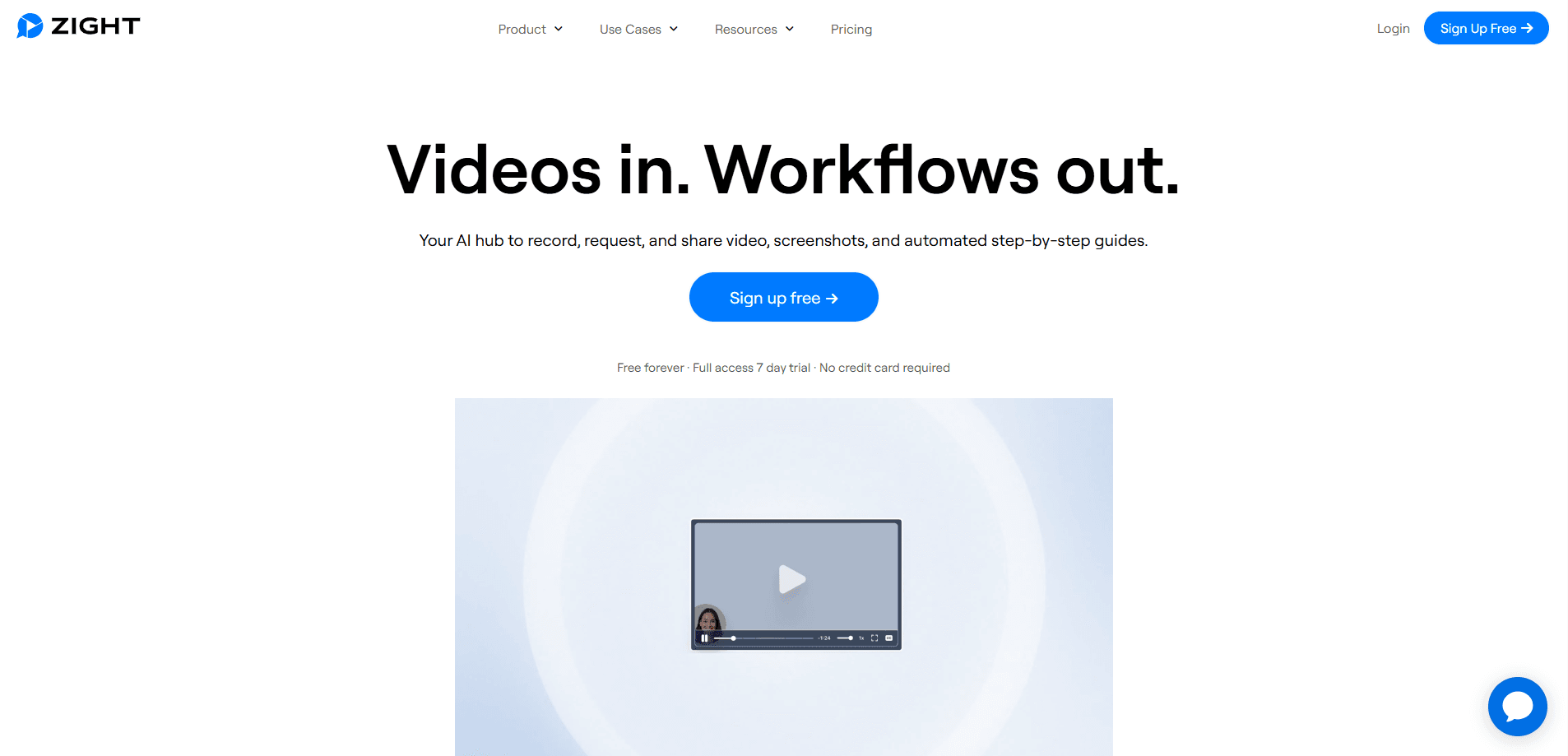
Zight is a screen recording and visual communication platform that captures your screen as a video, a screenshot, or an animated GIF and turns it into a link your team can open instantly. It adds AI that writes summaries, chapters, and step-by-step guides from a recording, and a Request Video feature that collects recordings back from customers or teammates who never install anything. Support, sales, and engineering teams use it to replace long written explanations with something people can watch. That's the whole pitch.
About Zight
What Is Zight
Zight is a visual communication tool built around a simple idea: showing beats typing. You capture what is on your screen, and Zight hosts it behind a secure link that opens in any browser. No file attachments, no "can you resend that" threads.
The platform goes past plain capture. Recordings get transcripts, AI summaries, and chapters automatically, so a walkthrough becomes reusable documentation instead of a one-off video. Request Video flips the flow: you send a link, and the other person records their screen back to you, complete with console logs, without needing an account on their side.
The catch is that the free plan is thin. You get unlimited screenshots and 15-second GIFs, but recording time is capped and AI smart actions are limited to a small monthly count. Teams that lean on AI summaries or heavy video volume end up on a paid tier. Zight also runs on desktop and browser extensions rather than a full mobile editor, so it fits desk work better than phone-first workflows.
Getting Started
- Sign up free at zight.com using your email or Google account.
- Install the desktop app or the Chrome extension, which adds quick capture buttons to your screen and browser.
- Hit the record or screenshot button, then choose a full screen or a selected region.
- Annotate the capture with text, arrows, or highlights if you need to point something out.
- Copy the auto-generated share link and paste it into Slack, email, or a support ticket. Zight stores the file in your workspace for later reuse.
Product Information
A quick look at Zight's pricing, supported platforms, and performance.
Best for
The users, tasks, and scenarios where this tool fits best.
Users
- Support teams
- Software developers
- Sales and customer success
Tasks
- Recording a bug or product walkthrough
- Turning a recording into documentation
- Collecting feedback remotely
Scenarios
- Onboarding a new hire who needs a repeatable how-to they can rewatch on their own time.
- Debugging a customer issue where screenshots alone can't show what actually happened on their screen.
- Async team updates where a 40-second video replaces a meeting that would be hard to schedule.
Key features
Screen Recording
This screen recorder captures your full screen or a selected region in up to 4K, with system audio captured alongside the video so demos keep their sound. You can record a walkthrough, a bug, or a how-to, and the clip uploads automatically to your workspace when you stop. A share link is ready the moment the recording ends.
Request Video
This is the feature that sets Zight apart from a plain screen recorder. You paste a link into a ticket or chat, and the other person clicks it to record their screen back, with their presenter bubble and console logs attached. They never make an account or install anything. That's rare. For support and engineering teams, it turns a vague complaint into evidence.
AI Summaries and Guides
Zight AI reads a recording and produces a transcript, a summary, chapters, and a step-by-step written guide. A single demo video turns into documentation you can hand to a customer or add to a knowledge base. Paid plans meter these actions by month. Heavy documentation work needs a higher tier.
Screenshots and Annotations
This screenshot tool lets you grab a capture on macOS or Windows and mark it up with text, shapes, arrows, and highlights before sharing. Screenshots are unlimited even on the free plan, which makes Zight a fine pick if you mainly need a fast, clean way to annotate and send images.
GIF Maker
Zight turns screen activity into 15-second GIFs that autoplay inside Slack, Notion, and email. Need to show one quick click in a UI? A short looping clip does the job without the bandwidth a full video carries.
Video Editing and Merge
Recordings can be trimmed and cut to remove dead air, and multiple clips can be merged into one video. The editing is light on purpose. It covers the cleanup most demos need without turning into a full production suite. Don't expect timeline magic here.
File Sharing and Workspace
Every capture lands in a shared workspace with a secure, trackable link. You can upload other files too, and see whether a link has been opened. The workspace keeps past recordings searchable and reusable instead of buried in someone's downloads folder.
MCP Server and AI Tool Access
Zight runs a remote MCP server that lets AI assistants like Claude, ChatGPT, or Cursor read what is behind a Zight link: the recording, its transcript, on-screen text, and console logs. It means an assistant works from the actual recording rather than your summary of it.
Pros and cons
Pros
- Request Video collects recordings from people with no account or install, which few competitors match.
- AI turns a single recording into a transcript, summary, chapters, and a written guide in one pass.
- Screenshots and 15-second GIFs are unlimited even on the free plan.
- Console and network logs attach to bug reports automatically, so debugging starts from real evidence.
- The MCP server lets AI assistants read recordings directly, skipping the copy-paste step.
Cons
- The free plan caps recording time and limits AI smart actions to a small monthly count, so serious use needs a paid tier.
- No full-featured mobile app. Phone-first capture isn't an option, so it suits desktop and browser workflows.
- AI features and Video Request volume are metered by tier, which adds cost for teams with heavy documentation loads.
Frequently asked questions
Zight captures your screen as a video, screenshot, or GIF, hosts it behind a shareable link, and uses AI to turn recordings into summaries and step-by-step guides. It also lets you request recordings from other people through a link.
Related content
Explore related tools, skills, and articles for Zight.
Zight Alternatives

Vadu AI
Vadu AI · Image · VideoVadu AI is a web-based AI video generator that turns written prompts or still images into short clips, and it can also generate images on its own. You type what you want, pick a model and style, and the platform renders the result in minutes. A free plan covers light testing, while paid tiers run from $9 to $77.40 per month based on how many credits you burn.

Mykaraoke Video
MyKaraoke Video · VideoMykaraoke Video is an online karaoke video maker and lyric video maker that turns any song into a finished, lyrics-synced video right in your browser. It handles the slow part for you. The AI pulls vocals out of the mix and locks the lyrics to the beat, then lets you customize background, fonts, and colors before exporting in 1080p MP4. If you make lyric videos for social media, party nights, or music promotion, it skips the software installs and manual timing work entirely. Want a karaoke video generator that doesn't eat your whole evening? That's the pitch here.

Finalframe
Finalframe · VideoFinalframe is a set of free, browser-based tools for grabbing exact frames out of a video clip. Its best-known feature, the Final Frame Extractor, lets you extract the last frame of any video so you can use it as the starting image for AI video tools like Luma Dream Machine, Runway, or Kling. Want to keep a clip going? That last frame is your starting point. The tool runs locally in your browser, needs no sign-up, and costs nothing. A separate paid AI video-generation app from the same team is currently offline while it's rebuilt.