

Zoer.ai
OTTERMIND PTE. LTD. · Coding
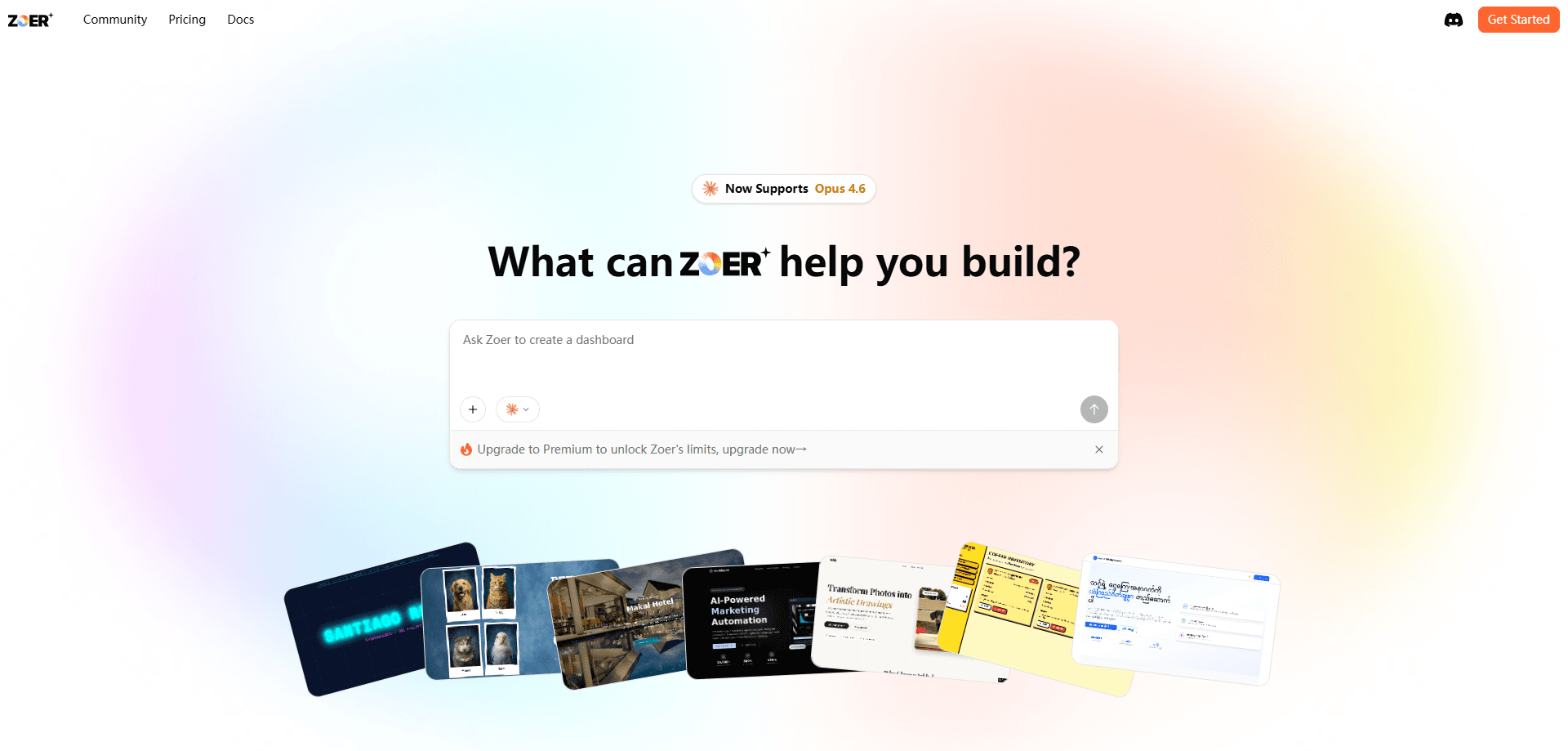
Zoer.ai is an AI app builder that turns a written description of what you want into a working web application. You type the idea, pick a few settings, and the platform generates the frontend, backend, and database wiring. Think of it as a no-code app builder that runs on plain text. It suits people with an app idea but no programming background, and builders who want a fast first draft to refine later.
About Zoer.ai
What Is Zoer.ai
Zoer.ai is a web platform that generates full applications from a text prompt. Instead of dragging components or writing code, you describe the app you have in mind and the system produces a runnable project. The pitch is simple: the gap between an idea and a working product shrinks to a conversation.
The platform covers the parts that usually slow beginners down. You get a hosted database, optional user accounts, and deployment. All of it sits behind one interface.
The biggest limitation is control. Zoer generates the code, not you. That trade-off buys speed at the cost of flexibility: deep customization and unusual architecture are harder to reach than in a traditional development setup.
As of this writing, I couldn't confirm the exact pricing tiers on the official site, so treat any figure below as an estimate and check zoer.ai directly before you commit.
Getting Started
- Open zoer.ai and describe your app in the central text box, from a one-line idea to a detailed feature list.
- Choose your settings: public or private visibility, whether to add the Zoer Database, and whether you need user Authentication.
- Click "Enhance Prompt" to let Zoer expand your description into a fuller spec, then review or edit it.
- Review the requirement draft, request changes in plain language, and hit "Build App" to start generation.
- Test the result in the Preview tab, then click "Deploy" to make it live.
Product Information
A quick look at Zoer.ai's pricing, supported platforms, and performance.
Best for
The users, tasks, and scenarios where this tool fits best.
Users
- Non-programmers with a concrete app idea
- Solo founders validating a concept
- Students learning how web apps fit together
Tasks
- Building an internal dashboard
- Creating a customer or booking system
- Prototyping an app with logins
Scenarios
- Weekend side projects
- Pitching an idea to a client or investor
- Testing whether a workflow is worth automating
Key features
Prompt to Full Application
You start by describing what you want, from a simple line like "create a dashboard to manage skincare customers" to a detailed brief covering booking, inventory, and sales tracking. Zoer reads that description and generates the frontend, backend, and everything between. This is the core of what people mean when they search for a text to app tool. Detail matters. The more you give, the closer the first build lands to your intent.
Built-In Zoer Database
Turning on the Zoer Database gives your app a managed backend for storing and retrieving data. No server to configure. No connection strings to wrestle with. That makes it the easiest option for people who've never touched a backend, and it's the piece Authentication depends on.
Authentication and User Management
Enable Authentication and Zoer adds a complete user system to your app, including registration, login, and session handling. It supports both Google and email sign-in, and you automatically become the admin of anything you build. Use it for member areas, saved profiles, or anything that needs to know who's who.
Plain-Language Editing
When something isn't right, you tell Zoer what to change in ordinary words. "Change the homepage background to white," "add a contact form," or "make the login button bigger" all work, and the platform regenerates the relevant code automatically. You never edit code by hand. That keeps the workflow approachable, but it also limits how surgical your changes can be.
Preview and One-Click Deployment
The Preview tab lets you test your app as it's being built, and you can open it in a full browser window to check real behavior, like Google login. When you're satisfied, the Deploy button pushes your app live. It handles the build and hosting steps in a few minutes.
Community Publishing
Public apps can be published to the Zoer Community, where you can set an optional price for users. It's a lightweight way to share the AI-generated apps you've made, or even put a small product in front of an audience without setting up your own storefront.
Pros and cons
Pros
- Turns a text description into a working full-stack web app, no coding required
- Includes a managed database and optional authentication out of the box
- Plain-language edits let you iterate without touching code
- Preview and one-click deploy shorten the path from idea to live app
- Community publishing gives public apps a place to be seen
Cons
- Generated code limits how deeply you can customize the underlying structure
- Requires clear, detailed prompts; vague ideas produce generic results
- Exact pricing tiers and API access weren't clearly documented on the official site
- Web-only, so there's nothing for native mobile at this point
Frequently asked questions
Anything that fits a standard web app shape: dashboards, booking tools, customer records, member areas. If you can describe it clearly, Zoer will attempt a first version.
Related content
Explore related tools, skills, and articles for Zoer.ai.
Zoer.ai Alternatives
Forefront
Forefront · CodingForefront is a web platform for building with open-source AI. It lets you fine-tune leading open-source language models on your own data, evaluate how they perform, and run them through an API or export them to host yourself. Developers who want the convenience of a closed-source platform but insist on owning their models and data are the target audience here.

Startkit
StartKit.AI · CodingStartkit is a boilerplate for building AI SaaS and AI wrapper products. Think of it as an AI startup boilerplate with the boring parts already wired up: authentication, Stripe and Lemon Squeezy payments, usage limits, transactional email, and an AI API starter that talks to OpenAI, Anthropic, Groq, or Llama. You clone the repo, set your price, and start on the part of your product that people actually pay for. It's Next.js under React and Tailwind, so most of the boilerplate code already feels familiar.
Testim
Tricentis · CodingTestim is an AI-powered test automation platform for building and running end-to-end tests across web, mobile, and Salesforce applications. It leans on machine learning to keep tests stable when an interface changes, so teams spend less time fixing broken selectors. Not bad for an automated testing tool you can start using today. You create tests by recording actions in a browser, then optionally add JavaScript when you need more control. It's a solid pick for busy QA teams.