

Zoho Tables - Plan & Track
Zoho Corporation · Productivity
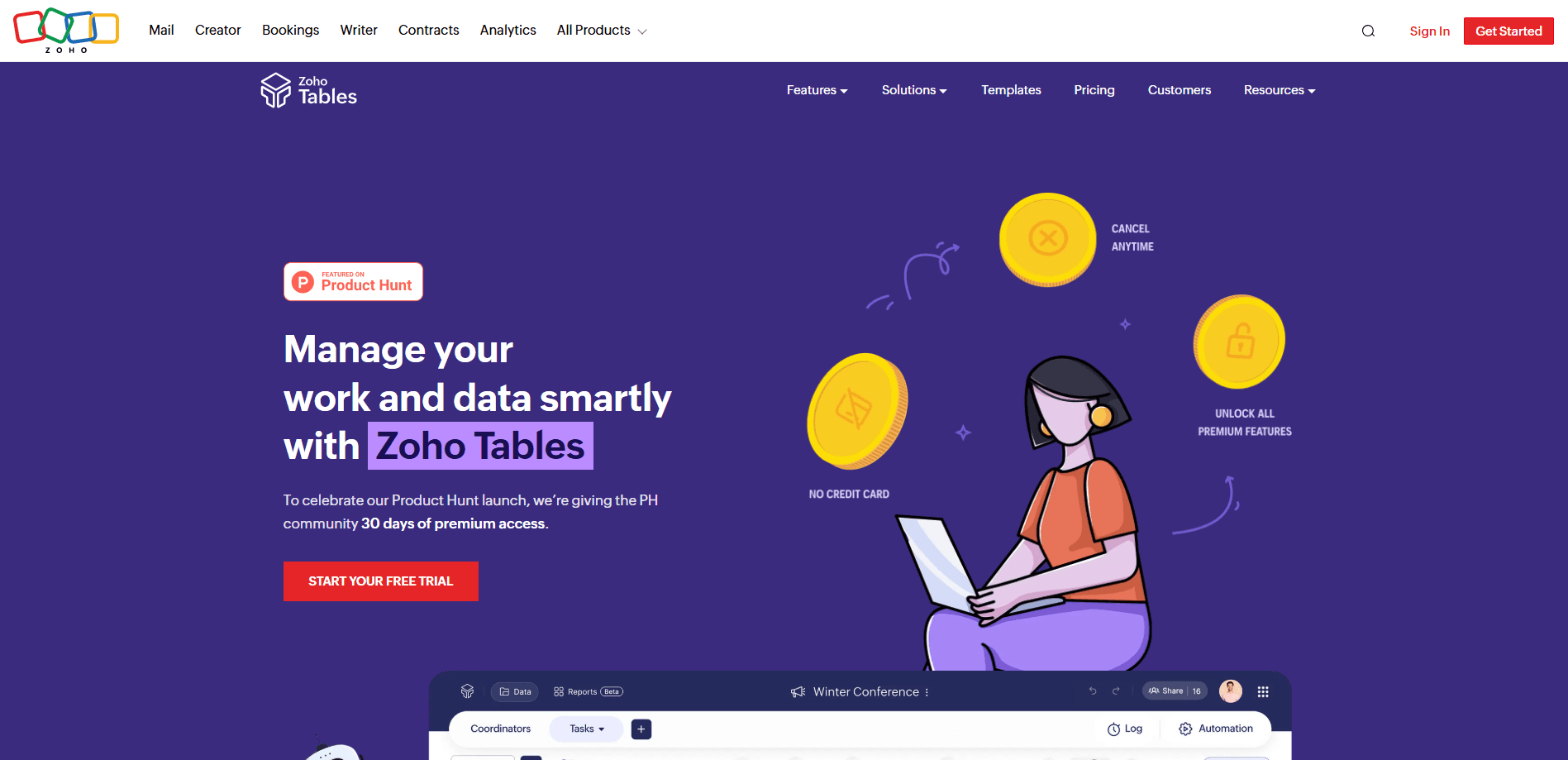
Zoho Tables - Plan & Track is a no-code database tool that works like a spreadsheet but stores data in linked tables. It's a relational database software for teams that never wanted to hire a database admin. Teams use it as a project tracking tool, a record keeper, and a workflow automation layer without writing code. It runs on the web, Android, and iOS, and pairs a familiar grid layout with views like Kanban, Calendar, and Gallery.
About Zoho Tables - Plan & Track
What Is Zoho Tables - Plan & Track
Zoho Tables is a hybrid of a spreadsheet and a relational database. You get the quick entry of a grid, but rows can link to each other the way tables do in a database. That's the core idea. That means one record can point to related records in another table, so you stop copying the same values into five different sheets.
The product is built by Zoho Corporation, the company behind Zoho CRM, Zoho Projects, and a long list of business apps. Zoho Tables leans on Zia, Zoho's in-house AI assistant, to help you build tables and views from a plain prompt. The pitch is simple: turn messy lists into structured databases with no code and no database administrator. No SQL, no server, no ops team.
The main limit is scale and permission depth. The free plan caps you at a small team. Records per base are capped by tier too. If you need heavy data warehousing or complex role-based access, this isn't that tool.
Getting Started
- Create a free Zoho account and sign in to Zoho Tables.
- Start from a template or a blank base, then add fields like URL, Phone, date, and dropdown. That part takes minutes, not days, and it's where most people realize how much of their old sheet was guesswork.
- Link two tables together with a relational field so records reference each other.
- Switch views (Grid, Kanban, Calendar, Gallery) and share the base with your team.
- Add a simple automation with a trigger and an action to handle the repetitive part.
Product Information
A quick look at Zoho Tables - Plan & Track's pricing, supported platforms, and performance.
Best for
The users, tasks, and scenarios where this tool fits best.
Users
- Small teams that outgrew spreadsheets
- Operations and back-office staff
- Teams already inside the Zoho suite
Tasks
- Project tracking
- Asset and inventory logging
- Recurring workflow automation
Scenarios
- Turning a chaotic shared sheet into a linked database during a busy launch week.
- Running a small freelance project with a client who just needs a status view.
- Coordinating a distributed team that checks updates on mobile between meetings.
Key features
Relational Data Links
Zoho Tables stores rows in tables that can point to each other with link fields. Instead of repeating a client name in every row, you link to the client record once. This is the part that separates it from a normal spreadsheet. It's what keeps large lists from drifting out of sync.
Multiple Views over One Dataset
The same records show up as a Grid, Kanban board, Calendar, or Gallery. That's the whole point. A project manager can watch a Kanban board while an accountant works the same data as a grid. You set the view per person, so nobody has to export and reformat.
No-Code Automation
You build workflows with a trigger and an action, no scripting required. The free plan allows 3 active automations per base, and paid tiers raise that to 25. Is that enough? For most small-team chores, yes. That's enough to auto-assign tasks, send reminders, or update a status when a field changes.
Zia AI Assistance
Zoho's AI assistant, Zia, helps you build solutions from a prompt and offers AI field types like sentiment analysis, keyword extraction, and language detection. It's a genuine time-saver for setup. Still, check it. Trust it with real data and you'll regret it.
Real-Time Collaboration
Multiple people edit the same base at once, with record-level comments and @mentions. You can attach files to a single record and discuss it right there. That cuts the usual email back-and-forth. As a team collaboration tool, it also keeps reviews and approvals in one thread. Viewers get read-only access, so you can share without handing over edit rights.
Dashboards for Decision Making
You can roll records into dashboards for a high-level read on what's happening. This suits team leads who need numbers fast rather than digging through rows. One caveat: you're working with the structure you built, so a messy field in becomes a messy chart out, a problem you spot late, usually when a stakeholder asks why the totals look wrong.
Pros and cons
Pros
- The free plan supports up to 3 users and unlimited viewers, which is rare for a database tool.
- Relational linking means one source of truth instead of duplicate rows across sheets.
- Familiar spreadsheet grid lowers the learning curve for non-technical staff.
- Mobile apps for Android and iOS let the team update records away from a desk.
- Zia AI and AI field types speed up setup and basic data tasks.
Cons
- Record and storage limits per base mean it isn't built for very large datasets.
- The free plan caps automations at 3 per base, which can feel tight for heavier workflows.
- It's tightest when you already live in the Zoho suite, so mixed-tool teams get less out of it. The standalone free plan still holds its own, mind you.
Frequently asked questions
It's a no-code database for organizing and tracking work. Teams use it for project tracking, inventory, CRM-style lists, and any task that outgrew a spreadsheet but doesn't need custom software.
Related content
Explore related tools, skills, and articles for Zoho Tables - Plan & Track.
Zoho Tables - Plan & Track Alternatives

Swms
Swms AI · Writing · Productivity · BusinessSwms is an AI safety compliance tool that turns a plain description of a job into ready-to-use safety documents. Describe your project, trade, and known hazards, and it writes a safe work method statement, job hazard analysis, safe work procedure, RAMS, or safety data sheet in seconds. It also ships with Oscar, a chat assistant that answers workplace safety questions in any language. Teams in construction, mining, transport, and warehousing use it to cut the paperwork that usually eats into a workday.

Wordly AI Translation
Wordly · Voice & Language · ProductivityWordly AI Translation is a real-time AI translation and captioning platform built for meetings, conferences, and events. It delivers live translation, captions, transcripts, and summaries in more than 60 languages, and attendees join by scanning a QR code or opening a link instead of using dedicated headsets. The platform works with Zoom, Microsoft Teams, Google Meet, and Webex, and it's designed for organizations that want multilingual access without hiring human interpreters for every session. Simple as that.

Rows
Rows (Superhuman) · Productivity · BusinessRows is an AI spreadsheet and data analysis tool that imports live data from more than 50 sources, then lets you work with it using plain language instead of SQL queries or nested formulas. You can pull numbers out of PDFs, connect ad platforms, databases, and bank accounts, and ask the AI to build reports, merge datasets, or set up models that recalculate themselves. It runs in the browser, works like a spreadsheet, and now sits under the Superhuman umbrella.