

Zuno
Vinayak B G · Productivity · Leaning
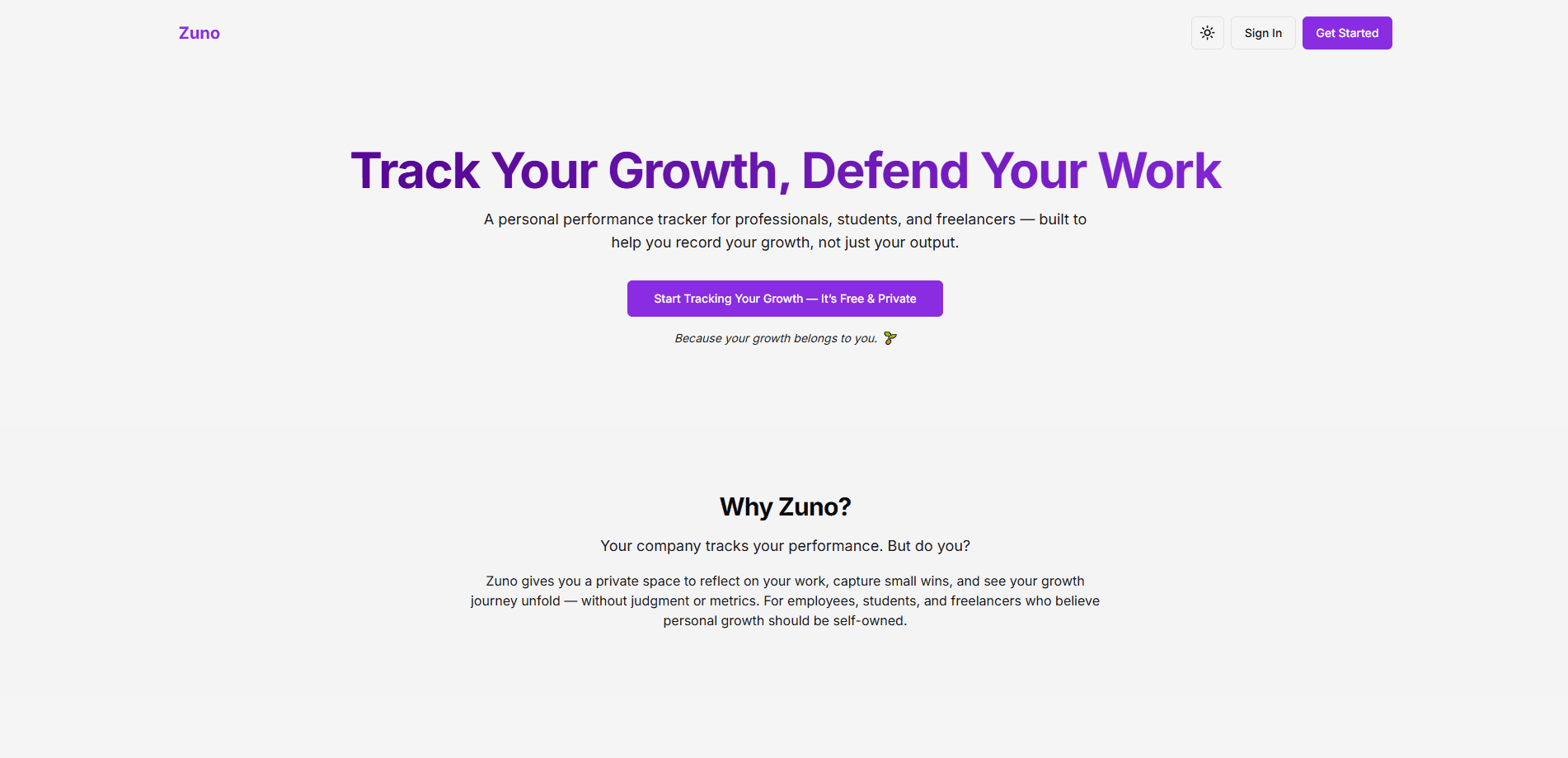
Zuno is a personal performance tracking platform built for professionals, students, and freelancers who want to see their growth over time instead of guessing at it. It works like a daily logging app and a goal setting tool rolled into one. You enter your day, set targets, and let AI-powered insights point out the patterns you'd miss on your own, the kind of slow drift that only shows up when someone reads weeks of entries side by side. Think of it as a productivity tracker that reads your own notes back to you, with opinions.
About Zuno
What Is Zuno
Zuno is a web-based personal performance tracker. The idea is simple. Most people finish a week with a vague feeling about how it went, but no record of what they actually did, what worked, and what stalled. Zuno fixes that by turning your day into data you can reflect on.
It sits somewhere between a habit tracker and a journal. You record daily activity, set concrete goals, and review progress against them. When you log consistently for a few weeks, the AI layer reads your entries and surfaces trends that would've taken you hours of manual charting to notice on your own.
The main limitation is scope. Zuno focuses on self-reported performance and reflection, not on automated tracking of your devices, calendar, or fitness metrics. Want passive, sensor-driven data instead? This isn't that. It rewards people willing to log consistently.
Getting Started
- Open the Zuno web app and create your account.
- Set up your first few goals so the tracker has something to measure against.
- Log a daily entry covering what you worked on and how it went.
- Review the AI-powered insights after a few days of entries to spot early patterns.
- Adjust your goals based on what the data shows.
Product Information
A quick look at Zuno's pricing, supported platforms, and performance.
Best for
The users, tasks, and scenarios where this tool fits best.
Users
- Professionals who want a written record of their output to review before reviews or check-ins
- Students tracking study habits and revision consistency across a term
- Freelancers juggling several clients who need to see where their hours and energy actually go.
Tasks
- Daily logging
- Goal setting
- Progress reflection
Scenarios
- Preparing for a performance review and wanting concrete evidence of what you shipped.
- Building a study routine and needing a lightweight way to stay honest about it.
- Running a solo business and wanting visibility into how each week actually went.
Key features
Daily Logging
Zuno's core is a daily logging app where you record what you did and how it felt to do it. Entries are short by design. Keeping the habit alive takes minutes, not an hour. Over time these entries become a personal record you can search and revisit.
Goal Setting
Zuno doubles as a goal setting tool. You define goals inside it and connect your logging to them. That link matters, because a goal without a record is just a wish. The tracker shows whether your daily activity is actually moving you toward what you said you wanted.
AI-Powered Insights
After you've logged enough, Zuno's AI reads your entries and points out patterns. It might flag that your best output clusters early in the week or that a goal has stalled for two weeks. These are nudges, not verdicts. They work better the more honest your logging is.
Growth Tracking Over Time
Zuno is built around long horizons. Instead of a single day's score, it shows how you've changed across weeks and months. That's the part most trackers skip: the slow arc where real progress actually shows up.
Reflection Workflow
The platform treats reflection as a feature, not an afterthought. You review entries and insights together, then decide what to change. It turns "I should do better" into a specific adjustment for next week.
Lightweight Web Access
Zuno runs in the browser, so there's nothing to install and your data is reachable from any device you log into. For people who already juggle enough apps, that simplicity is the point.
Pros and cons
Pros
- Combines logging, goal setting, and reflection in one place instead of three separate apps.
- AI insights surface trends you'd likely miss reading your own notes back.
- Short daily entries make the habit realistic to keep.
- Browser-based access means no install and no platform lock-in to a single device.
Cons
- All data is self-reported, so the quality of insights depends entirely on how consistently you log.
- It doesn't pull in automatic data from calendars, fitness trackers, or other devices.
- There's very little public documentation, so it's hard to know the roadmap before you commit.
Frequently asked questions
Zuno tracks the daily activity and goals you enter yourself. It's a self-reporting productivity tracker for performance and reflection, not an automated monitor of your devices or apps.
Related content
Explore related tools, skills, and articles for Zuno.
Zuno Alternatives

Swms
Swms AI · Writing · Productivity · BusinessSwms is an AI safety compliance tool that turns a plain description of a job into ready-to-use safety documents. Describe your project, trade, and known hazards, and it writes a safe work method statement, job hazard analysis, safe work procedure, RAMS, or safety data sheet in seconds. It also ships with Oscar, a chat assistant that answers workplace safety questions in any language. Teams in construction, mining, transport, and warehousing use it to cut the paperwork that usually eats into a workday.

Wordly AI Translation
Wordly · Voice & Language · ProductivityWordly AI Translation is a real-time AI translation and captioning platform built for meetings, conferences, and events. It delivers live translation, captions, transcripts, and summaries in more than 60 languages, and attendees join by scanning a QR code or opening a link instead of using dedicated headsets. The platform works with Zoom, Microsoft Teams, Google Meet, and Webex, and it's designed for organizations that want multilingual access without hiring human interpreters for every session. Simple as that.

Rows
Rows (Superhuman) · Productivity · BusinessRows is an AI spreadsheet and data analysis tool that imports live data from more than 50 sources, then lets you work with it using plain language instead of SQL queries or nested formulas. You can pull numbers out of PDFs, connect ad platforms, databases, and bank accounts, and ask the AI to build reports, merge datasets, or set up models that recalculate themselves. It runs in the browser, works like a spreadsheet, and now sits under the Superhuman umbrella.