Two versions of Anthropic's Claude Code extension sat in Cursor's marketplace for about 11 hours, and Anthropic didn't write them. Here is what the payload did, and how to tell whether your machine was exposed.
What Happened to the Claude Code Extension on Cursor
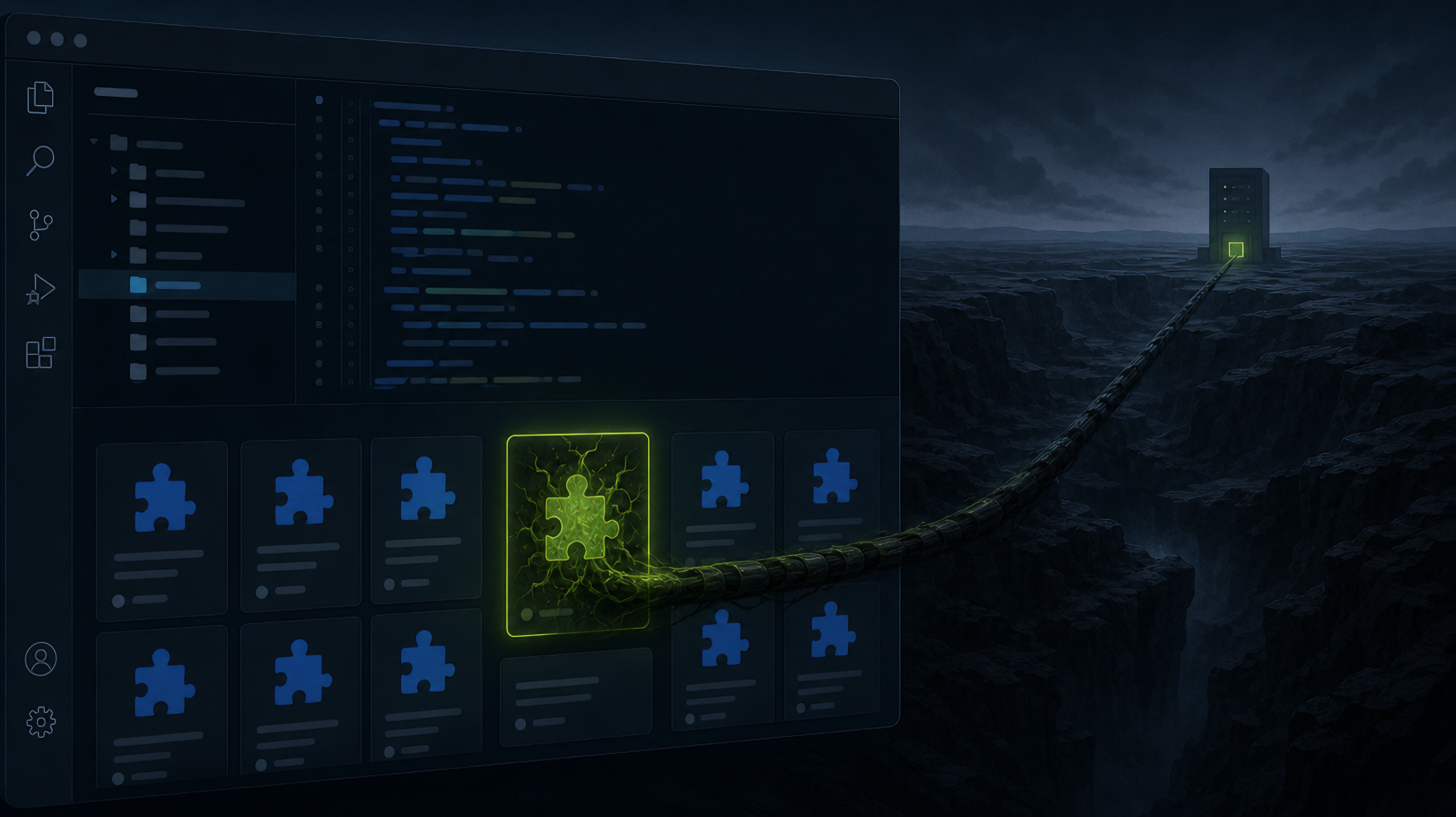
Cursor found malicious builds of the extension on October 29. The builds carried version numbers 2.1.312 and 2.1.313, and they shipped for both Windows and macOS. Cursor says plainly that Anthropic didn't build either one.
They were live from roughly 02:27 to 13:35 Pacific time, a window of about 11 hours. WIRED reports Cursor's estimate that at most 5,000 users downloaded one.
A security firm spotted it first. Phorion found the payload on a client's Mac and reported it, and StepSecurity and OX Security later published their own analyses of the code.
What the Trojanized Claude Code Extension Did
The payload treated the developer's laptop as a base to hold. It collected host and user details first: hostname, username, operating system, architecture, home directory, environment variable names, working directory, the Git email in the config, and the public IP.
Then it tried to write the attacker's SSH public key into authorized_keys, the file that lists which keys can log in without a password. It tried to start a local SSH service and open a reverse SSH tunnel, a connection that lets a remote machine reach back through the outbound link.
Persistence came next. On macOS the code installed a LaunchAgent, a small background job that restarts on login. On Windows it created a scheduled task, attempting to run as SYSTEM, with a fallback startup script when that failed. A background script retried the tunnel about every 60 seconds.
Why Most Downloads Didn't End in a Full Compromise
The payload had a basic flaw. Starting a local SSH service needs administrator rights, and on most macOS and Windows machines that attempt fails. One failed permission check blocked the login path for the majority of targets.
Cursor says the attacker's server has been taken offline with help from its hosting provider, which ended the reverse shell and the data collection.
That's partial reassurance, not a clean bill of health. Machines where the attacker did obtain admin rights need to be treated as compromised, and the persistence scripts don't disappear when the extension does.
The difference matters for how you respond. A machine where the permission check failed has a stray background job to remove. A machine where it succeeded has a stranger's key in an authentication file, and that stranger may already have used it.
How to Check for the svc-telemetry Key
The signal is a key comment. The attacker's public key is tagged svc-telemetry, and the tag survives in the file even after the extension is gone.
- On macOS, run
grep -qs svc-telemetry ~/.ssh/authorized_keys. A match means the key is sitting in the file right now, waiting for the attacker's login. - On Windows, check both
$HOME\.ssh\authorized_keysandC:\ProgramData\ssh\administrators_authorized_keys, since the second path exists for administrative logins. - On both platforms, look for a LaunchAgent or a scheduled task that points at a script you don't recognize.
So what happens if the grep returns a match? Uninstalling the extension isn't enough. The payload writes its persistence outside the extension folder, so removal leaves the background job behind. Cursor published cleanup scripts for both platforms. Run the one for your platform, then rotate any credentials that were stored on the machine.
What Cursor and Anthropic Say About the Incident
Anthropic's staff pushed back on one reading of the story. Felix Rieseberg and security team member David Dworken said on X that Anthropic's systems and employee machines weren't compromised. Their account is that a malicious actor used access to Cursor's marketplace to publish altered copies the company never built or shipped.
Official channels are unaffected, they said. Only Cursor users were exposed.
Cursor's response was to pull the two versions, block distribution, and then close the whole marketplace as a precaution. An audit found no other extension had been tampered with. The company rotated keys, rebuilt the marketplace, and brought it back online.
One question is still open: how the extension got into the marketplace in the first place. Cursor didn't answer WIRED's question about whether the company itself was breached. WIRED's report also states that Cursor is owned by SpaceX.
Phorion's chief executive, Calum Hall, told WIRED that everyone got lucky, and that this could have been a dangerous foothold.
Why a Marketplace Extension Is Such an Easy Target
Extensions run with your permissions, inside your session, with your keys on disk. A coding assistant is worse than most, because it already needs network access and can read the project you have open.
The attack didn't need a flaw in Claude Code itself. It needed a marketplace account and a version number one digit above the real one, which is enough for auto-update to finish the job on machines that already had the extension installed.
Review speed is the other half of the problem. Eleven hours is short by publishing standards, and still long enough for thousands of downloads.
What the Cursor Incident Means for AI Coding Tools
Developers install assistants the way they install fonts: quickly, and without reading the permissions. That habit is what turned a bumped version number into a full security incident on developer laptops.
The practical rules are dull. Pin versions where the tool allows it. Read what an extension can reach before you approve it. Check authorized_keys on any machine that ran a compromised build, and rotate credentials after cleanup rather than before.
For the marketplaces, the lesson is about provenance. Anthropic's name on a listing says nothing about who uploaded the file, and a signed publisher account is only as good as the checks behind it.