Kling AI: AI Image&Video Maker

Kling AI: AI Image&Video Maker

Kuaishou · Video · China AI

Editor's pick

Kling AI is an AI video and image generator from Kuaishou. You type a prompt or drop in a photo, and it produces short cinematic clips with sound, motion control, and up to 4K output.

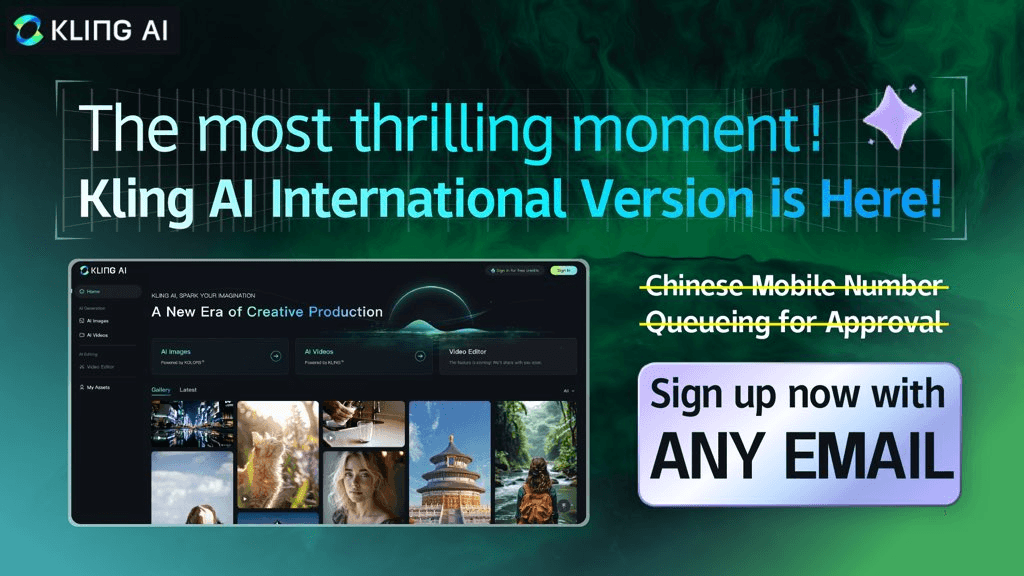
Interface preview of Kling AI: AI Image&Video Maker

About Kling AI: AI Image&Video Maker

What Is Kling AI

Kling AI is a creative studio for generating video and images from text, photos, or a mix of both. It comes from Kuaishou, the Chinese company behind one of the country's largest short-video apps. The platform handles the whole loop: you write a prompt or upload a reference image, pick a model and aspect ratio, and get a clip back in minutes. An image model sits alongside the video one, so you can generate a still and animate it without leaving the page.

The reason people pick it over a plain text-to-video tool is control. You can set a first and last frame and let the model fill in the camera work, copy a motion from a reference clip onto a character, or keep a person's face consistent across shots. Native audio is generated with the picture, which means lip movement, voices, and sound effects land in the same pass instead of getting stitched on later.

Where it gets awkward is precision. This is an AI video maker, not an editor. You don't scrub a timeline or fine-tune a cut frame by frame. Long, complex scenes still drift, and you'll spend credits on retries before a clip looks right. Go in expecting a fast way to get a usable shot, not a finished film.

Getting Started

  1. Sign up at kling.ai with an email or a Google account. New users get a set of free credits to test the models.
  2. Open the video or image generator and write your prompt. Add a reference image if you want a specific look, or upload two frames to control the start and end of a shot.
  3. Choose the model, aspect ratio, duration, and resolution. Kling supports wide, vertical, square, and a few odd formats, plus 720p, 1080p, and 4K on higher modes.
  4. Generate the clip, then review it. If a detail is off, tweak the prompt or swap the reference and run it again. Each attempt spends credits.
  5. Download the result, or keep building in the Canvas workspace where you can organize shots and edit them into a longer sequence.


Product Information

A quick look at Kling AI: AI Image&Video Maker's pricing, supported platforms, and performance.

Free PlanYes
Paid PlansFree - $92/mo
PlatformWeb, iOS, Android
DeveloperKuaishou
CategoryVideo · China AI
Release DateJun 2024
Latest UpdatedOct 2025
Website Visits1.6K
Website Global RankN/A
API AvailabilityYes

Best for

The users, tasks, and scenarios where this tool fits best.

Users

  • Content creators on TikTok, Reels, and Shorts
  • Marketing and brand teams
  • Illustrators and animators

Tasks

  • Turning a script into a storyboard
  • Animating a still photo
  • Generating b-roll for a video edit
  • Prototyping an ad before a real shoot

Scenarios

  • Filling a weekly content calendar
  • Testing an idea that might not work
  • Building a pitch deck on a tight deadline

Key features

Text to Video and Image to Video

The core feature turns a written description into a short clip, or animates a photo you upload. You set the aspect ratio, length, and resolution, then generate. The image-to-video path keeps the composition of your source picture, which is handy when you already have the exact frame you want. These two modes cover most day-to-day work.

Native Audio Generation

Kling generates sound with the video instead of adding it afterward. Speech, sound effects, and ambient noise come out matched to the action, with lip movement that lines up on the speaking character. It supports several languages for dialogue in multi-person scenes. For a talking-head clip or a scene with a line of voice-over, this saves a separate audio step.

Motion Control

You can drive a character's movement from a reference video. It copies a specific pose, gesture, or expression onto your subject. This is the feature that gets shared most on social platforms, since it lets you reproduce a dance or a physical action without filming it yourself. It needs a clean reference clip to work well, and results vary with how clear the source motion is.

First and Last Frame Control

Instead of describing camera work in words, you set the opening and closing frames and let the model work out the movement in between. This gives you tighter control over where a shot starts and ends, which matters when you're cutting several clips together. It's the closest the platform gets to directing rather than just prompting.

Canvas Workspace

Canvas is a project space where you organize your generations. You can write scripts, produce images and video, and edit them into a sequence in one place. It adds a layer of structure on top of one-off generation, so a project with several shots doesn't fall apart across loose files. Treat it as a light editing desk rather than a full video editor.

Image Model and 4K Output

Alongside video, Kling runs an image generator for stills, and higher modes push video output up to 4K. That resolution matters if the clip needs to hold up on a large screen or survive cropping in an edit. The image model shares the same prompt workflow, so moving between a still and a moving shot feels consistent.

API Access

Kling AI has an open API through the KlingAI Open Platform, which lets developers call the video and image models from their own apps. You request access and pay per use, which suits teams building the generation into a product rather than using the website directly. It's a real integration path, not a marketing line.

Pros and cons

Pros

  • Generates video and images in one place, so you don't need a separate tool to make a still and animate it.
  • Native audio saves a whole step, since dialogue and sound effects arrive with the clip.
  • Motion control and first and last frame options give more directable output than plain prompting.
  • Output reaches 4K on higher modes, which holds up on large screens.
  • The open API makes it usable as an engine inside your own product.

Cons

  • Generation costs credits, and getting a clip right often takes several tries, so the real cost sits above the sticker price.
  • Long, complex scenes can drift, which means you can't fully hand off a detailed shot and walk away.
  • You can't fine-tune at the frame level the way a traditional editor allows, so it won't replace your editing software.
  • The strongest results depend on a well-written prompt and clean reference images, which is a skill to learn.

Frequently asked questions

Kling AI generates video and images from text or photos. You describe a scene or upload a picture, and it produces a short clip with sound, or a still image. People use it for social video, ad concepts, animating artwork, and building storyboards without a camera crew.

Related content

Explore related tools, skills, and articles for Kling AI: AI Image&Video Maker.

Kling AI: AI Image&Video Maker Alternatives

Vadu AI

Vadu AI

Vadu AI · Image · Video

Vadu AI is a web-based AI video generator that turns written prompts or still images into short clips, and it can also generate images on its own. You type what you want, pick a model and style, and the platform renders the result in minutes. A free plan covers light testing, while paid tiers run from $9 to $77.40 per month based on how many credits you burn.

Free / $9 - $77.40/moView details
Mykaraoke Video

Mykaraoke Video

MyKaraoke Video · Video

Mykaraoke Video is an online karaoke video maker and lyric video maker that turns any song into a finished, lyrics-synced video right in your browser. It handles the slow part for you. The AI pulls vocals out of the mix and locks the lyrics to the beat, then lets you customize background, fonts, and colors before exporting in 1080p MP4. If you make lyric videos for social media, party nights, or music promotion, it skips the software installs and manual timing work entirely. Want a karaoke video generator that doesn't eat your whole evening? That's the pitch here.

Free / $0 - $6/moView details
Finalframe

Finalframe

Finalframe · Video

Finalframe is a set of free, browser-based tools for grabbing exact frames out of a video clip. Its best-known feature, the Final Frame Extractor, lets you extract the last frame of any video so you can use it as the starting image for AI video tools like Luma Dream Machine, Runway, or Kling. Want to keep a clip going? That last frame is your starting point. The tool runs locally in your browser, needs no sign-up, and costs nothing. A separate paid AI video-generation app from the same team is currently offline while it's rebuilt.

Free / $0View details

Related AI News

Kling 4.0 Launches With 30-Second Clips and 4K Output
Models

Kling 4.0 Launches With 30-Second Clips and 4K Output

Kuaishou's Kling 4.0 rolls out this month with single generations up to 30 seconds, 4K output, 10 keyframes and up to 15 multimodal references, as the company eyes a Hong Kong listing.

Heat: 1,360